Contact Form Template That Actually Gets Answered
Topic first, name and email last, and a reply promise up front: a free contact form template, plus how to route messages so none go unanswered.

Shaheer Malik
Framer Designer & Developer
Quick answer
A contact form gets answered when it promises a reply time, asks what the message is about first, and asks only for a message, a name and an email. Route messages by topic and end by saying when people will hear back.
A contact form gets answered when it does three things: it promises a reply time, it asks what the message is about before anything else, and it asks only for what you need to reply, usually a message, a name and an email. Route messages by topic so they reach the right person, and end by saying when they'll hear back. The free Forms contact template does exactly this in four questions.
I make Forms, the builder behind the template. The guidance on email fields comes from the GOV.UK Design System, read on 4 October 2026; the rest is what I've learned running contact forms for my own studio.
Why do contact forms go unanswered?
Usually because of what happens after someone presses Send, not the form itself. The message lands in a shared inbox with no topic, no one owns it, and the person who wrote it has no idea when to expect a reply, so they follow up by email and you now have two threads. A good contact form fixes all three before the message is even sent:
- Expectations: say when you reply, on the first screen.
- Routing: ask what the message is about, so it can go to the right person or folder.
- Enough to reply: a message and a way to reach them. Nothing that slows them down.
What should a contact form ask?
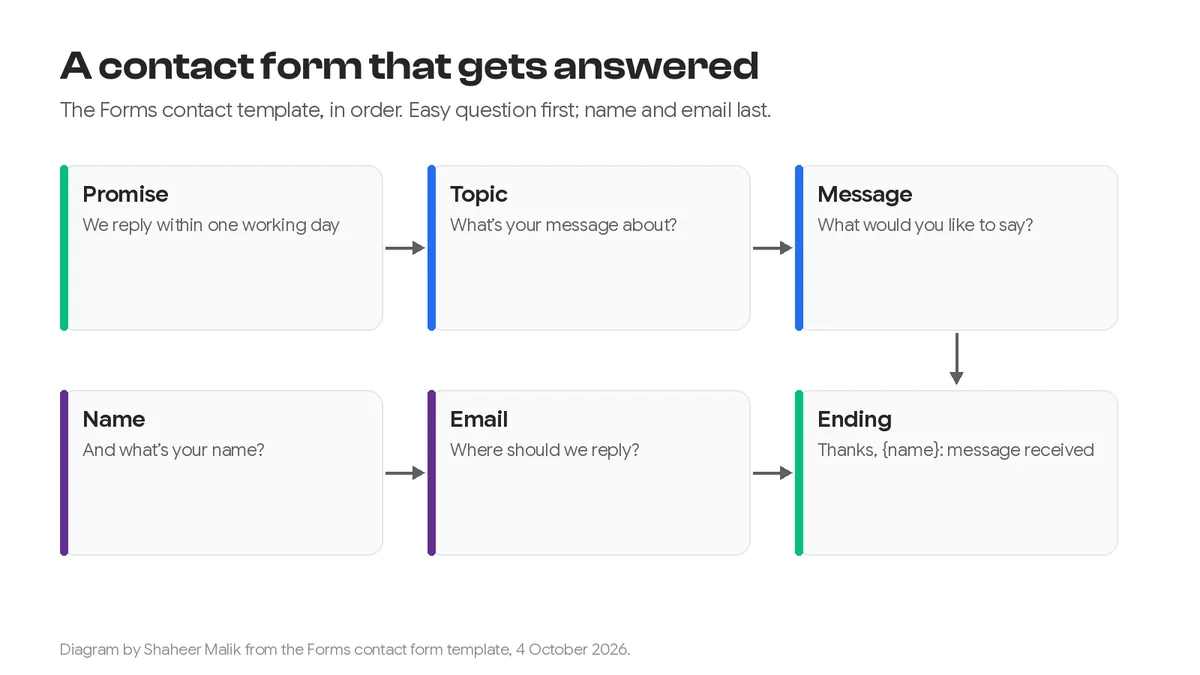
Four things, in this order. This is the contact form template, question by question:
| # | Screen | Why it's there |
|---|---|---|
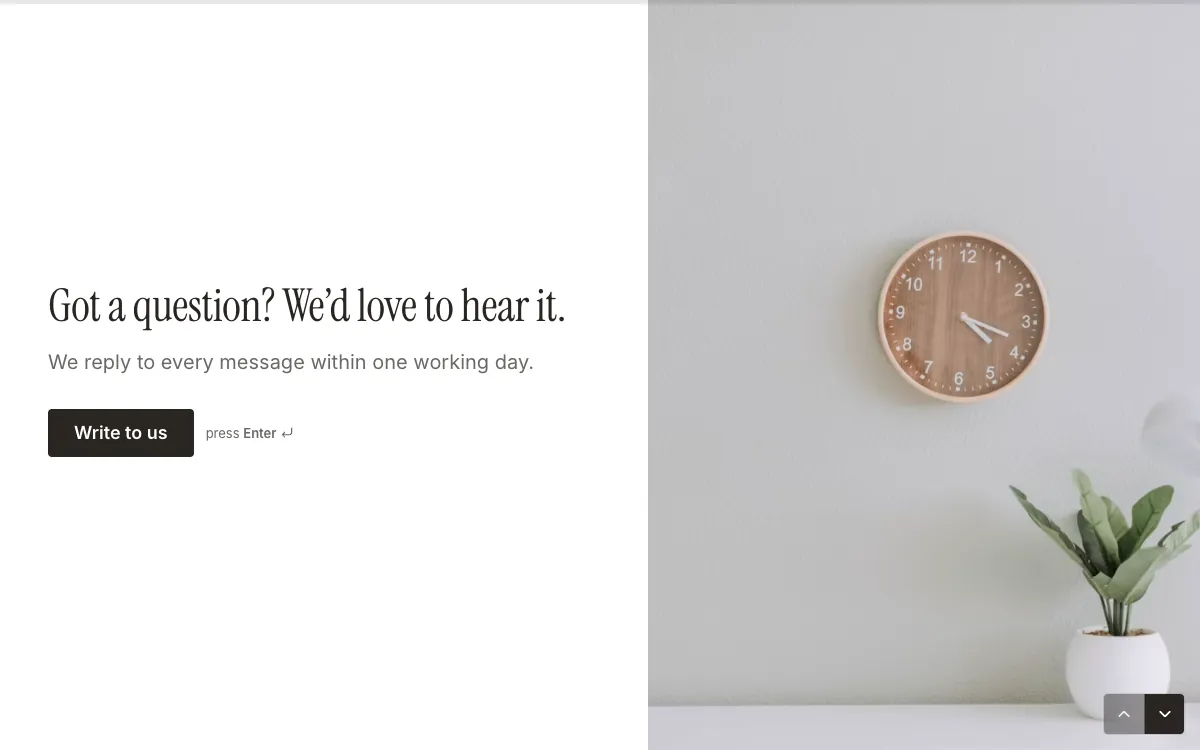
| Welcome | "Got a question? We'd love to hear it. We reply to every message within one working day." | Sets the reply time before they write a word |
| 1 | What's your message about? A new project, Help with something, Partnerships, Press, Something else | One click to start, and it routes the message |
| 2 | What would you like to say? | The message, in a long text box |
| 3 | And what's your name? | So the reply is personal; recalled on the next screens |
| 4 | Where can we reply, {name}? | An email field, with their name in the question |
| Ending | "Thanks, {name} — message received." | Confirms it worked |
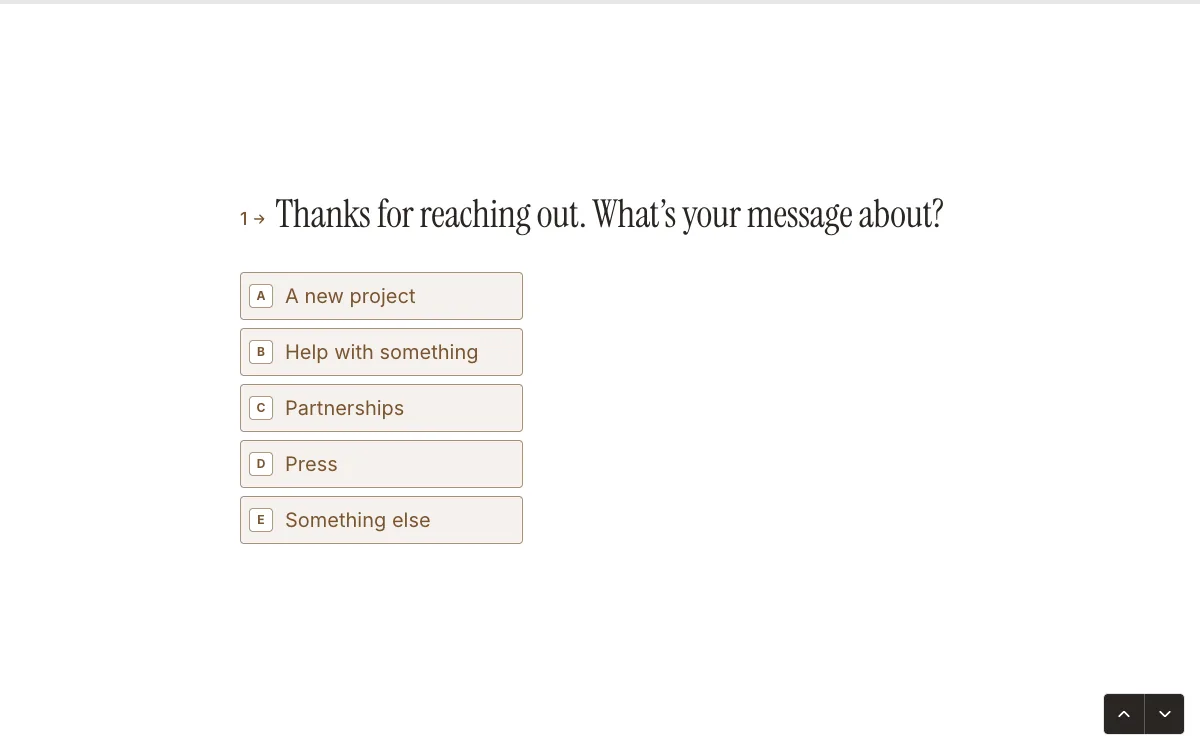
The order matters. Starting with the topic, a single click, gets people moving; asking for their email first feels like a sign-up. Name and email come last, when they've already invested in writing the message. This is the same one-question-at-a-time approach I compare in one question at a time vs one long page.
Should I ask for a phone number?
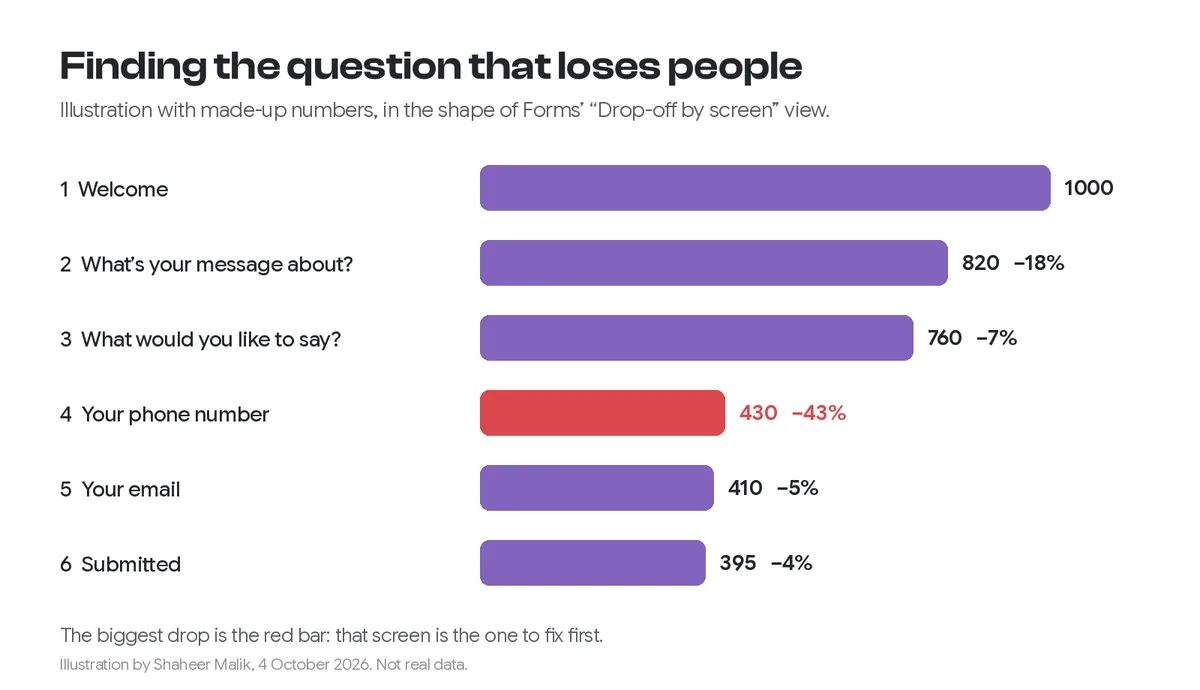
Only if you'll phone people back. A phone field is one of the questions that makes people hesitate, because it feels like an invitation to sales calls. If you need it for certain topics, such as a new project, make it optional or show it only for that topic with conditional logic. Everyone else never sees it.
How should the email field work?
Let browsers fill it in, check its format, and say what you'll use it for. The GOV.UK Design System's pattern for asking for email addresses is a good reference:
- Make it clear what the address will be used for, so people choose the right one.
- Use the email input type and autocomplete, so phones show the right keyboard and browsers can fill it.
- Don't ask people to type it twice unless your own research shows it helps.
- Give specific error messages, such as "Enter an email address in the correct format, like name@example.com".
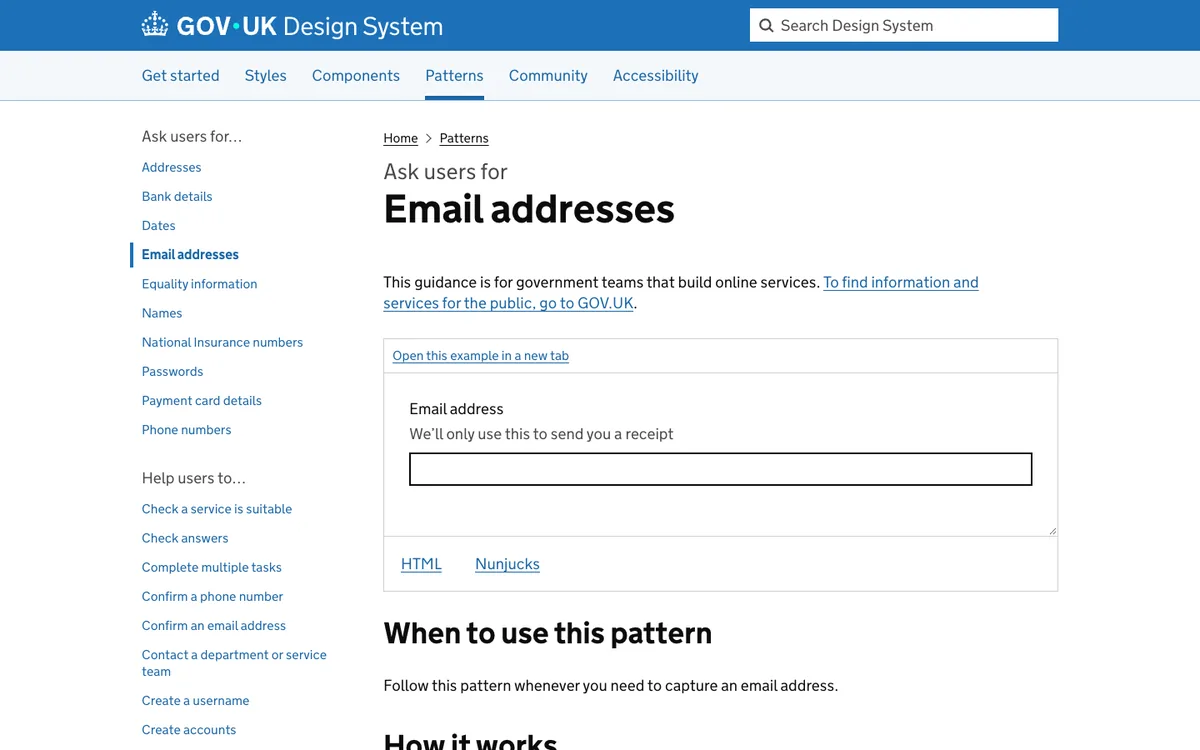
Forms' email question validates the format and uses the browser's email keyboard and autofill. Recalling their name in the question ("Where can we reply, Sam?") is a small touch that makes the form feel like a conversation.
How do I make sure every message gets a reply?
Send each message somewhere a person will see it, and decide who owns each topic. In Forms:
- Email alerts: in Settings, turn on "Email me each new response". Every message arrives in your inbox, on every plan.
- Google Sheets: connect a sheet and every message becomes a row you can assign, sort and mark as done.
- Webhooks (Pro): send messages to Slack, a help desk or a CRM through Zapier, Make or n8n; my webhooks guide shows how.
- Results: filter by topic to see all press or partnership messages together, and tag them as you go.
Forms doesn't send an automatic email to the person who wrote to you. That's why the ending screen matters: it confirms the message arrived, and the welcome screen has already told them when to expect a reply. Keep that promise, and change "one working day" if you can't.
Contact form or email address?
Offer the form, and keep an email address for people who prefer it. Each has its place:
| Contact form | Plain email address | |
|---|---|---|
| Routing by topic | Built in | Only if people write a good subject line |
| Spam | Less exposure; the address isn't on the page | Scraped addresses get spam |
| Structure | Same fields every time | Anything goes |
| Attachments | Add a file upload question if you need them | Easy |
| Feels personal | If it's short and friendly | Yes |
How do I set it up?
- Open the contact form template and click Use this template.
- Change the reply promise on the welcome screen to one you'll keep.
- Edit the topics to match how your inbox is actually split.
- In Settings, turn on email alerts, and connect Google Sheets if you want a shared list.
- Embed it on your contact page; my guide covers embedding in Webflow, WordPress and Shopify and Framer.
For more layouts, see 24 form examples. Nielsen Norman Group's website form usability guidelines are worth a read for any form that matters.
Last updated: 4 October 2026. Build your first form free, no card needed, or talk to me about your project.
FAQ
Frequently asked questions
A topic, the message, a name and an email address. Add a phone number only if you will phone people back, and make it optional or show it only for the topics that need it.
Want it done for you? I offer website design on a fixed price, from $700. See pricing.