How to Send Form Responses to Zapier, Make or n8n with Webhooks
Step-by-step webhook setup for Zapier, Make and n8n, the exact JSON Forms sends, how to verify the signature, and what happens when your endpoint is down.

Shaheer Malik
Framer Designer & Developer
Quick answer
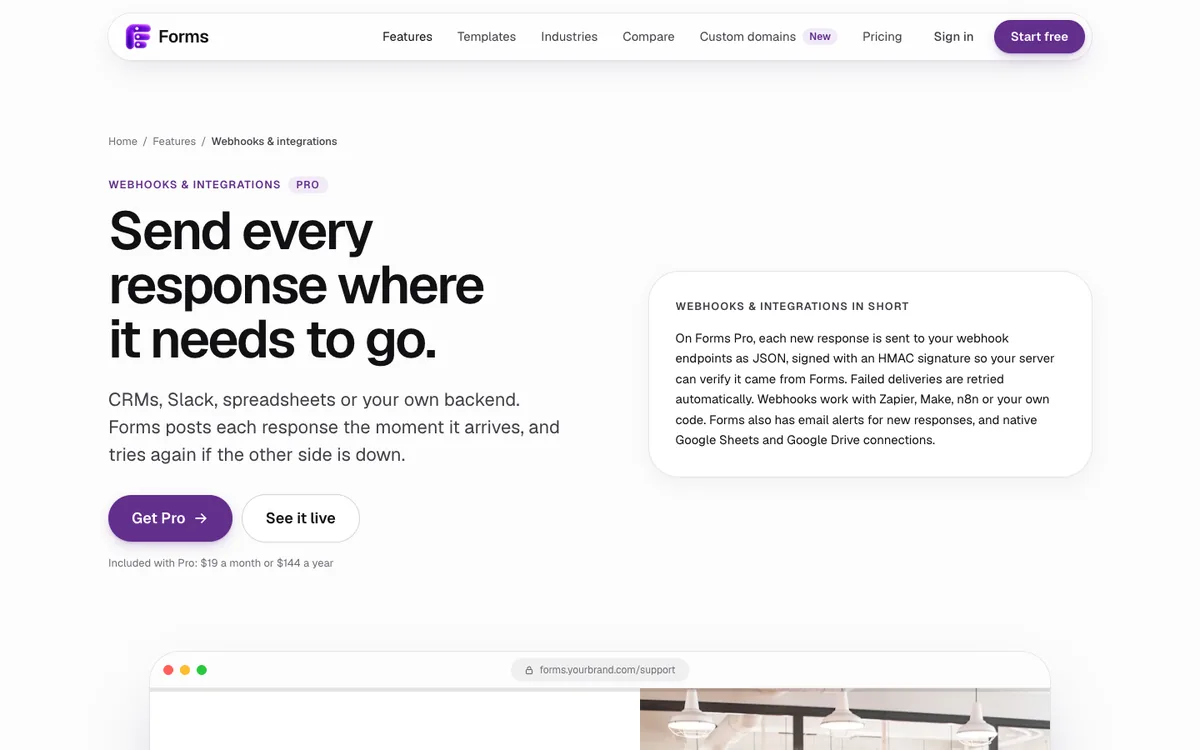
Create a webhook trigger in Zapier, Make or n8n, copy its URL and paste it into your form's webhook settings. Each completed response is posted as signed JSON, and failed deliveries are retried automatically. In Forms, webhooks are part of Pro.
To send form responses to Zapier, Make or n8n, create a webhook trigger in that tool, copy its URL, and paste it into your form's webhook settings. Every completed response is then posted to it as JSON, and the automation can push it anywhere: a CRM, Slack, a spreadsheet or an email tool. In Forms, webhooks are part of Pro; each request is signed, and failed deliveries are retried automatically.
I make Forms. The payload and signature details below come from its source code, and the Zapier, Make and n8n steps from their own documentation, read on 4 October 2026.
What is a form webhook?
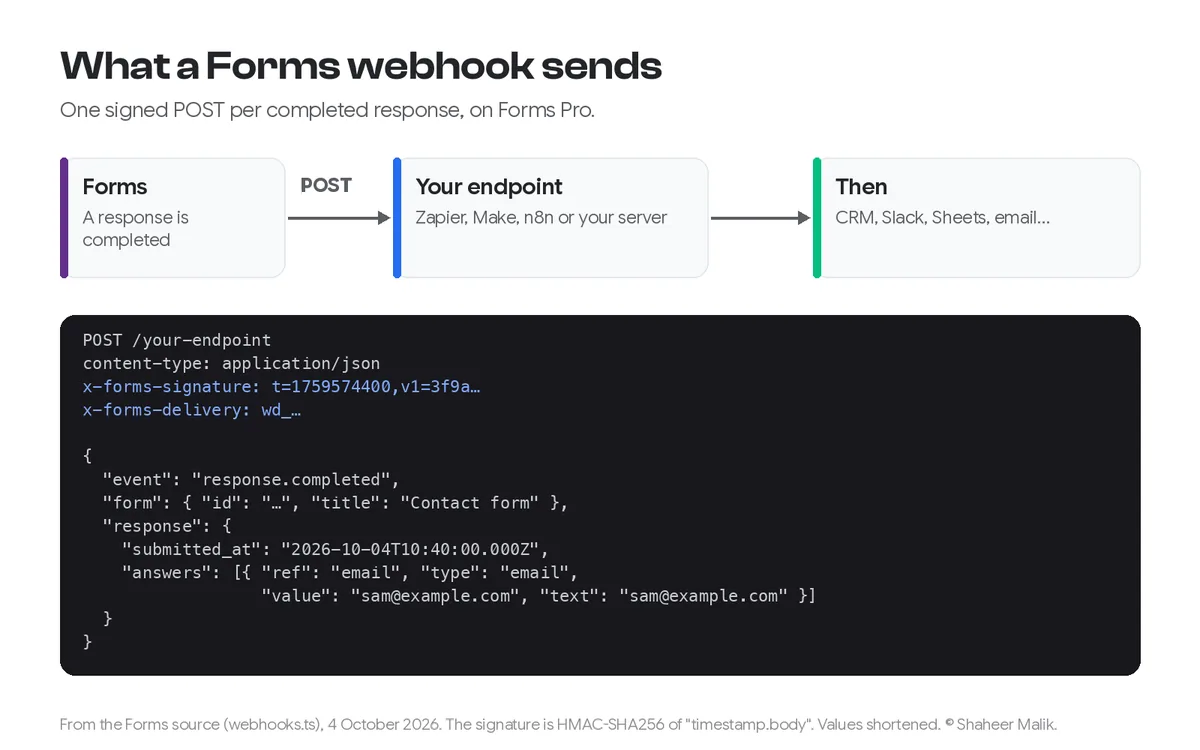
A webhook is a message your form sends to a URL the moment something happens: here, a response being completed. Instead of you checking for new responses, the form tells your automation tool straight away, with the answers attached. The receiving tool, such as Zapier, Make, n8n or your own server, then does whatever you've set up.
What does Forms send?
One POST request per completed response, with a JSON body. These are the fields from the Forms source:
| Field | What it contains |
|---|---|
event | response.completed |
form | The form's id and title |
response.id, submitted_at | The response ID and an ISO timestamp |
response.duration_ms | How long the person took |
response.score | The quiz score, if the form keeps one |
response.hidden | Hidden fields from the link, such as a campaign source |
response.answers[] | For each answered question: question_id, your ref, the type, the title, the raw value and a readable text |
Set a ref on the questions your automation uses (such as email or company). The ref stays the same when you reword a question, so your Zap doesn't break when you fix a typo.
How do I connect Forms to Zapier?
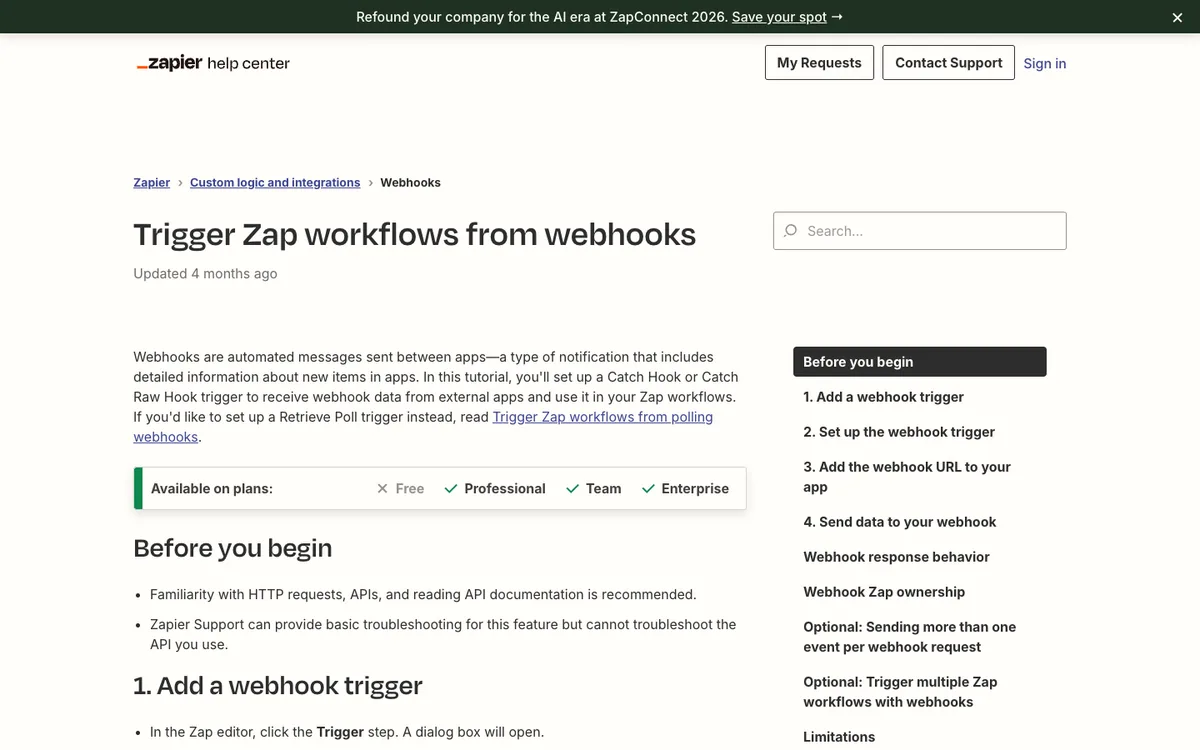
Use the Webhooks by Zapier "Catch Hook" trigger. Zapier's help article on triggering Zaps from webhooks walks through it:
- In Zapier, create a Zap and choose Webhooks by Zapier as the trigger, with the Catch Hook event.
- Copy the webhook URL Zapier gives you.
- In Forms, open your form's Webhooks, add an endpoint and paste the URL.
- Submit a test response to your form, then test the trigger in Zapier to see the fields arrive.
- Add your actions: create a CRM contact, post to Slack, add a row, send an email.
One thing to know before you start: Zapier's article lists its webhook trigger as available on the Professional, Team and Enterprise plans, not on Zapier's Free plan.
How do I connect Forms to Make?
Make calls these custom webhooks, and its help centre describes them on its Webhooks page. Create a scenario that starts with a custom webhook, copy the URL Make generates, and paste it into Forms. Submit one test response so Make can learn the data structure from a real request, then map the fields into the rest of your scenario.
How do I connect Forms to n8n?
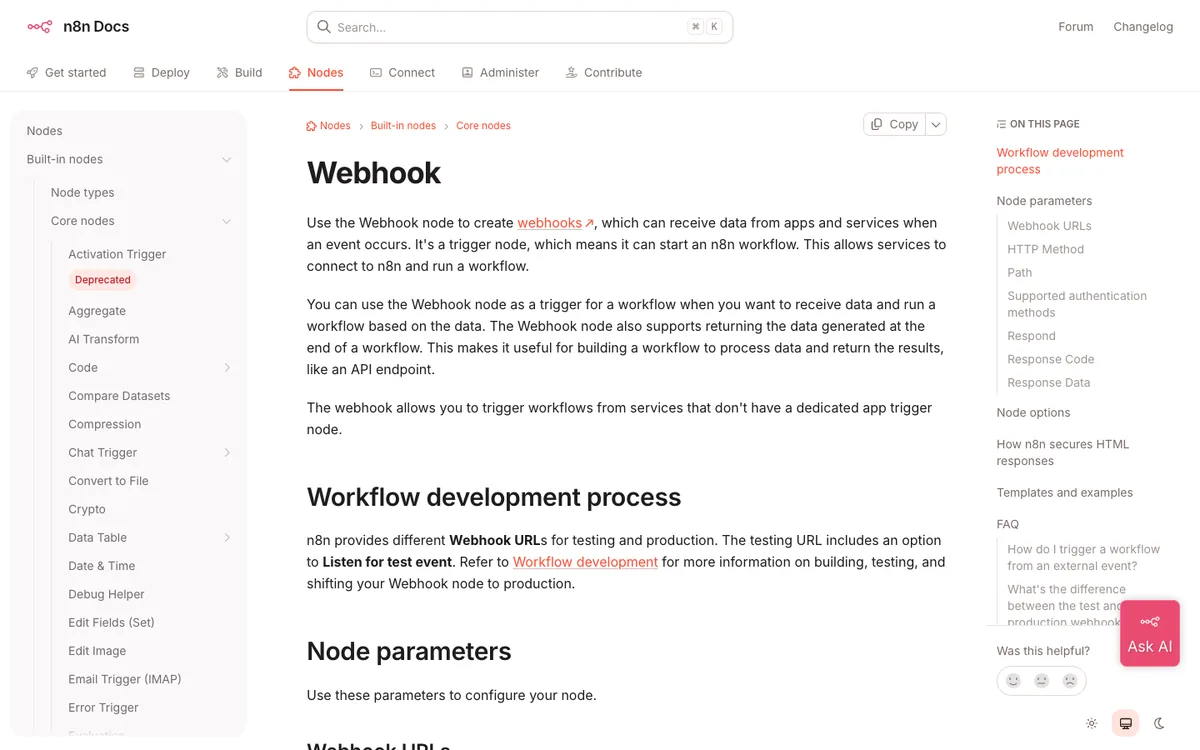
Use the Webhook node. n8n's Webhook node documentation explains that each Webhook node has two URLs: a test URL for building the workflow and a production URL for when it's active.
- Add a Webhook node, set the method to POST, and copy the test URL into Forms while you build.
- Click listen for a test event, submit a response, and check the data.
- When the workflow works, activate it and swap the Forms endpoint to the production URL. This is the step people forget.
How do I verify the webhook came from Forms?
Check the signature header. Every request carries x-forms-signature: t=TIMESTAMP,v1=SIGNATURE. The signature is an HMAC-SHA256, in lowercase hex, of the timestamp, a full stop, and the raw request body, keyed with your endpoint's signing secret. On your own server:
import crypto from "node:crypto";

export function verifyForms(rawBody, header, secret) {
  const parts = Object.fromEntries(header.split(",").map((p) => p.split("=")));
  const expected = crypto.createHmac("sha256", secret).update(`${parts.t}.${rawBody}`).digest("hex");
  const fresh = Math.abs(Date.now() / 1000 - Number(parts.t)) < 300; // 5 minutes
  return fresh && parts.v1?.length === expected.length &&
    crypto.timingSafeEqual(Buffer.from(parts.v1), Buffer.from(expected));
}
Use the raw body exactly as received, before any JSON parsing, or the signature won't match. The timestamp check stops someone replaying an old request. Zapier, Make and n8n don't need this unless you want to add a verification step yourself.
What can I automate with form webhooks?
Almost anything with an API. Four automations I see most often, all built from the same payload:
- New lead to your CRM: create or update a contact from the email and company answers, and set the source from a hidden field in the link.
- Urgent messages to Slack: filter on the topic answer, such as "Help with something", and post only those to a support channel.
- Newsletter sign-ups to your email tool: add the contact only when the consent question is answered yes. The answer is in the payload, so the filter is one step.
- Applications or orders to Airtable or Notion: one row or page per response, with file links and the readable
textof each answer.
Two habits save hours. Send a realistic test response, not "test test", so field mapping sees real values. And filter in the automation tool rather than creating separate forms for each case; one form with a topic question is easier to maintain.
What happens if the endpoint is down?
Forms tries again. A delivery that fails or times out (after 10 seconds) is retried with growing gaps, up to five attempts in all. If it still fails, Forms notifies you, and you can resend it from the delivery log. Each request also carries an x-forms-delivery ID, so your handler can ignore a duplicate if a retry arrives after a slow success.
| Option | Plan | Best for |
|---|---|---|
| Email alerts | Every plan | Hearing about each response |
| Google Sheets and Drive | Every plan | A live list your team can work from |
| CSV, JSON, Excel, PDF export | Every plan | One-off analysis |
| Webhooks (Zapier, Make, n8n, your server) | Pro | Sending responses anywhere, instantly |
Pro is $19 a month or $144 a year. You can build and test the rest of your form on Free first; see Forms pricing.
Last updated: 4 October 2026. Build your first form free, no card needed, or talk to me about your project.
FAQ
Frequently asked questions
Yes, through webhooks on Forms Pro. Create a Catch Hook trigger in Webhooks by Zapier, paste its URL into your form's webhook settings, and each completed response triggers your Zap. Zapier lists its webhook trigger on its Professional plan and above.
Want it done for you? I offer website design on a fixed price, from $700. See pricing.