24 Beautiful Form Examples (and the Free Templates Behind Them)
Contact forms, order forms, surveys, RSVPs, quizzes and job applications: 24 real examples, why each one works, and the free template behind it.

Shaheer Malik
Framer Designer & Developer
Quick answer
A beautiful form asks one clear thing at a time, sounds like a person, uses pictures where they are faster than words, and ends by saying what happens next. These 24 examples are all free Forms templates you can try and copy.
A beautiful form isn't decoration. It asks one clear thing at a time, sounds like a person, shows a photo or picture choices where a picture says it faster, and ends by telling people what happens next. Below are 24 real examples that do this, from contact forms to quizzes. Each one is a free template you can open, try and copy.
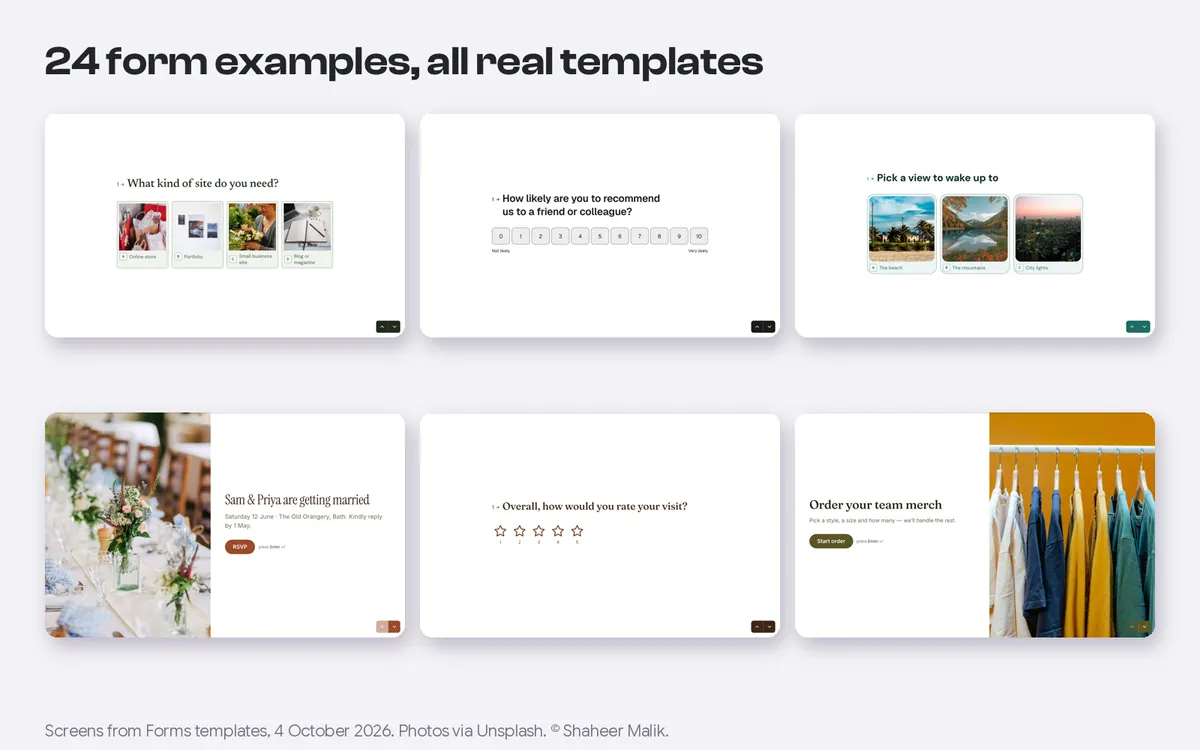
I make Forms, and every example here is one of its 48 templates, screenshotted through the real form renderer on 4 October 2026. The photos in them come from Unsplash. I've tried to say why each one works, so you can borrow the idea in any tool.
What makes a form beautiful?
Four things, and none of them is a gradient. Across all 24 examples below, the forms that feel good share the same habits:
| Habit | What it looks like | Examples below |
|---|---|---|
| One question at a time | A single, large question per screen, answered with a click or Enter | All 24 |
| A human voice | "Hey, I'm Maya. What's your name?" instead of "Name*" | 4, 9, 16 |
| Pictures where they're faster than words | Picture choices for products, services, styles or moods | 3, 6, 8, 17, 20, 22 |
| A clear ending | Says what happens next, uses the person's name, or shows a result | 2, 4, 16, 20, 21 |
The first habit carries the most weight. My comparison of one question at a time vs one long page goes into when each format wins. The rest is craft: the 15 form design rules I follow are the same ones these templates were built with.
Lead and contact form examples
1. Contact form
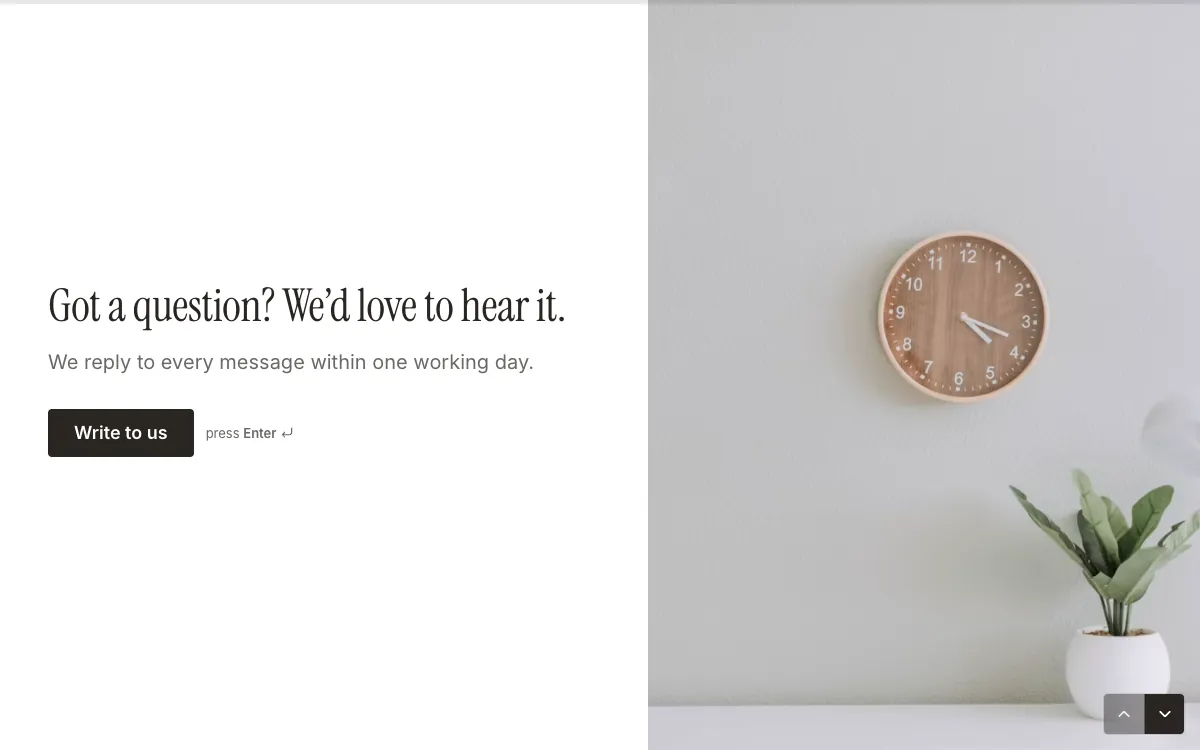
It opens with a promise, "We reply to every message within one working day", which answers the first question every visitor has. Then it asks what the message is about before asking for a name, so the first click is easy.
Inside: 4 questions: topic, message, name, email; about 2 minutes. Open the template.
2. Lead qualification
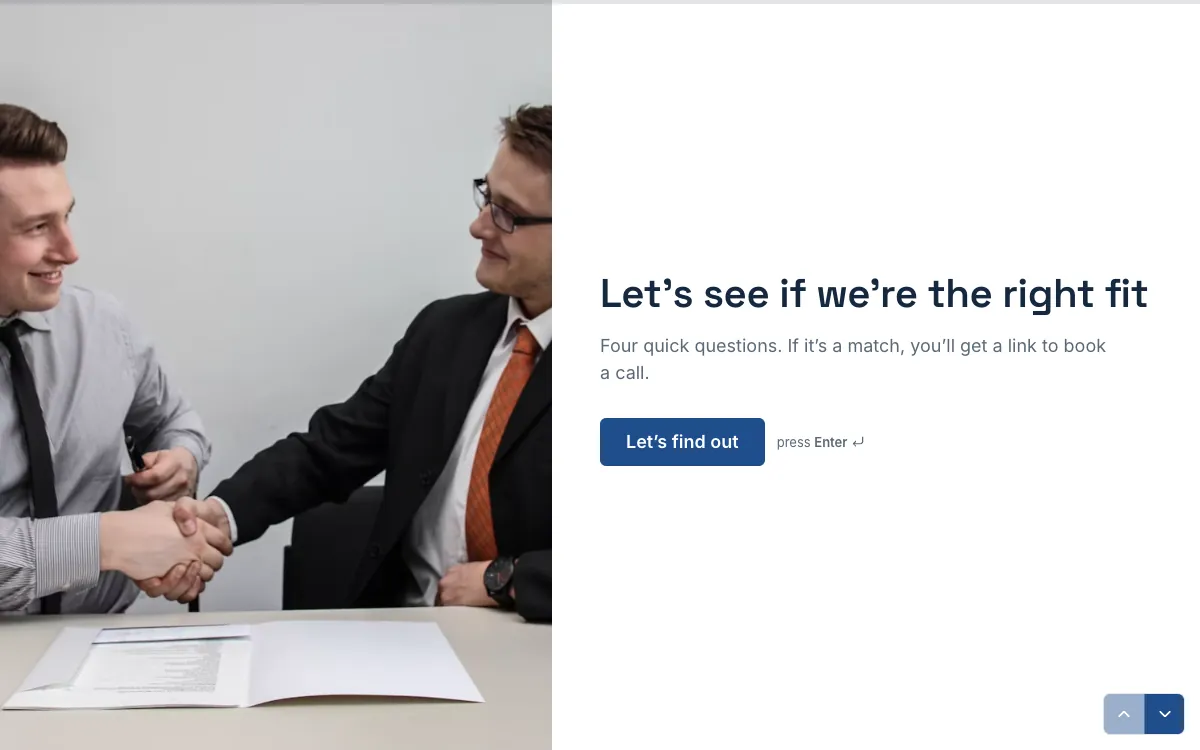
Four questions decide whether you're a fit, and the form has two different endings. Good fits get a link to book a call; the rest get a polite "we'll be in touch". Both use the person's first name, recalled from the first answer. I wrote a whole guide to this pattern: {a('/blog/lead-qualification-quiz', 'a lead qualification quiz that books calls')}.
Inside: 5 questions: first name, a yes/no budget check, timeline, who signs off, email; 2 endings. Open the template.
3. Website design quote
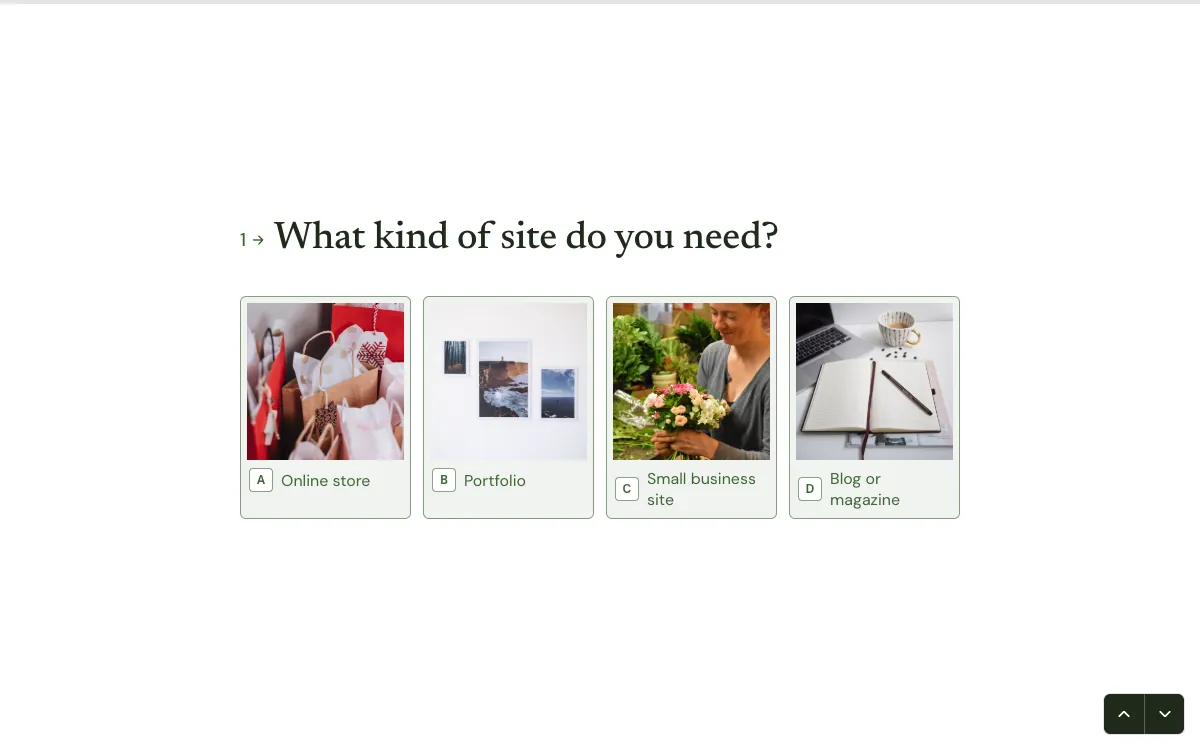
Picture choices turn "what kind of site do you need?" into a single tap: online store, portfolio, small business site or blog. The welcome screen sets a clear deal: two minutes now, a ballpark quote by tomorrow.
Inside: 6 questions: site type as pictures, page count, brand, budget, launch date, contact details. Open the template.
4. E-commerce sign-up quiz
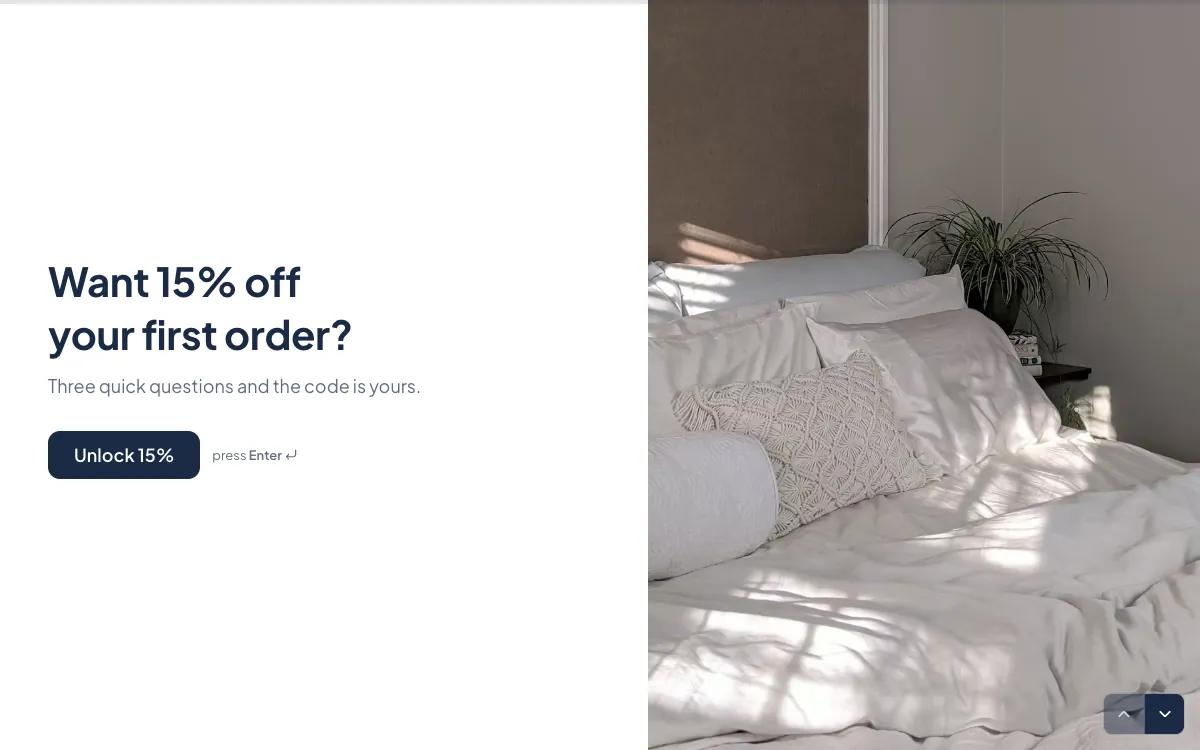
The offer is the headline: 15% off your first order for three questions. It keeps that promise on the ending screen, which shows the code straight away instead of hiding it in an email.
Inside: 5 questions: name, email, what you shop for as pictures, a habit question, an optional birthday; the ending shows the code. Open the template.
5. Newsletter sign-up
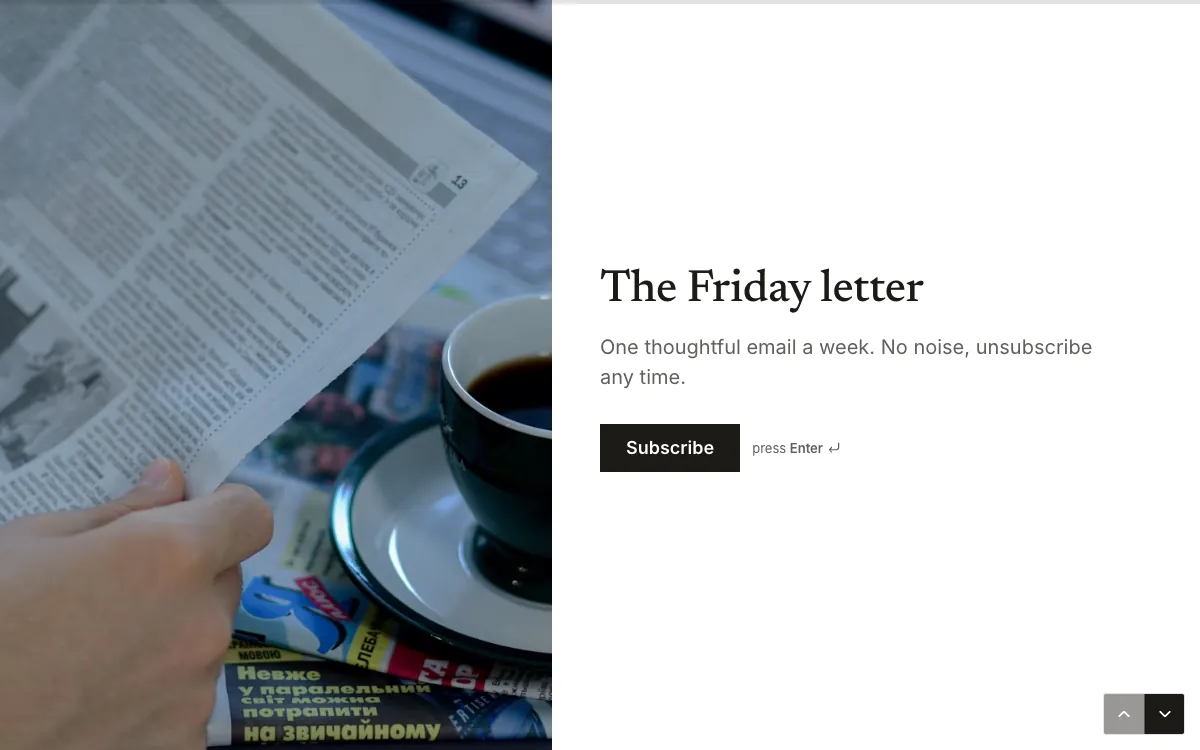
A newsletter sign-up is usually one field and a button. This one gives the letter a name and a tone ("One thoughtful email a week. No noise"), lets people pick topics, and asks for consent as its own clear step.
Inside: 3 questions: email, topics, consent. Open the template.
Order and booking form examples
6. Online order form
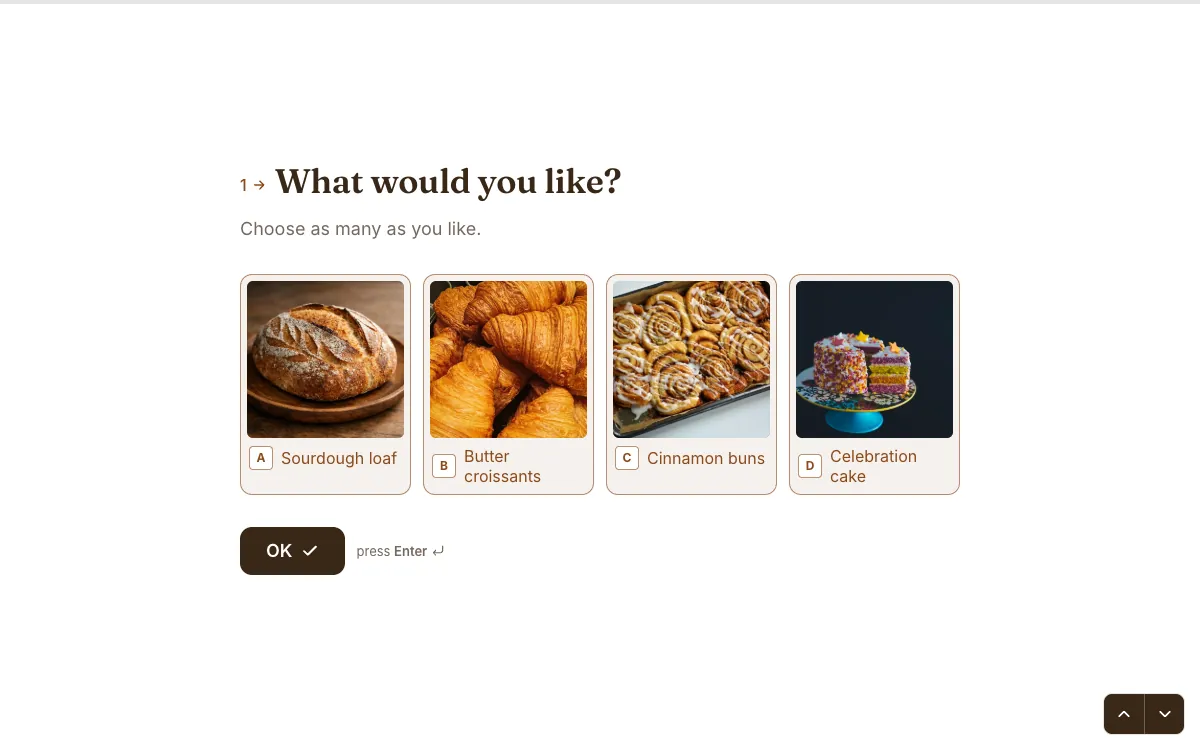
A bakery order where the pastries are the answer buttons. People choose what they can see, then the quantity, then pickup or delivery. The welcome screen states the cut-off (order by 4 pm), which prevents the most common support question.
Inside: 7 questions: products as pictures, number of boxes, pickup or delivery, address, day, notes for the baker, contact details. Open the template.
7. T-shirt order form
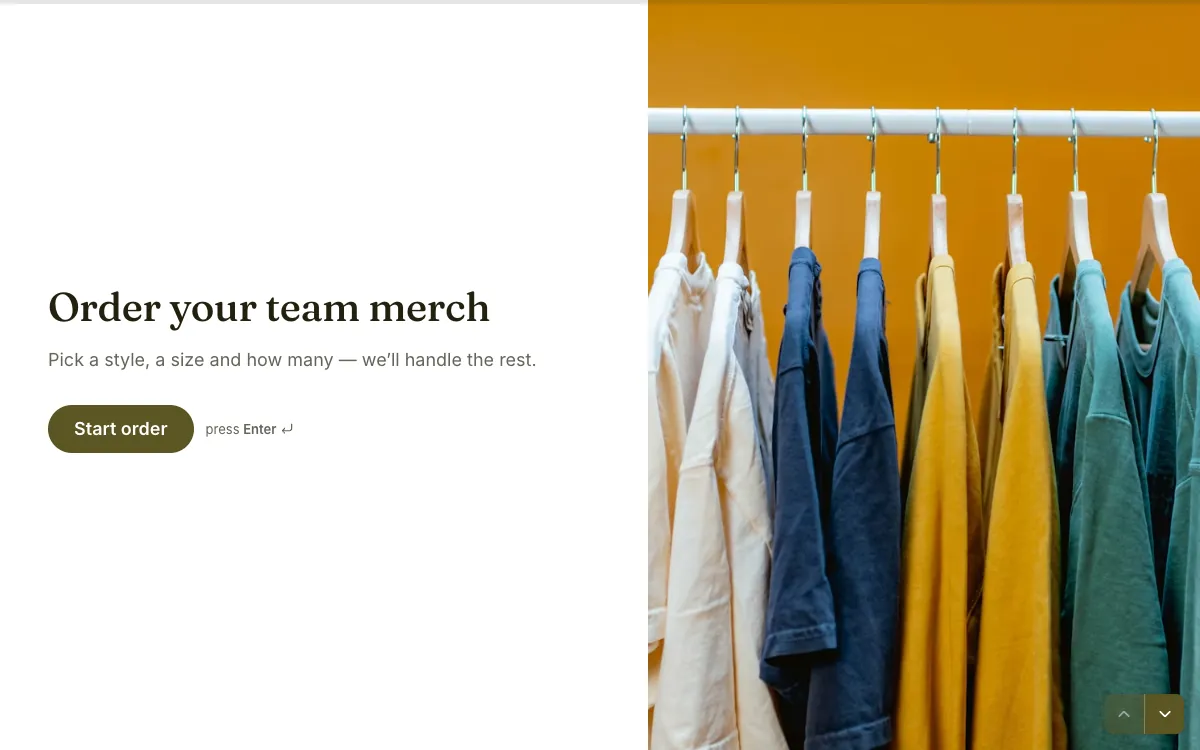
A warm, simple merch order: style, size and quantity, with the person's name carried into the next question. It's a good model for any small team or club order.
Inside: 6 questions: name, style as pictures, size, colour, quantity, email for the order summary. Open the template.
8. Cleaning quote request
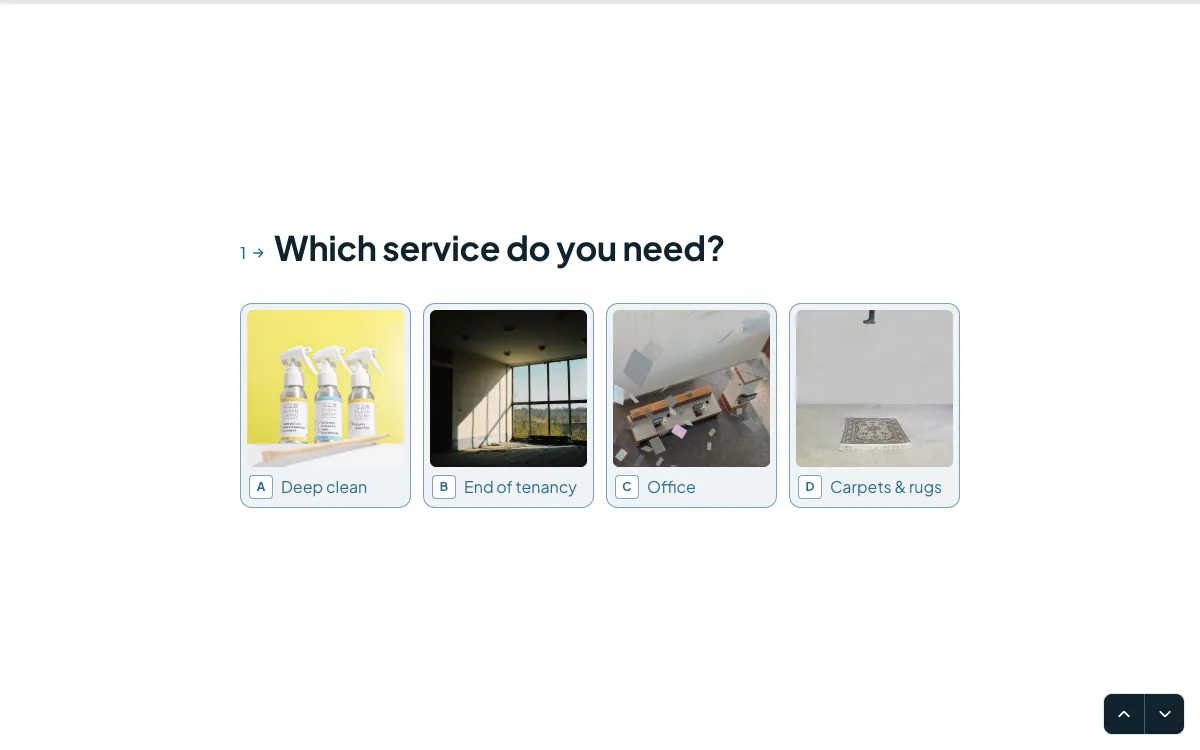
Service businesses live on quotes, and this one gathers everything needed for a fixed price in two minutes: the service as pictures, bedrooms, a date and optional photos of the space.
Inside: 5 questions: service as pictures, bedrooms, date, an optional photo upload, contact details. Open the template.
9. Photography booking
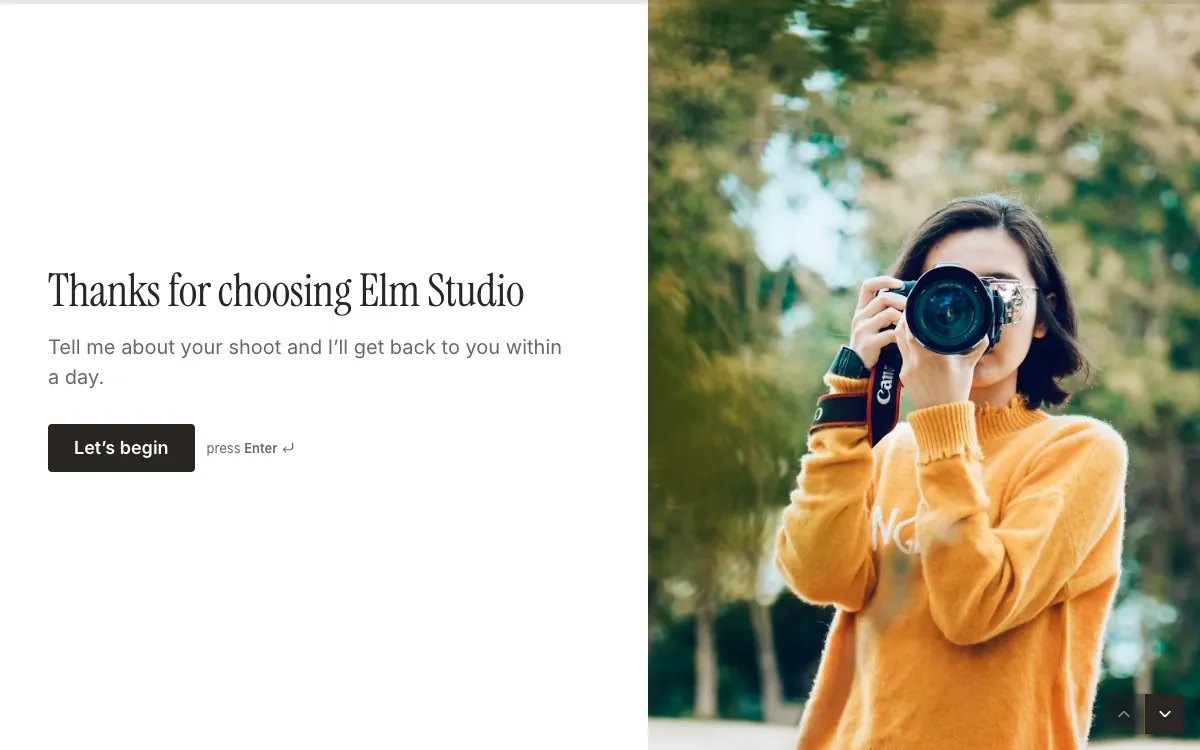
Written in the photographer's own voice ("Hey, I'm Maya"), it feels like the start of a conversation rather than an intake form. That's the point for a personal service.
Inside: 7 questions: name, email, type of shoot as pictures, location, date, the look you're going for. Open the template.
10. Appointment booking
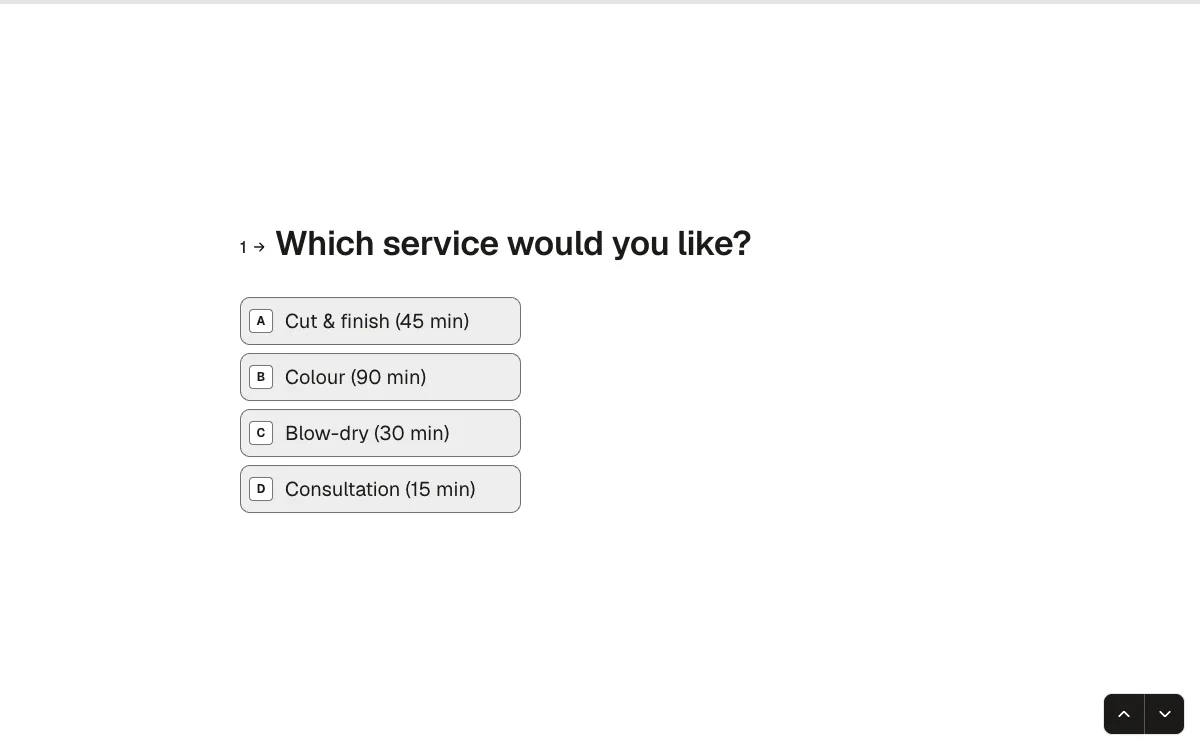
Short and practical: service, preferred date, preferred time, contact details. If you want real time slots instead of preferences, Forms also has a {a(F + '/features/appointment-scheduling', 'Scheduler question')} that books from your weekly hours.
Inside: 4 questions: service, date, time, contact. Open the template.
Feedback and survey examples
11. Customer feedback
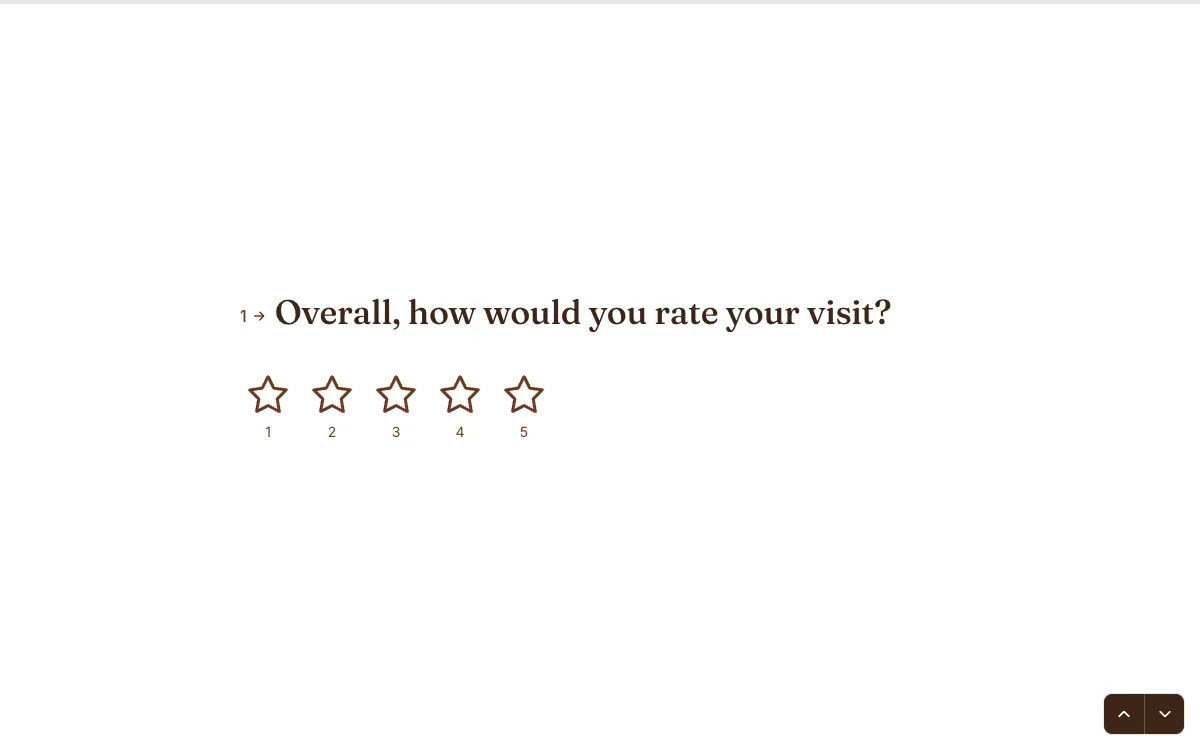
A star rating first, then a different follow-up depending on the answer: "Lovely! What went well?" or "Sorry about that. What went wrong?". Customers are asked about what they actually felt. My list of {a('/blog/customer-feedback-questions', '25 customer feedback questions')} explains why.
Inside: 4 questions: rating, then one of two follow-ups, then comments. Open the template.
12. NPS survey
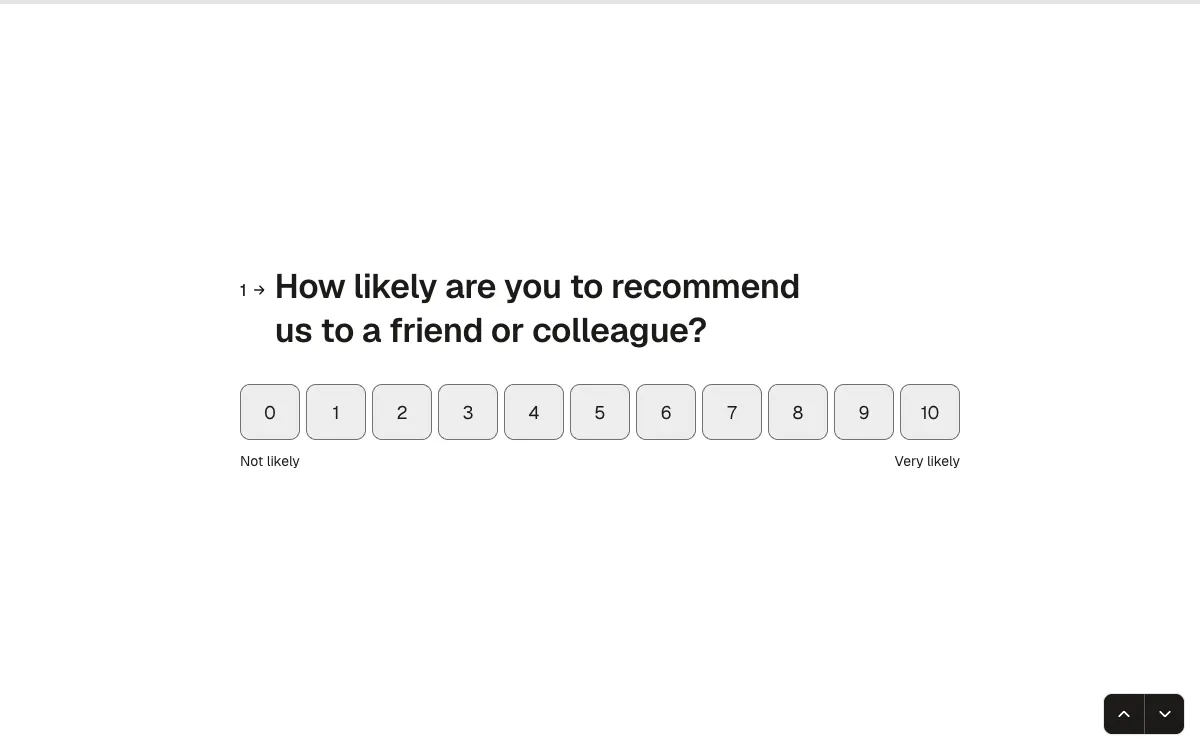
"Got 30 seconds?" sets the expectation honestly. One 0–10 question, one follow-up that changes with the score, and done. The {a('/blog/nps-survey-template', 'NPS guide')} shows how to calculate the score from it.
Inside: 3 questions: the NPS scale and two possible follow-ups. Open the template.
13. Customer satisfaction survey
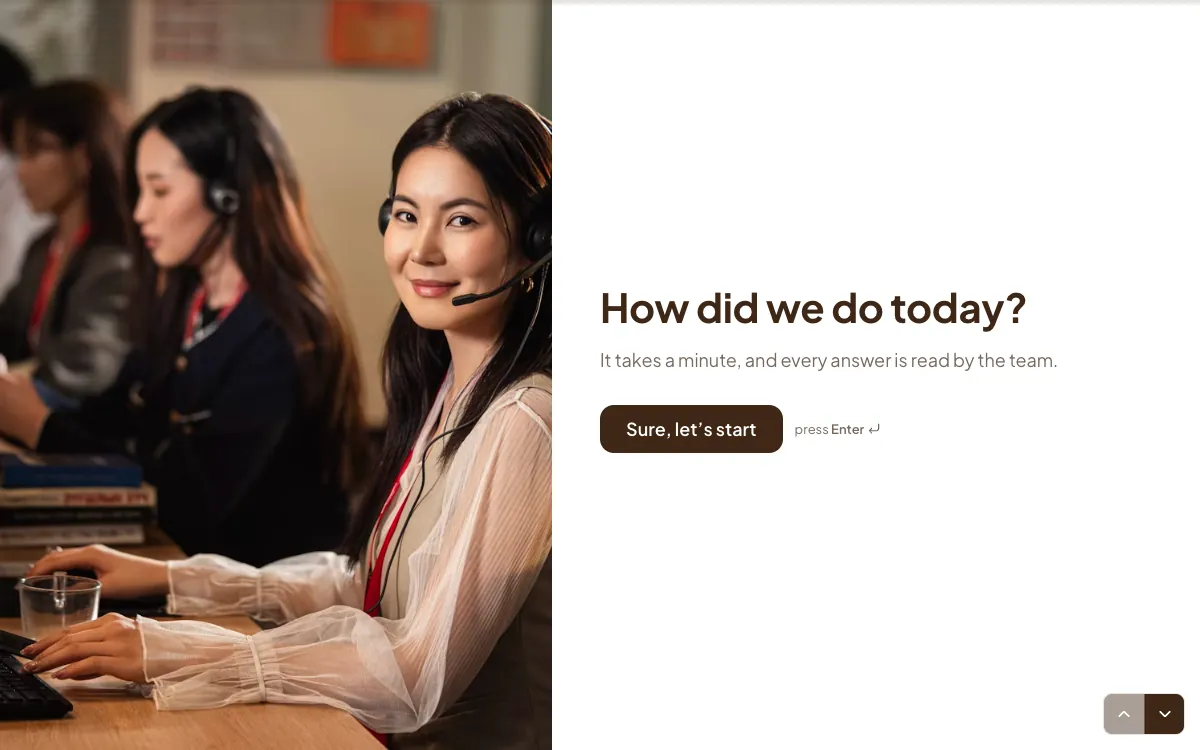
It opens on a friendly photo, says every answer is read by the team, and uses the customer's name in the questions that follow. Small things that make people answer properly.
Inside: 7 questions: name, topic as pictures, rating, how easy it was, the agent, NPS, comments. Open the template.
14. Event feedback
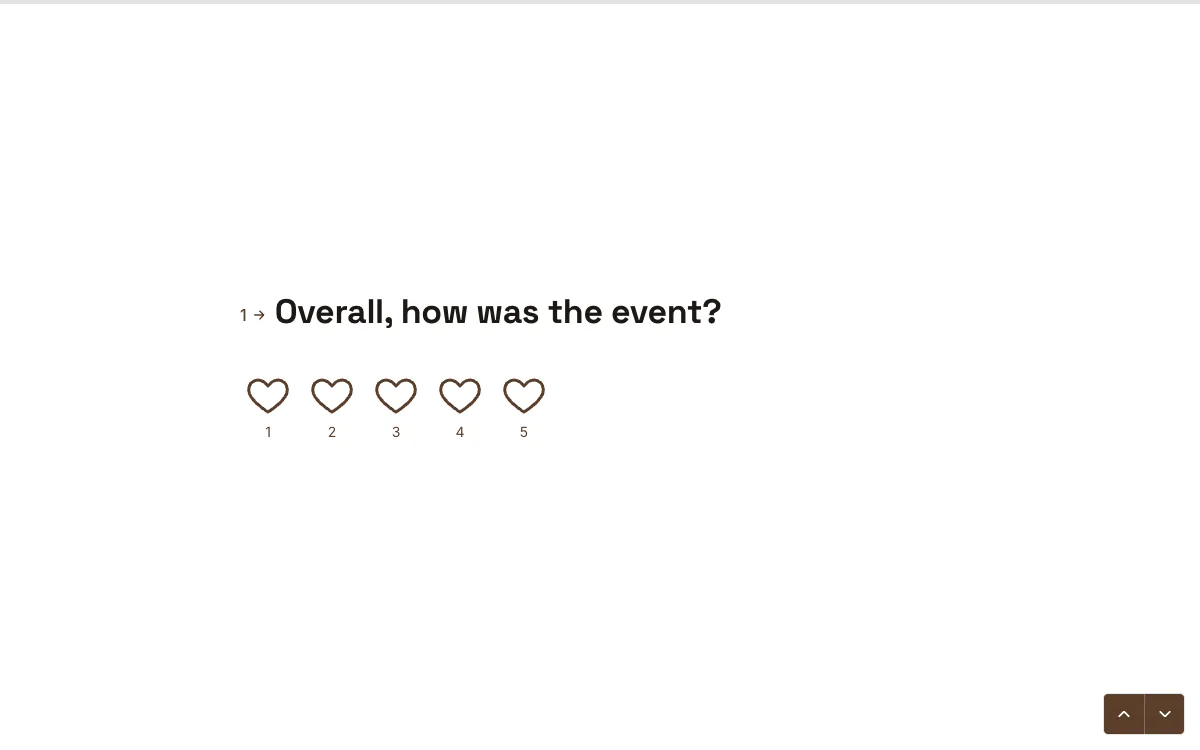
Hearts instead of stars for the overall rating, then separate scales for the talks and the venue. Splitting them tells the organiser what to fix, which a single score can't.
Inside: 6 questions: overall, talks, venue, favourite session, coming next year?, one thing to change. Open the template.
15. Beta app feedback
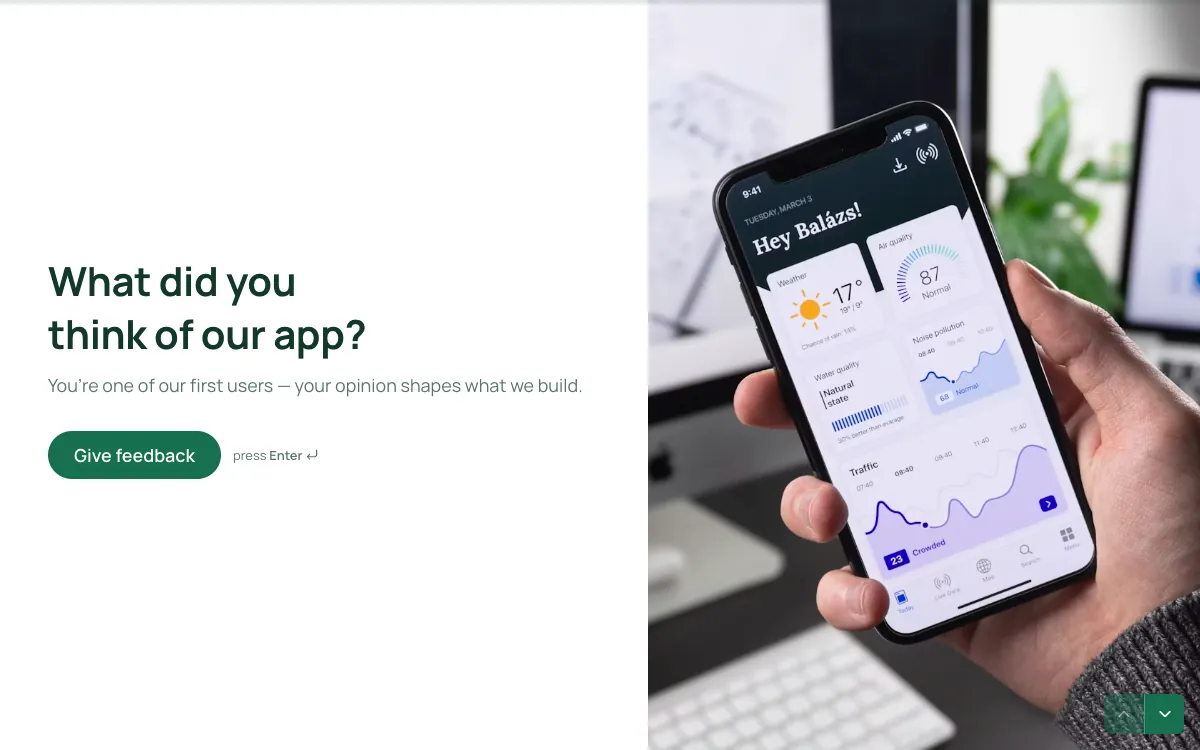
"You're one of our first users — your opinion shapes what we build" is a reason to answer. It includes a ranking question, so testers order features by importance instead of rating everything 5.
Inside: 6 questions, including a ranking question. Open the template.
Event and sign-up examples
16. Wedding RSVP
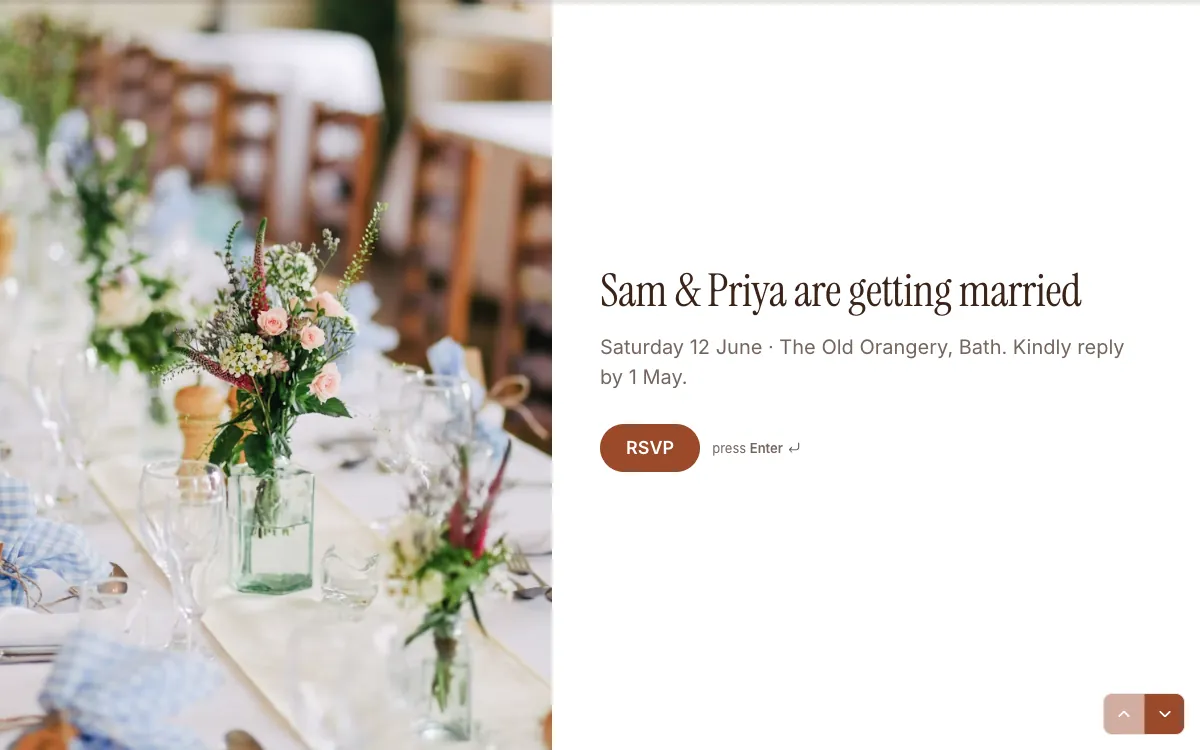
Everything a guest needs is on the welcome screen: who, when, where and the reply-by date. If someone can't come, they skip the meal questions and get a kind goodbye ("We'll miss you"), one of two endings.
Inside: 6 questions: name, attending?, meal as pictures, dietary needs, number of guests, a song request. Open the template.
17. Workshop sign-up
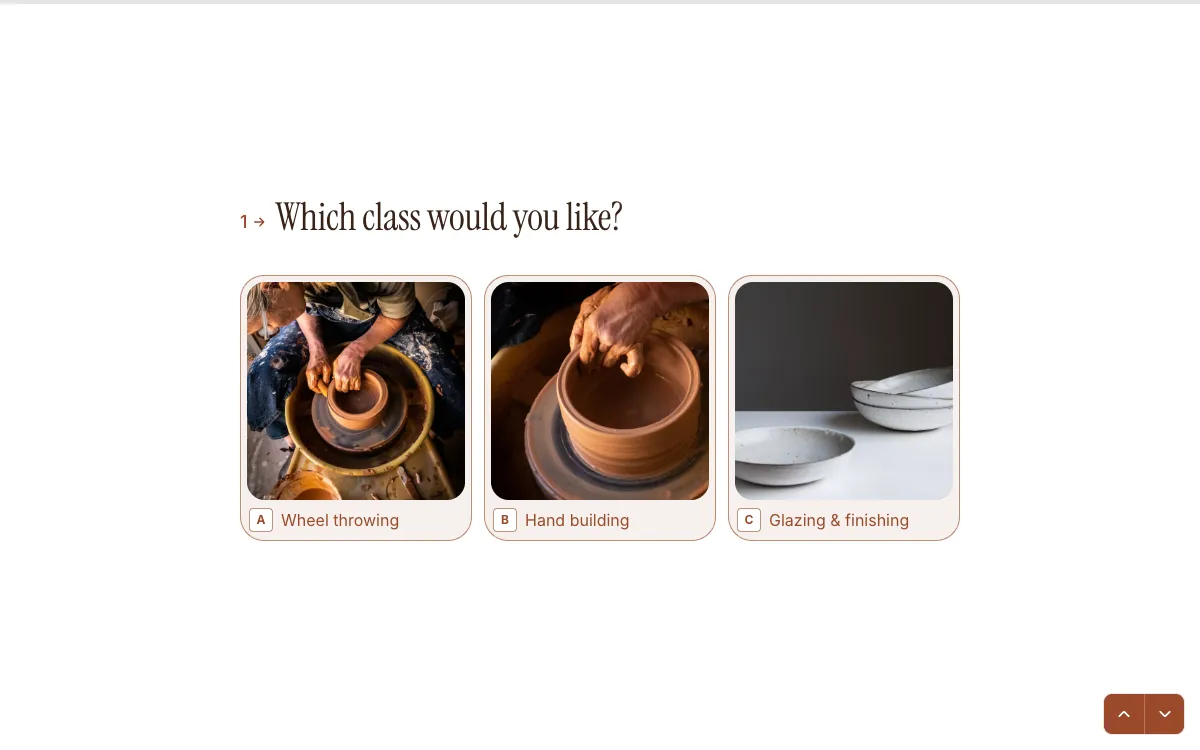
A pottery studio's classes as pictures, then the session and the person's experience level on a scale. The welcome line, "Spend a Saturday at the wheel", sells the class before the first question.
Inside: 5 questions: class as pictures, session, experience, name, email. Open the template.
Research and questionnaire examples
18. Market research survey
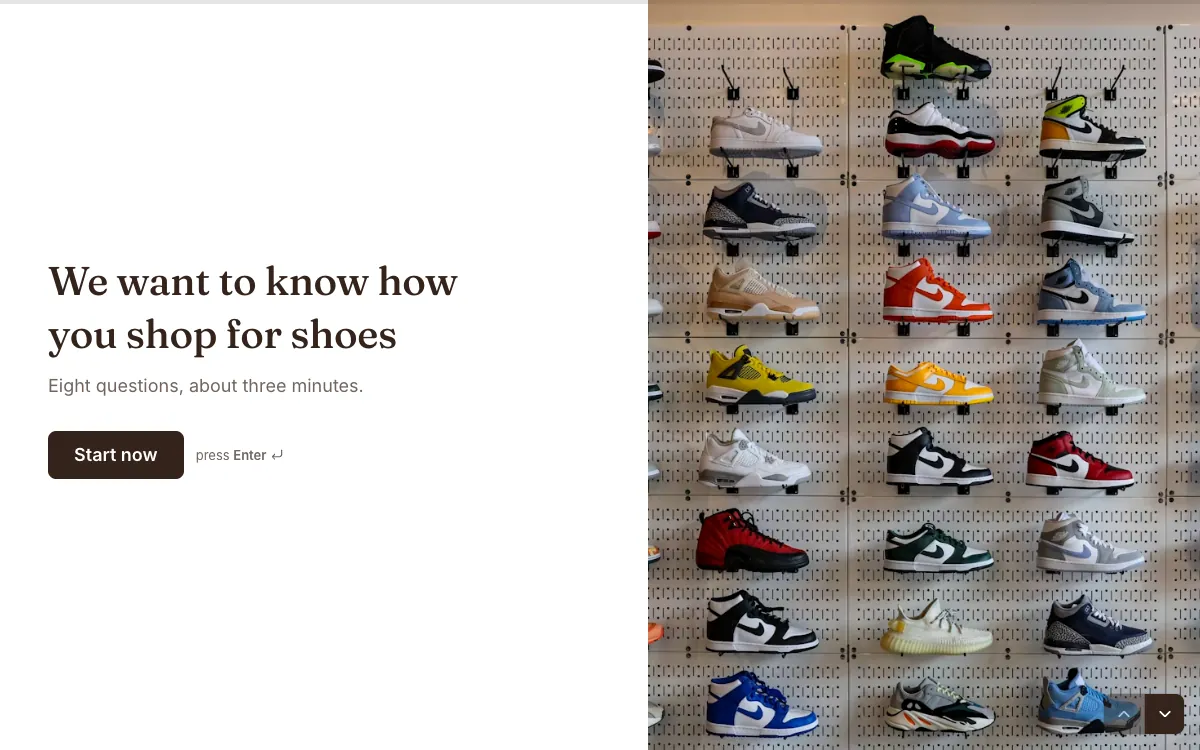
It states the length up front (eight questions, about three minutes), which is the single best way to get a research survey finished. The questions move from easy habits to opinions.
Inside: 7 questions: name, email, how often, go-to pair as pictures, where you buy, brand personality, what brands should do better. Open the template.
19. Branding questionnaire
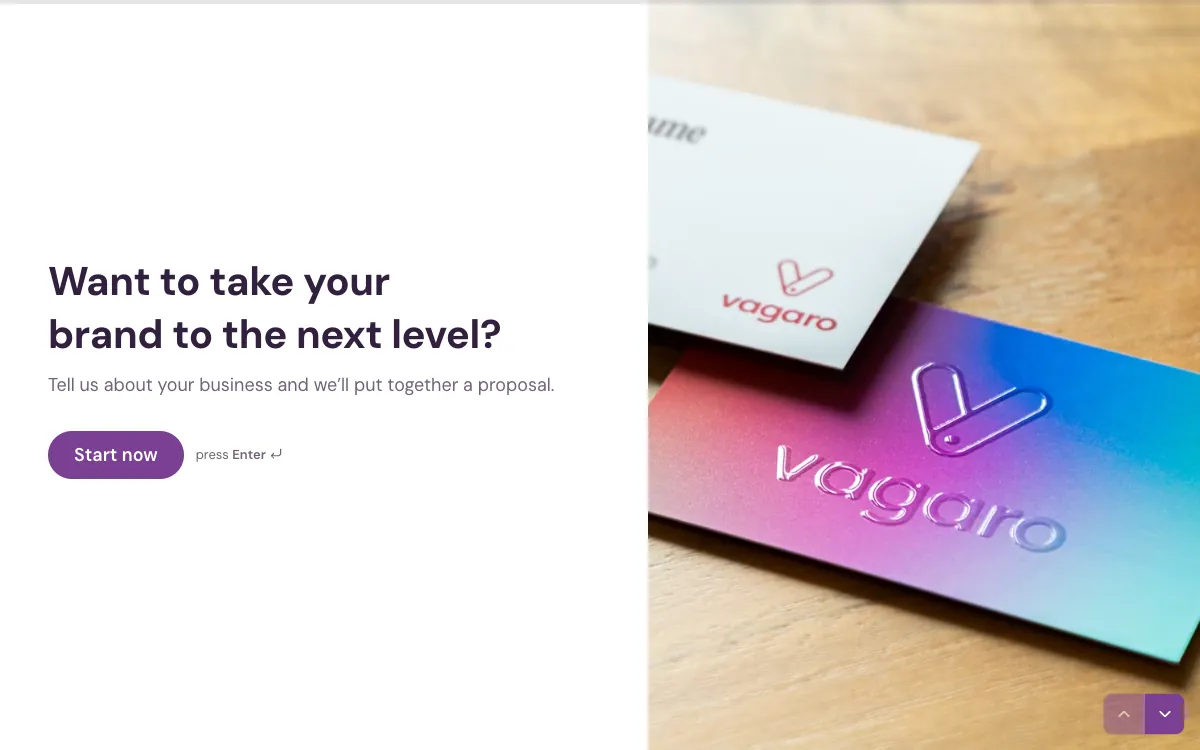
Agencies use questionnaires like this before a proposal. It covers industry, current website, the services wanted as pictures, budget and deadline, and promises a proposal at the end.
Inside: 8 questions, including a website URL, services as pictures and a budget dropdown. Open the template.
Quiz and poll examples
20. Personality quiz
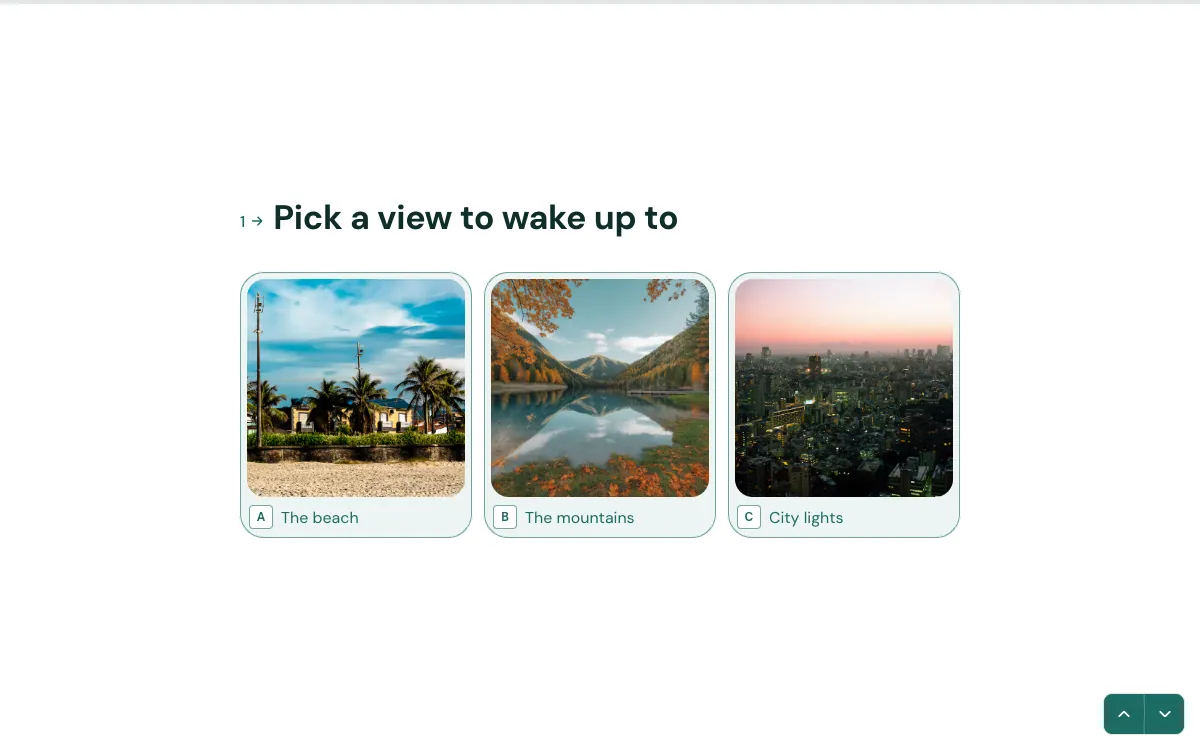
Three questions and three possible results (Beach Drifter, Peak Seeker, City Explorer), so the ending feels personal. Picture answers make it quick and fun on a phone.
Inside: 3 questions; 3 result endings. Open the template.
21. Trivia quiz
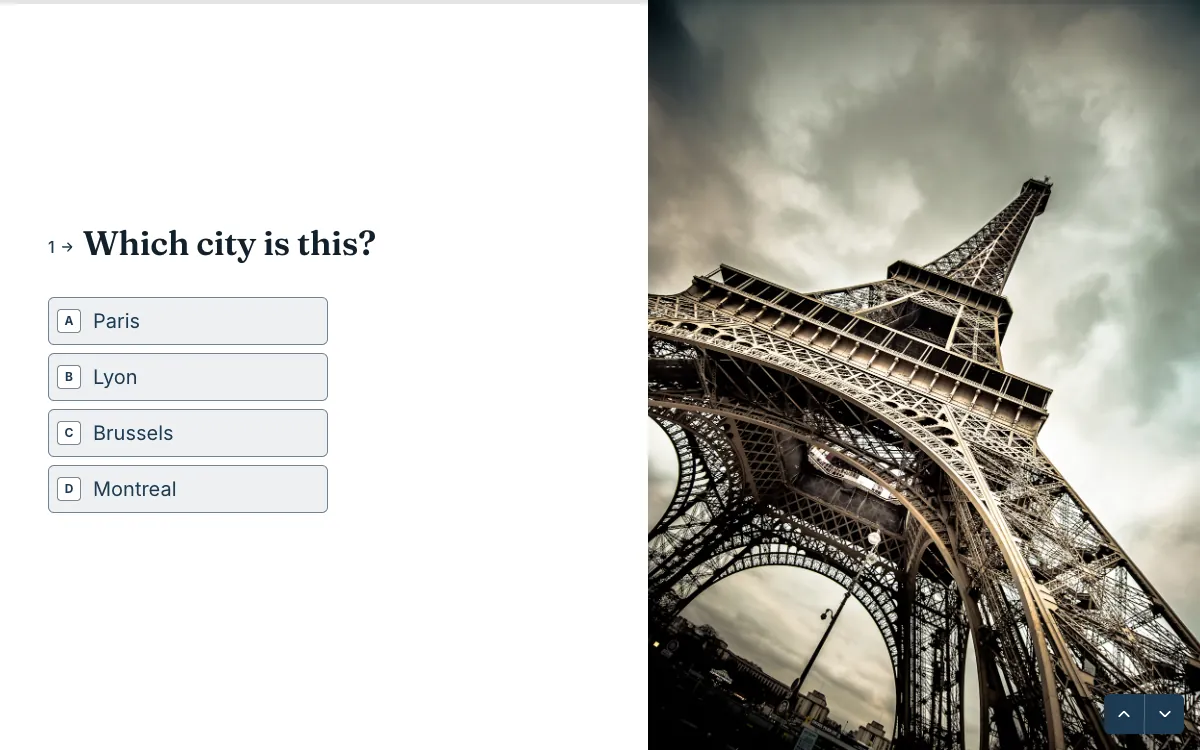
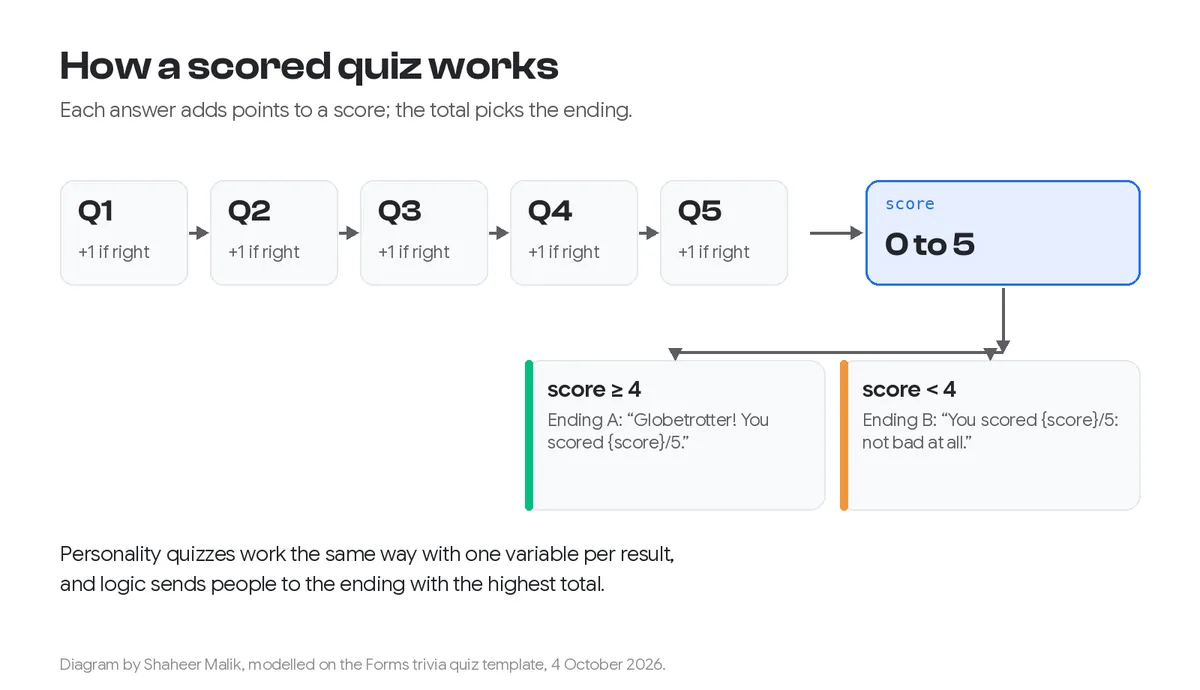
Photo questions ("Which city is this?") with a running score. The ending shows the score using a variable, and changes its message depending on how well you did.
Inside: 5 questions with scoring; 2 endings. Open the template.
22. Quick poll
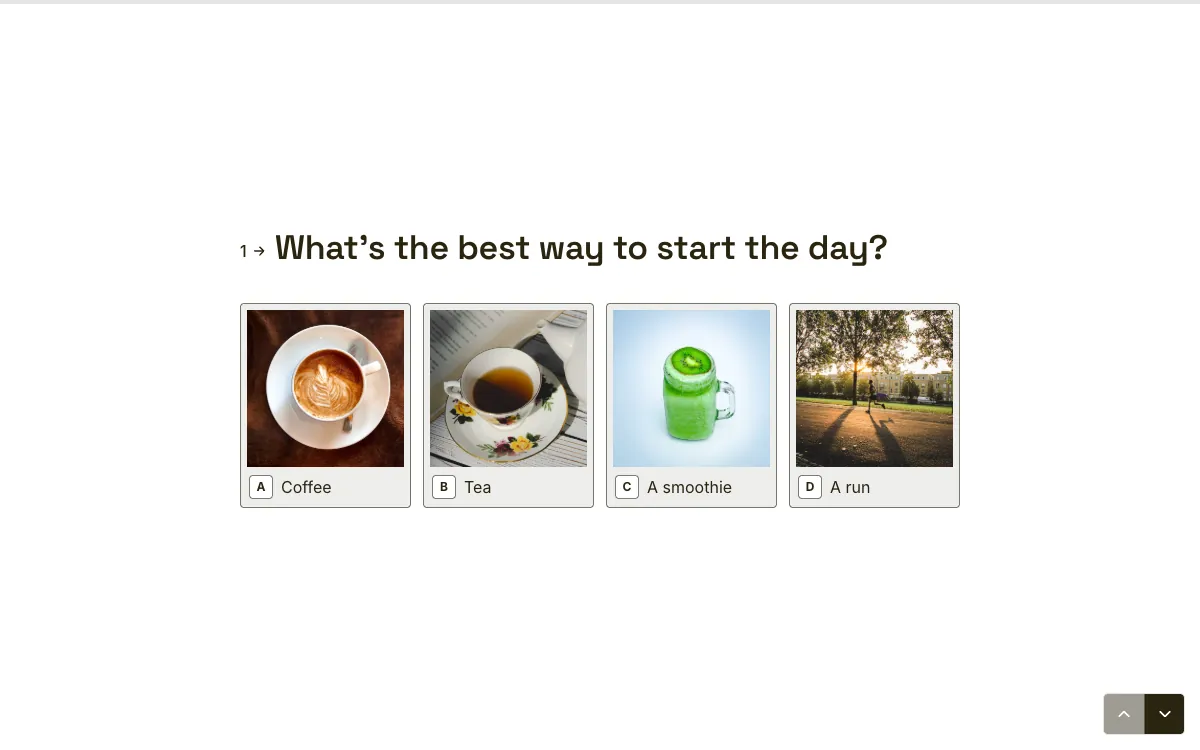
No welcome screen at all: the first question is the poll, with picture answers. When you only want one or two answers, skip the introduction.
Inside: 2 questions; no welcome screen. Open the template.
Hiring and support examples
23. Job application
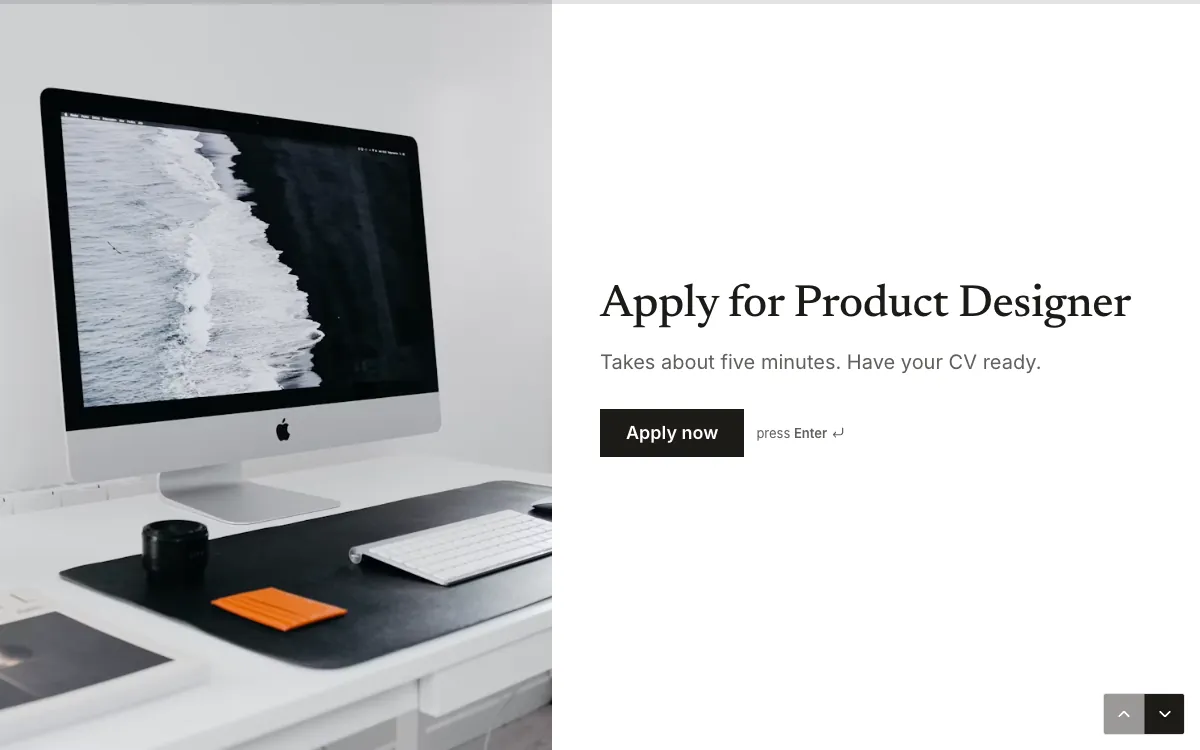
One flow for the whole application: contact details, portfolio link, experience, location, a CV upload and data consent. I wrote it up separately as a {a('/blog/job-application-form-template', 'free job application form template')}.
Inside: 7 questions, including a PDF CV upload and consent. Open the template.
24. Bug report
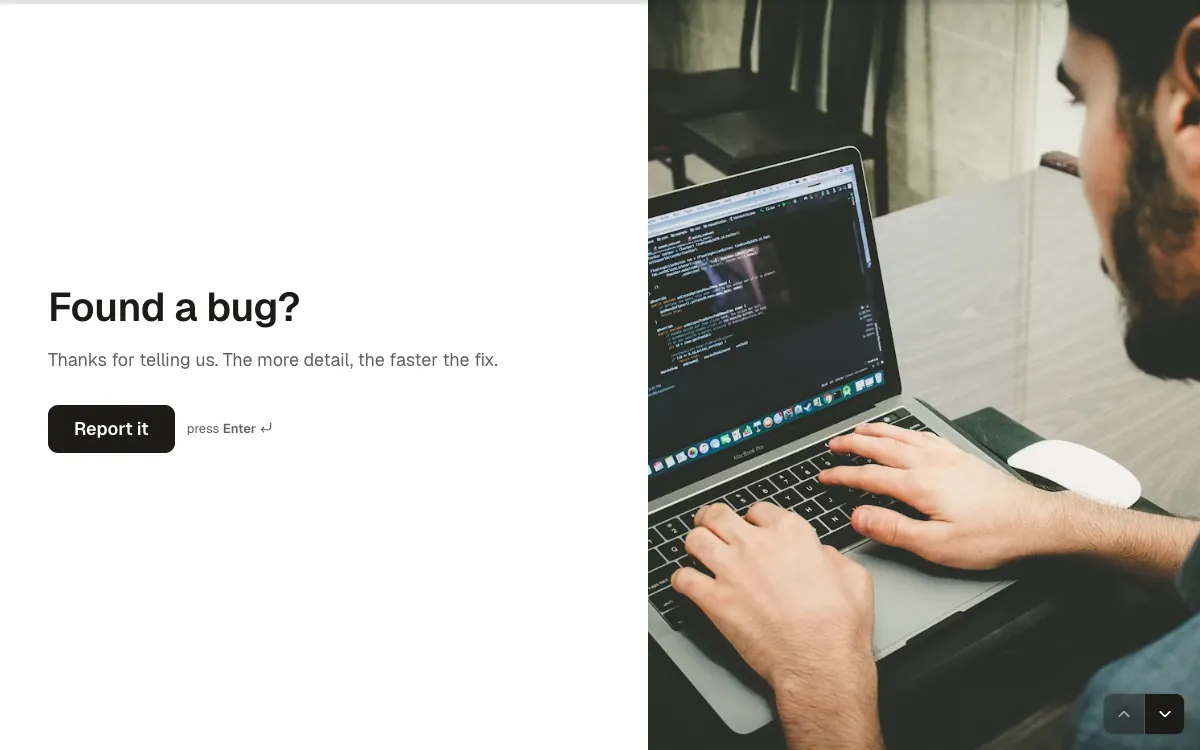
"The more detail, the faster the fix" tells people why to bother. It asks for a short title first, then severity, then what happened versus what was expected, the format developers actually want.
Inside: 6 questions: title, severity, what happened, browser or app, an optional screenshot or recording, email. Open the template.
How do I use one of these examples?
Open the template, click Use this template, and change the words and the photo to yours. Every template page has a live version you can answer first. Nothing you type there is saved.
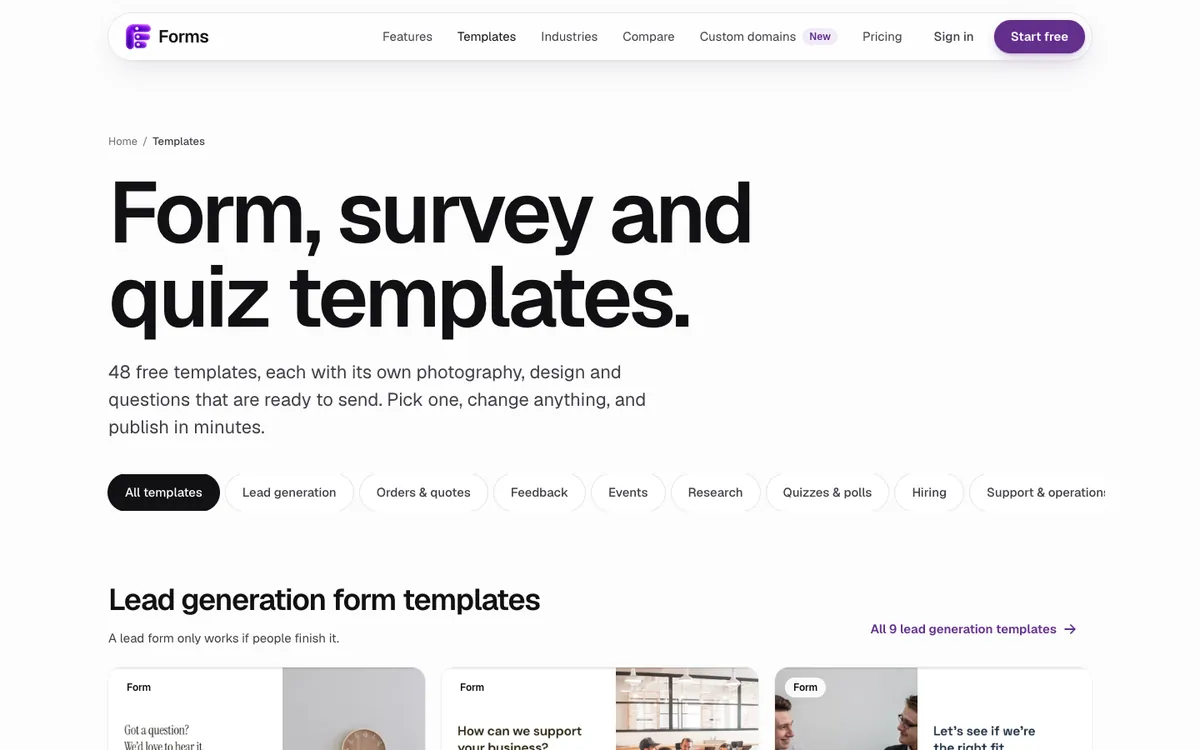
- Pick the example closest to your goal from the templates gallery; there are 48, grouped by goal.
- Rewrite the welcome screen first. It should say who you are, how long the form takes, and what people get.
- Replace the photo with one of yours, or keep a stock one that fits.
- Rewrite the ending to say exactly what happens next.
- Share the link, embed it on your site, or print its QR code. My guide shows how to embed a form in Webflow, WordPress or Shopify.
Forms is free for one active form and 100 responses a month. Pro is $19 a month, or $144 a year, for unlimited forms and responses under the fair use policy.
Last updated: 4 October 2026. Build your first form free, no card needed, or talk to me about your project.
FAQ
Frequently asked questions
One question per screen, large readable type, a human tone, pictures where they are faster than words, and an ending that says what happens next. Good forms also say up front how long they take.
Want it done for you? I offer website design on a fixed price, from $700. See pricing.