Conditional Logic in Forms: A Beginner's Guide
Skip questions that do not apply, follow up only when needed, end early or keep a score: conditional logic explained with a live example and a tool comparison.

Shaheer Malik
Framer Designer & Developer
Quick answer
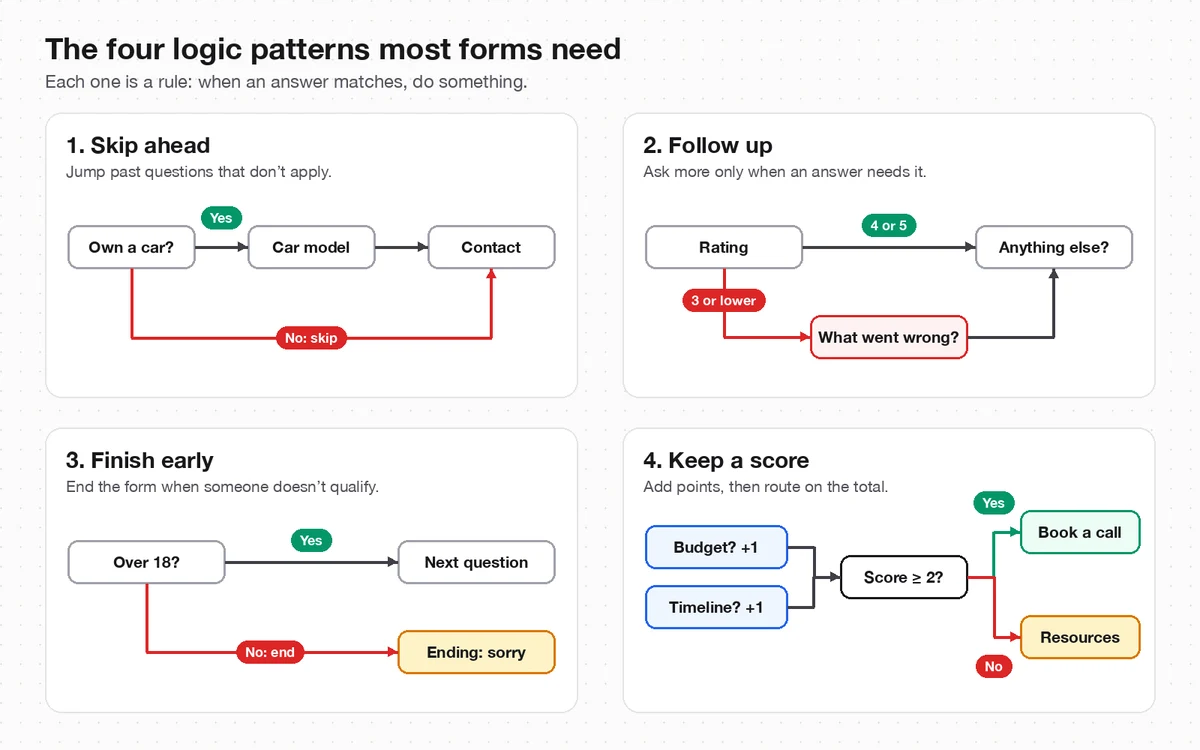
Conditional logic makes a form change as people answer it. Each rule says when an answer matches, do something: skip questions that do not apply, ask a follow-up only when needed, end the form early, or add up a score and route people to different endings.
Conditional logic makes a form change as people answer it. Each rule says "when this answer matches, do that": skip questions that don't apply, ask a follow-up only when it's needed, end the form early, or add up a score and send people to different endings. It keeps forms short, because everyone sees only the questions meant for them.
I make Forms, the form builder in the examples, and I add logic to most forms I build for clients. The ideas work in any builder; I compare how Google Forms, Typeform and Tally do it below, using their own help pages, checked on 3 October 2026.
What is conditional logic in a form?
It's a set of rules that decide what each person sees next, based on what they've already answered. Without logic, a form shows every question to everyone in the same order. With logic, a car owner gets asked about their car and everyone else skips straight past it.
Government designers recommend it for exactly that reason. The GOV.UK guide to structuring forms says to use branching questions "so people only have to answer questions that are relevant to them". It's a form of what Jakob Nielsen calls progressive disclosure: showing only what's needed now, which he writes improves learnability, efficiency of use and error rate.
Every rule has two halves:
- Conditions: when the rating is 3 or lower, when the answer is "No", when the score is 2 or more.
- Actions: jump to a question, show or hide a question, end the form, or add to a score.
What can conditional logic do?
Four patterns cover almost every form I've built. The diagram above shows each one; here they are with a real use:
| Pattern | Example | The rule |
|---|---|---|
| Skip ahead | Only car owners are asked for the car model | If "Own a car?" is No, jump to Contact |
| Follow up | Unhappy customers are asked what went wrong | If the rating is 3 or lower, jump to "What went wrong?" |
| Finish early | People who don't qualify aren't asked ten more questions | If "Over 18?" is No, jump to a polite ending |
| Keep a score | Leads with a budget and a timeline get a booking link | Add 1 for each; if the score is 2 or more, jump to Book a call |
Two extras make logic more useful. Hidden fields pass details in the form's link, such as ?source=newsletter, and rules can branch on them without asking anyone. Recall repeats an earlier answer in a later question, so "What's your name?" becomes "Nice to meet you, Ada". In Forms, both are on every plan.
What does conditional logic look like in a real form?
Here's the customer feedback demo on the Forms conditional logic page, answered twice. The first question is a star rating. Its only rule says: if the rating is 3 or lower, jump to "Sorry about that. What went wrong?". Everyone else carries on to "Lovely! What went well?", whose rule jumps past the complaint question to "Anything else?".
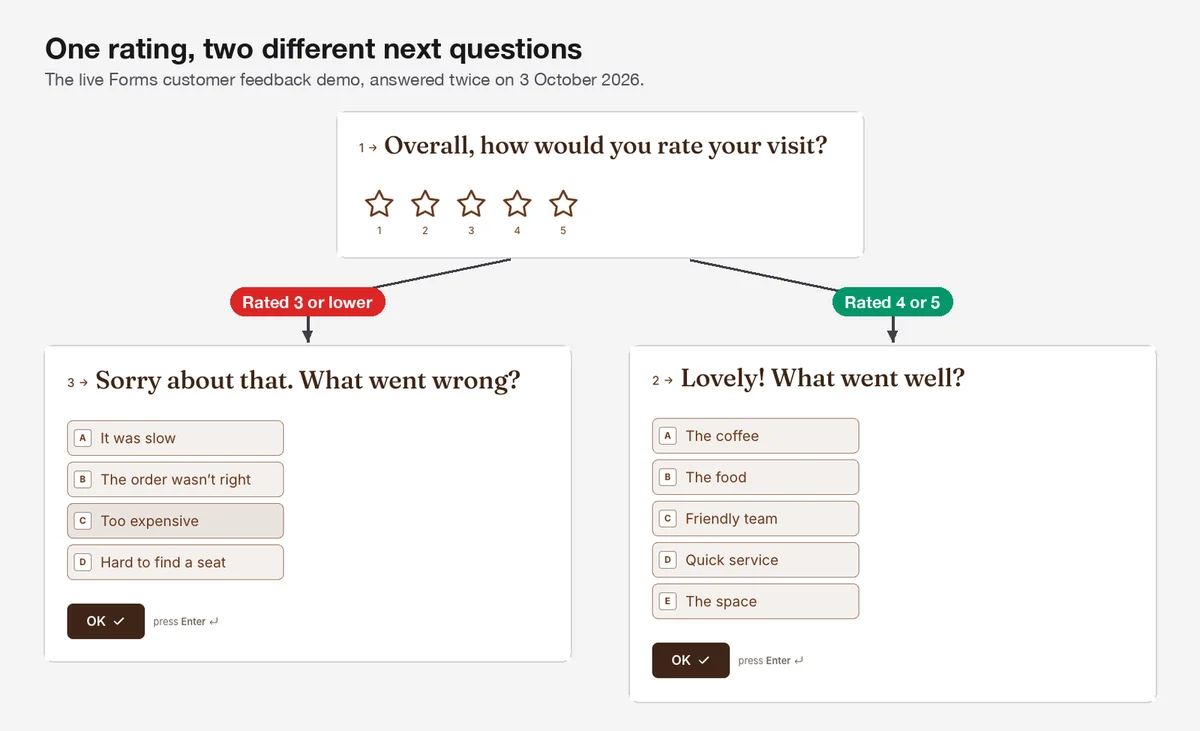
Two rules, and nobody sees a question that doesn't fit their experience. Happy customers aren't asked what went wrong, and unhappy ones aren't asked what they loved. For the questions themselves, see my customer feedback questions.
How do I add conditional logic in Forms?
Open the form's Logic tab, add a rule, pick its conditions, then pick what should happen. Then preview the form and walk through each branch before you publish.
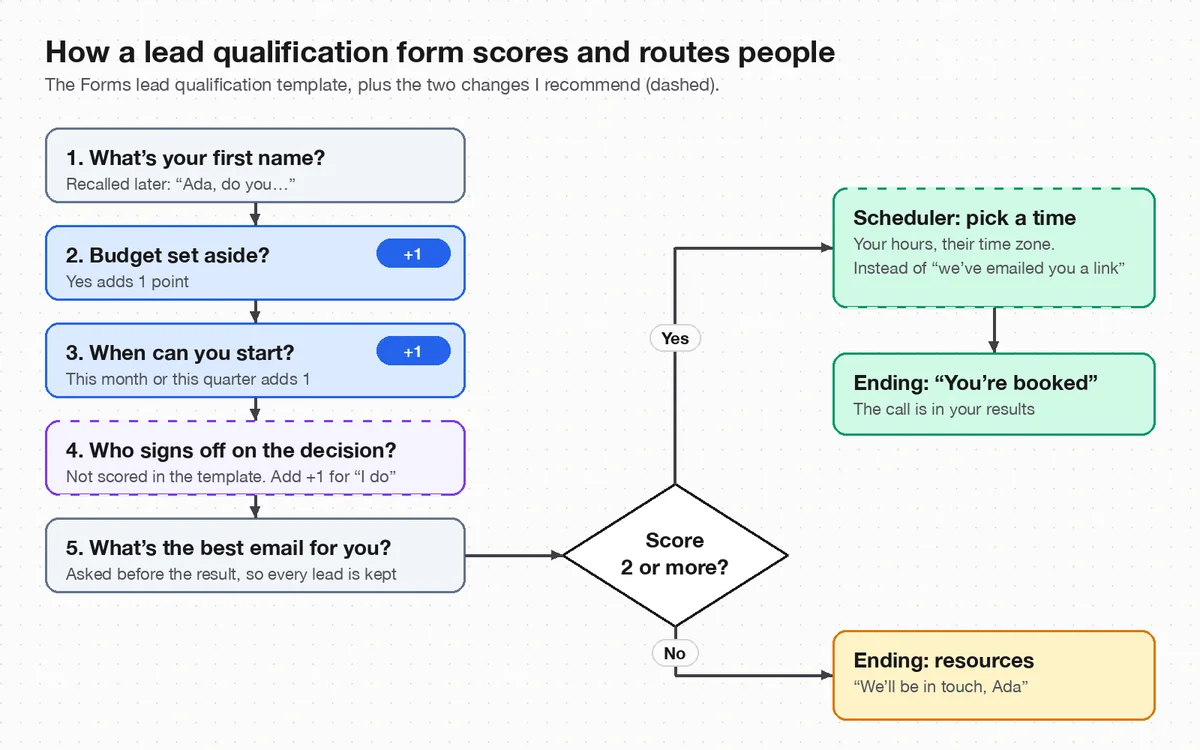
- Write the paths down first. A quick sketch like the diagram above saves you from rules that contradict each other.
- Open the form's Logic tab and add a rule for the question where the decision happens.
- Add the condition, such as a rating of 3 or lower. A rule can combine up to 30 conditions with "and" or "or".
- Add the action, such as jumping to "What went wrong?". A rule can run up to 20 actions, such as adding to a score and then jumping.
- Preview each path. Answer once as a happy customer and once as an unhappy one.
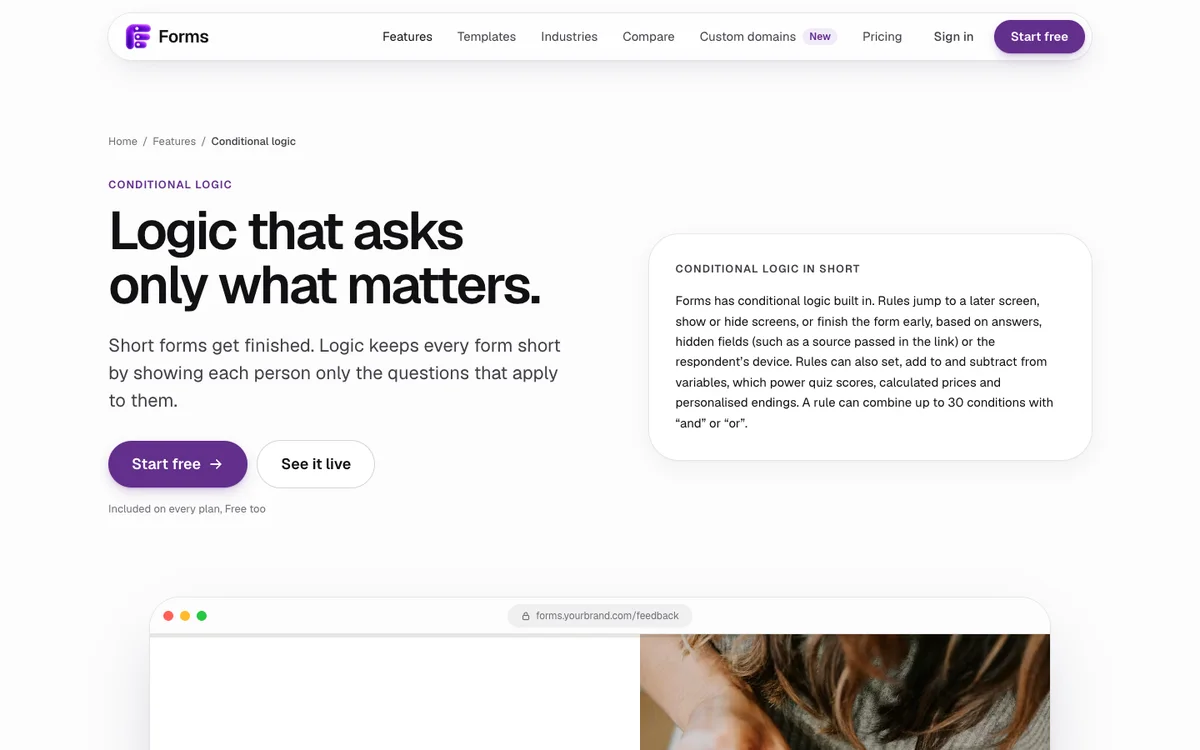
Forms runs the same rules in the builder preview, the live form and on the server, so what you test is what people get. Logic, variables, hidden fields and recall are on every plan, including Free, which allows one active form and 100 responses a month.
How do Google Forms, Typeform and Tally handle logic?
All four builders can branch on answers; they differ in which questions can branch and what the free plan allows:
| Builder | How logic works | On the free plan |
|---|---|---|
| Google Forms | Go to section based on answer, on multiple choice and dropdown questions only | Free |
| Typeform | Branching, calculations, scores and variables | Included, but the free plan collects 10 responses a month |
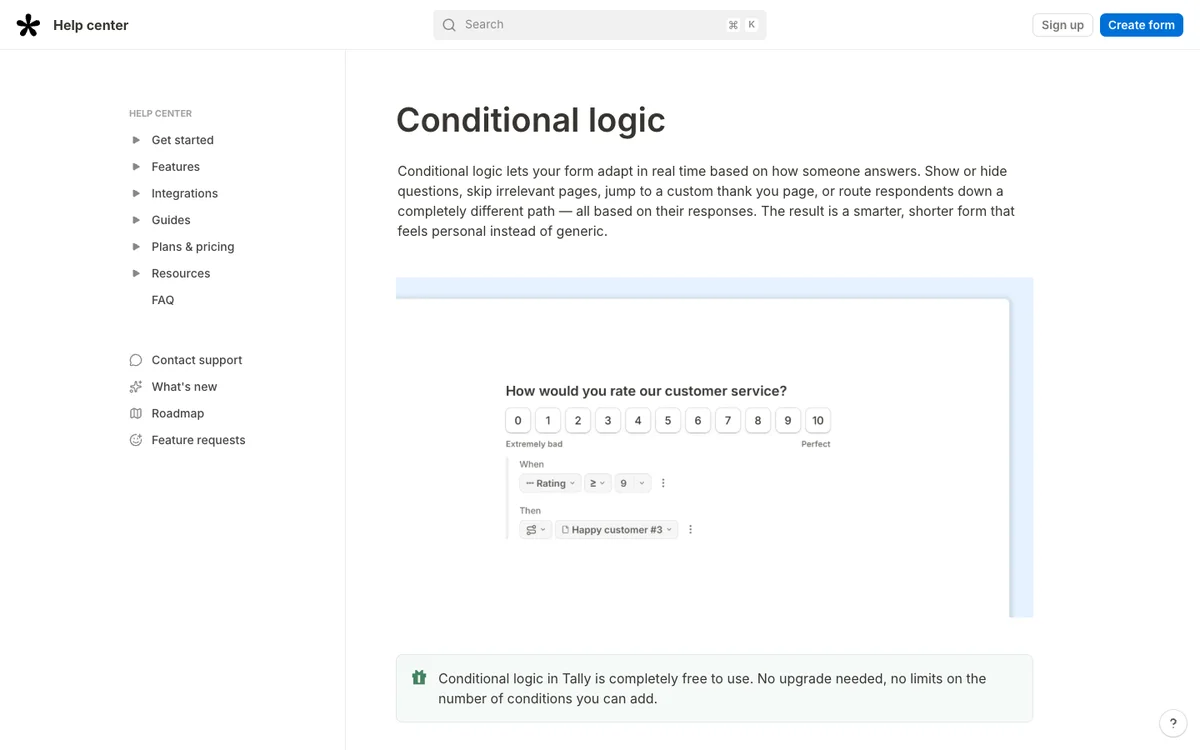
| Tally | Six actions, including jump to page, calculate, show or hide blocks and redirect | Free, with no limit on conditions |
| Forms | Jump, show or hide, finish early, variables, hidden fields and recall; up to 30 conditions and 20 actions a rule | Included; 100 responses a month |
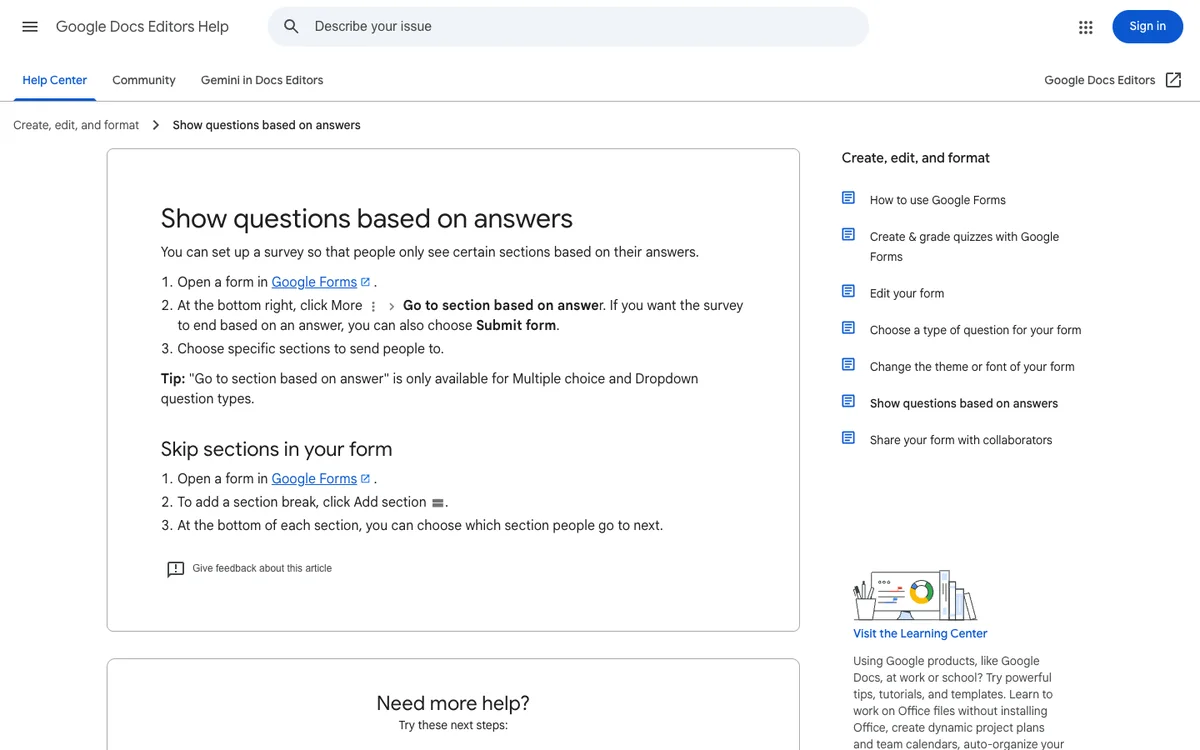
Google Forms works by sections: you group questions into sections and send people to a section depending on one answer. That's fine for simple skips, but you can't branch on a text answer, a rating or a score. Tally and Typeform both handle richer rules, including calculations.
What mistakes break conditional logic?
- Dead ends. Every path has to reach an ending. Test each branch to the last screen.
- Rules that fight. If two rules on one question can both match, people may not land where you meant. Make conditions that can't overlap, such as "3 or lower" and "4 or more".
- Skipping questions you need. If a branch skips a question your team relies on, such as an email, you'll get responses you can't follow up. Put must-have questions before the branches.
- Using logic instead of cutting questions. Logic hides questions; it doesn't make a long form short. Delete what you won't use first, as I cover in form design best practices.
- Not testing after edits. Moving or deleting a question can break a rule that pointed to it. Preview every path again before republishing.
Ready for more? Scoring is the next step: my guide to a lead qualification quiz that books calls uses a score to decide who gets a calendar. And logic works best with one question at a time, where each answer can change the very next screen.
Last updated: 3 October 2026. Build your first form free, no card needed, or talk to me about your project.
FAQ
Frequently asked questions
Rules that change what each person sees based on their answers. A rule has conditions, such as a rating of 3 or lower, and actions, such as jumping to a follow-up question, ending the form or adding to a score.
Want it done for you? I offer website design on a fixed price, from $700. See pricing.