How to Add a Form to Your Framer Site (Embed, Popup or Side Tab)
Framer's built-in forms handle contact forms. For payments, bookings, logic or one-question-at-a-time forms, embed a form builder. Here is how, step by step.

Shaheer Malik
Framer Designer & Developer
Quick answer
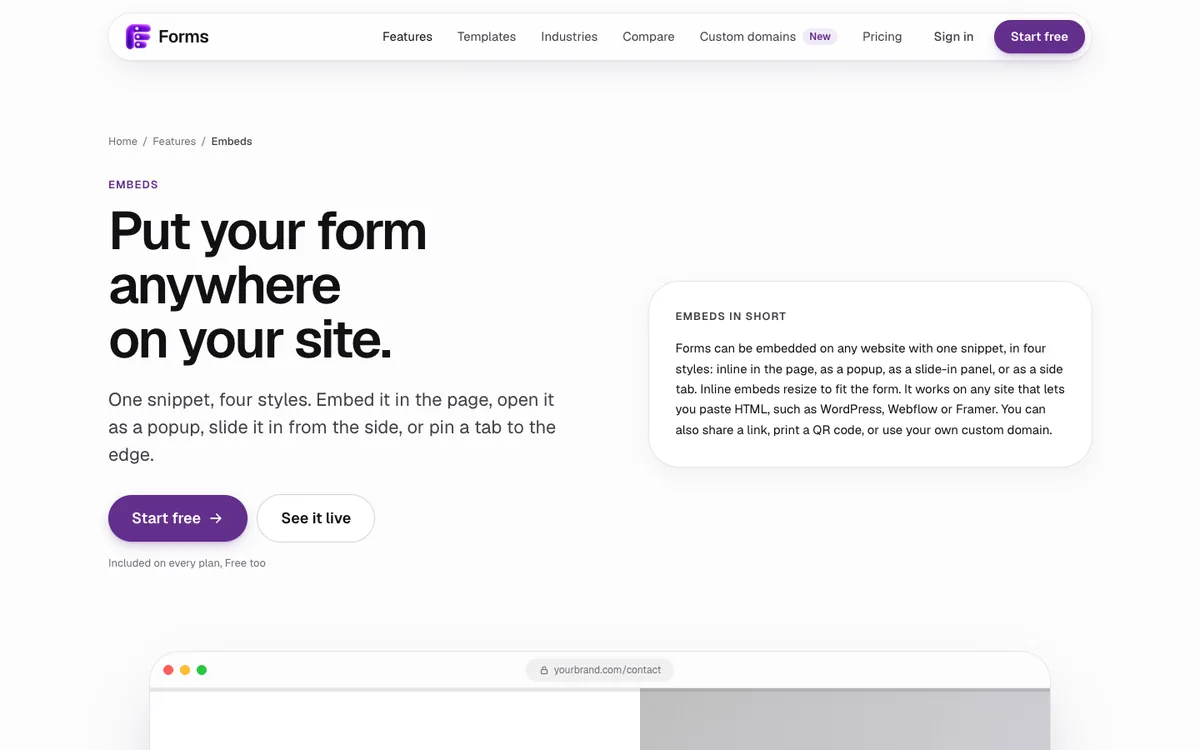
To add a form to Framer, insert the Embed component from the Insert menu and paste your form's link or embed code into it. Framer's built-in forms suit short contact forms and send to email, Google Sheets or a webhook. For payments, bookings, logic or one-question-at-a-time forms, embed a form builder inline, as a popup or as a side tab.
To add a form to a Framer site, insert Framer's Embed component and paste your form's link or embed code into it. For a simple contact form, Framer's built-in forms are enough. For payments, bookings, logic or one-question-at-a-time forms, embed a form builder such as Forms inline, as a popup, a slide-in panel or a side tab.
I design and build Framer sites for clients, and I make Forms, one of the tools in this guide. Framer's steps below come from Framer's own help centre.
Should I use Framer's built-in forms or an embedded form?
Use Framer's built-in forms for short forms that only need to send what someone typed. Use an embedded form when the form has to do more than that.
Framer's native forms let you design every input and form state on the canvas, include spam protection and rate limiting, and send submissions to email, Google Sheets or a custom webhook. That covers a contact form, a newsletter sign-up or a simple enquiry.
| You need | Framer's built-in form | Embedded form (Forms) |
|---|---|---|
| A short contact or sign-up form | Yes | Yes |
| Submissions to email, Google Sheets or a webhook | Yes | Yes (webhooks on Pro) |
| One question at a time | Build it yourself | The default |
| Logic that skips or branches | Not built in | Yes |
| Card payments through Stripe | Not built in | Yes, every plan |
| Booking real time slots | Not built in | Yes |
| File uploads, signatures, quizzes | Not built in | Yes |
| Response charts and drop-off by screen | No | Yes |
On my client projects, the line is usually simple. A contact form stays native, so it matches the site perfectly and has no extra moving parts. A project brief, an order with a deposit, a booking or a quiz gets embedded.
How do I embed a form in Framer?
It takes about two minutes. Framer's Embed component accepts either a URL or HTML, so any form builder that gives you a link or a snippet works.
- Get your form's embed code. In Forms, open the form's Share tab, choose an embed style (inline, popup, slider or side tab) and copy the snippet. Other builders have an equivalent Share or Embed screen.
- Open the Insert menu in Framer. Search for Embed and drag the Embed component onto your page, where you want the form to appear.
- Paste the code. For a link, paste the URL into the component. For a snippet, paste it into the component's HTML field. Framer notes that some scripts need extra wrapping code to work, so use the snippet exactly as your form builder gives it.
- Size it. Set the Embed to fill the width of its container. An inline Forms embed resizes its height to fit each question, so you don't need to guess a fixed height.
- Preview and publish. Embeds run in preview and on the published site. Submit a test response, then check it arrived before you share the page.
Which embed style should I use?
Pick the style by how central the form is to the page.
- Inline: the form is the point of the page, such as a contact page, a booking page or a project brief. It sits in the layout like part of the design.
- Popup: the form supports a call to action, such as "Get a quote" or "Join the waitlist". It opens over the page from a button.
- Slider or side tab: the form is always available but never in the way, such as feedback or support. It waits at the edge of the screen until someone wants it.
- A plain link: fine for a button that should open the form full screen. On Pro, Forms can serve that link from your own domain, such as forms.yourbrand.com.
Why isn't my embedded form showing in Framer?
Usually one of four things.
- The site blocks embedding. Framer's help centre warns that some websites block embedding through HTTP headers. Forms allows its public forms to be embedded anywhere, but not every service does.
- The snippet went in the wrong field. A URL goes in the URL field; a script or iframe goes in the HTML field.
- The Embed has no size. A zero-height or fixed tiny frame hides the form. Give it the container's width and let an inline embed set its own height.
- The form is closed or unpublished. Open the form's own link in a new tab first. If that doesn't load, the problem isn't Framer.
Will an embedded form slow my Framer site down?
A well-built embed should not hurt how fast your page appears. Place inline forms below the first screen where you can, so the hero renders first, and use a popup or side tab for forms people may never open. Forms sets no tracking cookies on public forms, which also keeps cookie-banner obligations off the form itself.
Can I style the embedded form to match my Framer site?
Yes, inside the form builder rather than in Framer. In Forms you choose from 12 themes and 11 fonts, or set your own colours, backgrounds and layout, with contrast checks so text stays readable. Match the font and accent colour to your Framer site and the form reads as part of the page. If you're still choosing a site builder, my Framer articles cover when Framer is the right fit.
Want a hand? I design and build Framer sites with forms that convert. Tell me about your project.
How do I test a form before the Framer site goes live?
Test it the way a visitor would, on the published page, not only in the editor.
- Submit on a phone. Open the published page on a real phone, fill the form in with your thumb, and check every screen fits without zooming.
- Try every branch. If the form uses logic, answer it once for each path so no question is a dead end.
- Check where the answer lands. Confirm the response appears in your results, your email alert and any Google Sheet or webhook you connected.
- Make one real payment and refund it from your Stripe dashboard, if the form charges a card.
- Use only the keyboard once. Tab into the form, answer with keys and press Enter. If you can't finish it that way, some visitors can't either.
Then delete your test responses, so your first real one starts the count.
Last updated: 1 October 2026. Build your first form free, no card needed, or talk to me about your project.
FAQ
Frequently asked questions
Yes. Framer's native forms let you design inputs and form states on the canvas, include spam protection and rate limiting, and send submissions to email, Google Sheets or a custom webhook.
Want it done for you? I offer website design on a fixed price, from $700. See pricing.