How to Embed a Form in Webflow, WordPress and Shopify
Where to paste a form snippet on each platform, which plans allow it, the permission rules that strip scripts, and the four embed styles to choose from.

Shaheer Malik
Framer Designer & Developer
Quick answer
Copy your form's embed snippet and paste it into a Code Embed element in Webflow, a Custom HTML block in WordPress, or a Custom Liquid section in Shopify. Webflow needs a paid plan, WordPress.com needs a plugin-enabled plan, and Shopify depends on your theme.
To embed a form on Webflow, WordPress or Shopify, copy your form's embed snippet and paste it into the platform's code block: a Code Embed element in Webflow, a Custom HTML block in WordPress, or a Custom Liquid section in Shopify. Each one has a catch: Webflow needs a paid plan, WordPress.com needs a plugin-enabled plan, and Shopify depends on your theme.
I make Forms, the form builder whose snippet I use below, and I build sites on all three platforms for clients. The steps work for any form tool that gives you an HTML snippet; the platform rules come from each platform's own help pages, checked on 2 October 2026.
What do you need before you embed a form?
Two things: the form's embed snippet, and a page where your platform lets you paste HTML. In Forms, open the form's Share tab, pick an embed style and copy the snippet. For an inline form it looks like this:
<div data-forms-embed="your-form" data-mode="inline" data-height="560"></div>
<script src="https://forms.shaheermalik.com/embed.js" async></script>
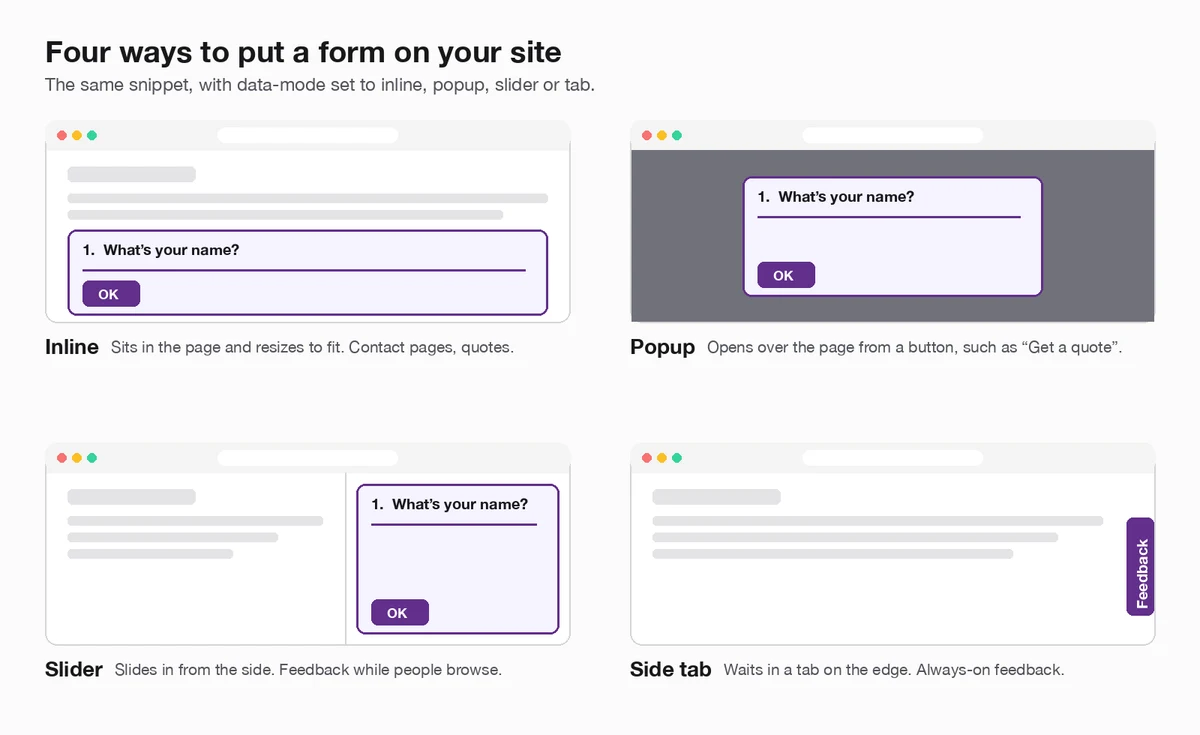
The first line marks where the form goes; the script turns it into the form. Change data-mode to popup, slider or tab for the other styles. Inline forms resize to fit each question, so you don't get a scroll bar inside your page.
If a platform strips scripts, there's a plain iFrame option in the same Share tab. It doesn't resize itself, so set a height that fits your longest question:
<iframe src="https://forms.shaheermalik.com/f/your-form" title="Form"
  style="width:100%;height:560px;border:0"
  allow="clipboard-write; camera; microphone; payment"></iframe>
Both are free: every embed style is on every Forms plan, including Free, which allows one active form and 100 responses a month.
How do the three platforms compare?
| Platform | Where you paste the snippet | Plan needed | Watch out for |
|---|---|---|---|
| Webflow | A Code Embed element | A Core, Growth, Agency or Freelancer Workspace, or an active Site plan | 50,000 characters per embed; never paste html, head or body tags |
| WordPress (self-hosted) | A Custom HTML block | None | Users without the unfiltered_html capability, such as Contributors, have scripts and iframes stripped |
| WordPress.com | A Custom HTML block | A plugin-enabled plan with hosting features activated | Free sites can't use script or iframe tags |
| Shopify | A Custom Liquid section in the theme editor | Any plan, if your theme offers the section | Not every theme has it; check your theme's documentation |
How do I embed a form in Webflow?
Add a Code Embed element where you want the form, paste the snippet, then save and close. That's the whole job, according to Webflow's help article on the custom code embed:
- Copy the snippet from your form's Share tab.
- In the Webflow Designer, open the Add panel and drag a Code Embed element onto the canvas.
- Paste the snippet and click Save & close.
- Publish the site and test the form on the live page.
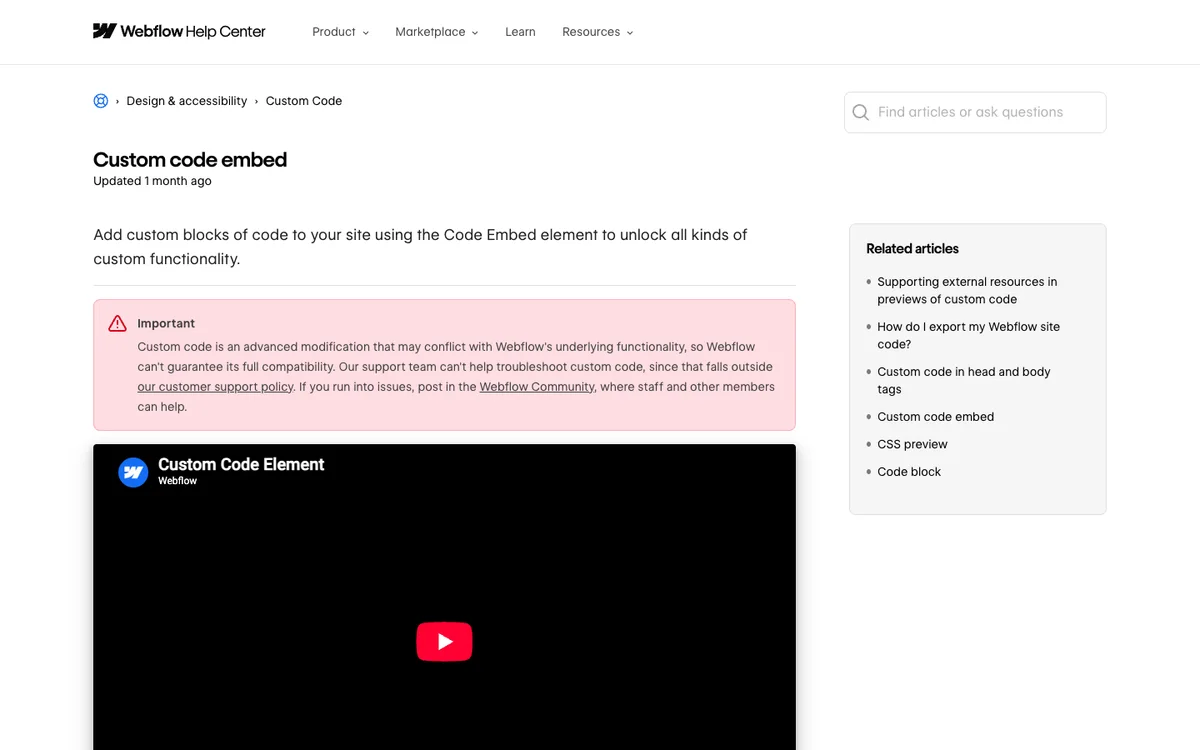
Two rules from Webflow's article matter here. The Code Embed element is available if you have a Core, Growth, Agency or Freelancer Workspace, or your site has an active Site plan. And your code must not include <html>, <body> or <head> tags, or your layout will break. A form snippet never needs them.
Webflow also notes that its support team can't troubleshoot custom code, so if the form doesn't appear, check the live published page first, then the snippet.
How do I embed a form in WordPress?
Use a Custom HTML block. In the block editor, type /html and press Enter, click Edit HTML, paste the snippet and press Update, as the WordPress.org guide to the Custom HTML block describes. Publish or update the page and check the form.
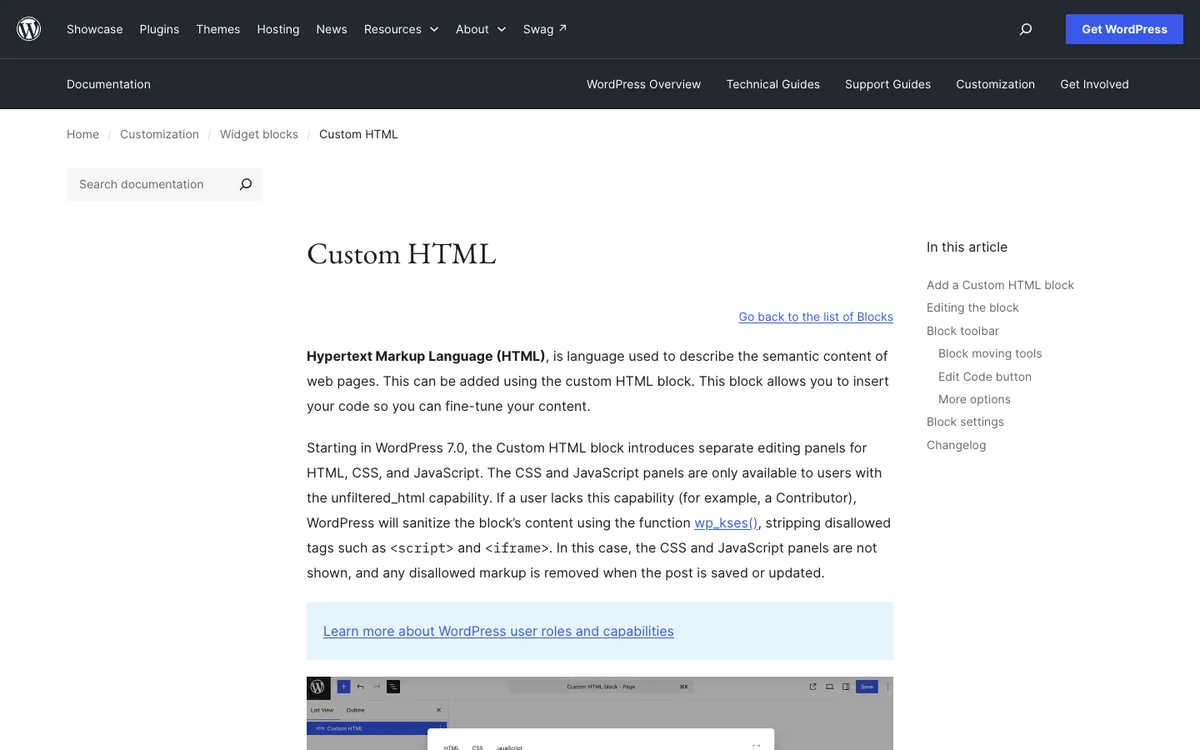
The catch is permissions. The same guide explains that if your user role lacks the unfiltered_html capability, as a Contributor does, WordPress strips tags such as <script> and <iframe> when the post is saved. If the form vanishes after saving, ask an administrator to add it, or to paste it for you.
On WordPress.com
Hosted WordPress.com sites have an extra rule. Its guide to adding code says script, iframe and similar tags only work on a plugin-enabled plan with hosting features activated; free sites can't use them. If you're on a plan without them, share the form as a link or a button that opens the form page instead.
How do I embed a form in Shopify?
Add a Custom Liquid section in the theme editor, if your theme has one, and paste the snippet into it. Shopify's help centre, in Extend your theme with apps, says that if your theme offers a Custom Liquid section, you might be able to add code there instead of editing your theme code directly.
- In Shopify admin, go to Online Store > Themes and click Customize.
- Open the page you want, such as your contact page, and add a section.
- Choose Custom Liquid, paste the snippet and save.
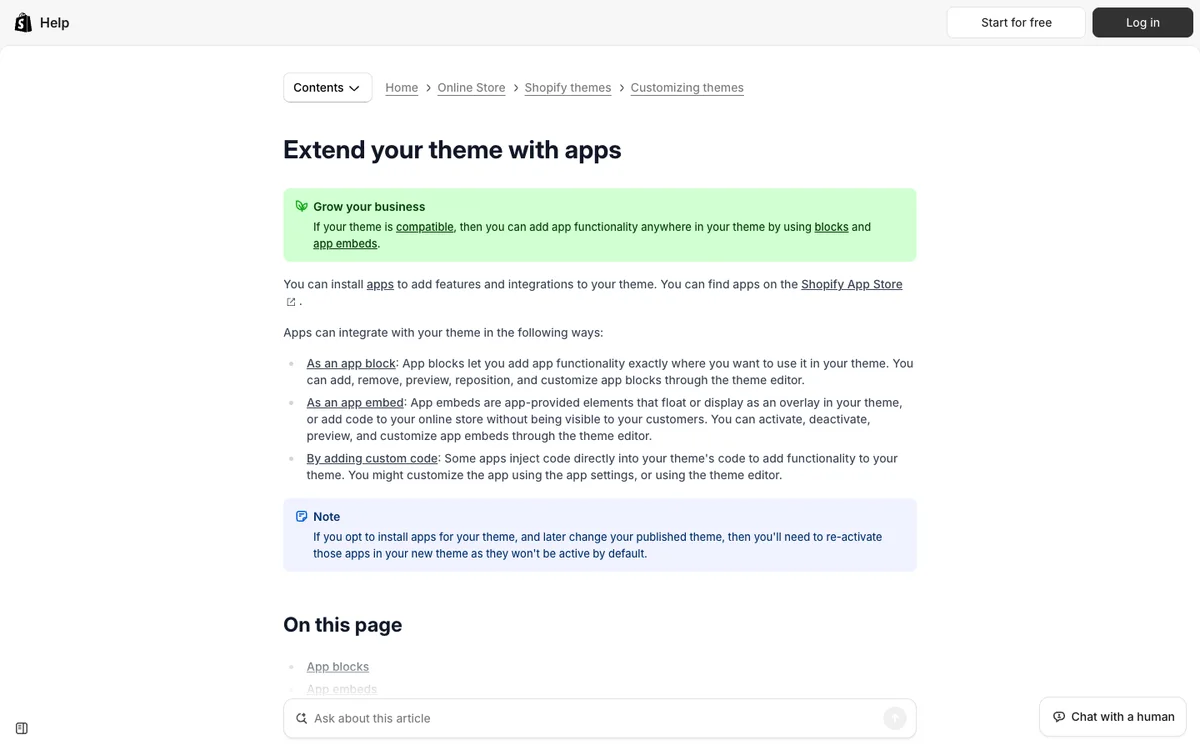
If your theme has no Custom Liquid section, check your theme's documentation for where custom HTML can go before editing theme code.
Which embed style should I use?
Match the style to how urgent the form is. Inline is best on a page whose whole job is the form, like a contact or quote page. A popup suits a button such as "Get a quote" on a busy page. A slider or side tab works for optional feedback that shouldn't interrupt anyone.
To open a popup from your own button rather than the default one, add this to any button or link and keep the script tag on the page:
<button data-forms-open="your-form">Get a quote</button>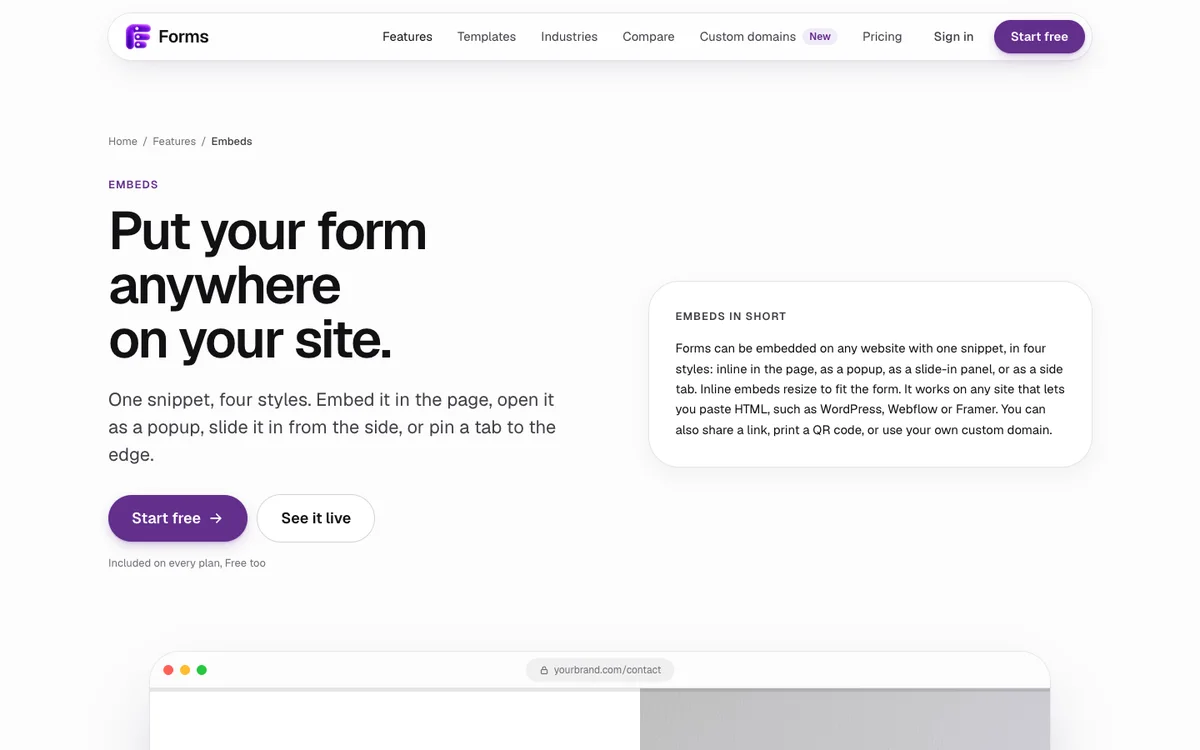
How can I track where form responses come from?
Use the page's link. The Forms embed script passes the page's query string to the form, so a visitor who lands on yoursite.com/contact?utm_source=newsletter carries utm_source=newsletter into the form. Add a hidden field with the same name and every response records its source, without asking anyone. The conditional logic rules can branch on hidden fields too.
Why isn't my embedded form showing?
- You're looking at the editor, not the live page. Publish and check the real URL.
- The script was stripped. On WordPress, your role may lack
unfiltered_html; on WordPress.com, your plan may not allow scripts. Try the iFrame version, or ask an admin. - Only half the snippet was pasted. You need both the
divand thescriptline. - The form isn't published. Embeds show the live form, so publish it in Forms first.
- A fixed-height iFrame cuts it off. Raise the height, or switch to the script snippet, which resizes on its own.
Building on Framer instead? See how to add a form to Framer. And for what the form should ask, see my form design best practices.
Last updated: 2 October 2026. Build your first form free, no card needed, or talk to me about your project.
FAQ
Frequently asked questions
Copy the form tool's embed snippet and paste it into your site's HTML or embed block: a Code Embed element in Webflow, a Custom HTML block in WordPress, or a Custom Liquid section in Shopify. Then publish and check the live page.
Want it done for you? I offer website design on a fixed price, from $700. See pricing.