Why I Built Forms: Typeform-Style Forms Without Paying Per Response
One question at a time is the best way to ask. It should not cost more every time a form works. What Forms does, what it costs, and what it does not do yet.

Shaheer Malik
Framer Designer & Developer
Quick answer
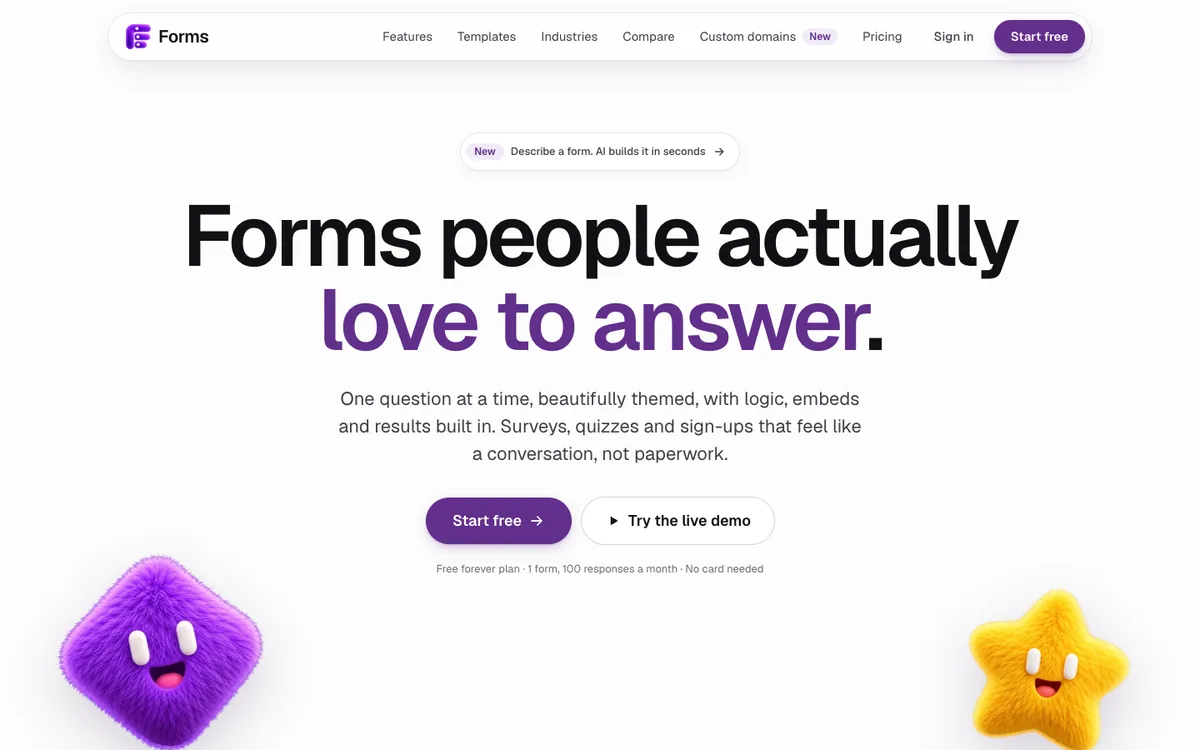
Forms is a one-question-at-a-time form builder with 25 question types, logic, Stripe payments and Google Sheets. It is free for one form and 100 responses a month. Pro costs $19 a month, or $144 a year, for unlimited forms and responses under a fair use policy, an AI form builder and a custom domain.
I built Forms because the best way to ask questions, one at a time, shouldn't get more expensive every time a form works. Forms gives you that Typeform-style flow with 25 question types, logic, payments and Google Sheets, free for one form. Pro is $19 a month for unlimited forms and responses, an AI form builder and your own domain.
Disclosure: this is my product, so read it as the maker's case. Competitor prices come from their own pricing pages on 1 October 2026.
What is Forms?
Forms is a form builder for forms, surveys and quizzes that show one question at a time. You build on a canvas, pick a theme, add logic, then share a link, a QR code or an embed. Answers and charts arrive live as people respond.
The builder, the form your respondents see and your results all run on one engine. What you design is exactly what people get, on a phone or a desktop, with a mouse or only a keyboard.
Why build another form builder?
Because pricing forms by the response punishes the forms that work. On Typeform, 100 responses a month costs $39 and 1,000 costs $79, billed monthly. A form that gets shared moves you up a plan, even though nothing about the form changed.
I run a design and development studio, so forms are part of almost every site I ship: contact forms, project briefs, onboarding, feedback. I wanted the one-question format without a meter attached to it. Forms has one free plan and one paid plan, and Pro's price does not change with your response count.
Why one question at a time?
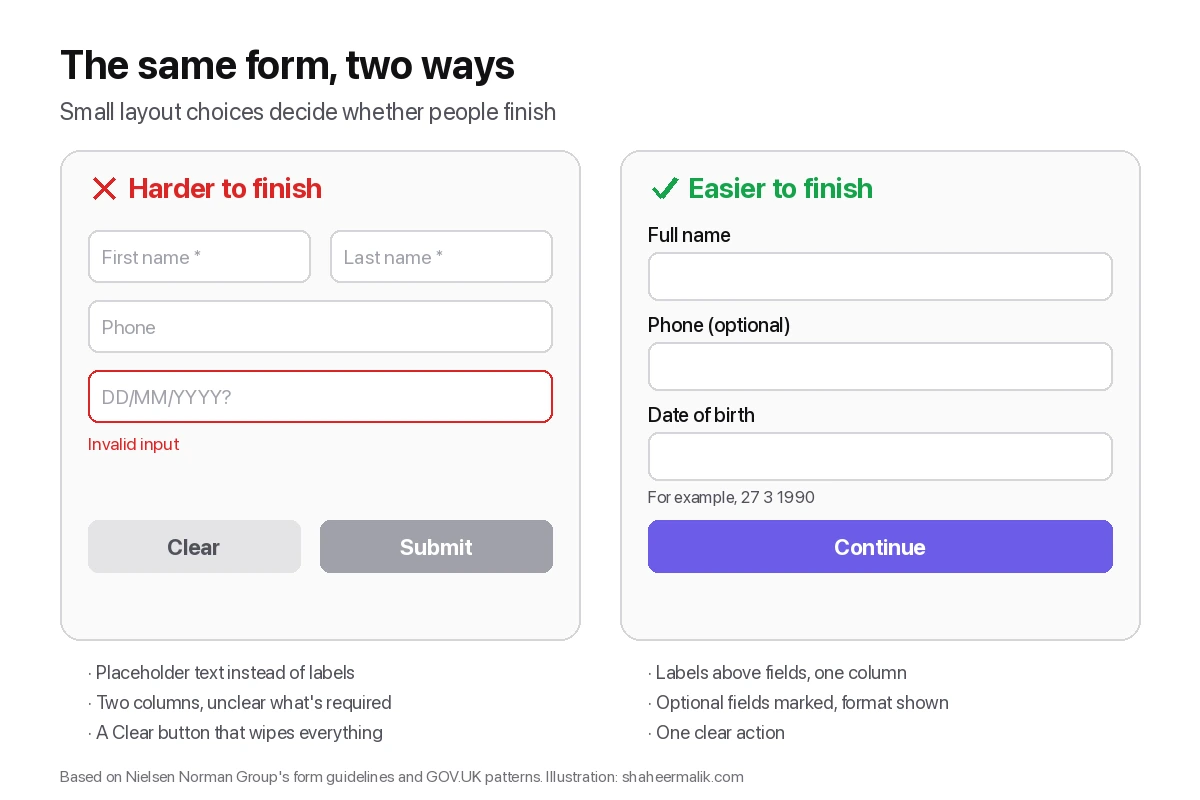
Because one question per screen asks less of people. The GOV.UK Design System recommends one question per page by default, because it helps people understand what you are asking and focus on the answer. It also means a screen reader reads the question once, as the page heading.
It is not right for everything. Nielsen Norman Group notes that step-by-step flows suit new users and infrequent tasks, and frustrate experts doing something repeatedly. A customer survey or a booking request is the first kind. An internal data-entry screen is the second. My guide to one-question-at-a-time forms goes into when each format wins.
What does Forms do?
Everything a form needs to be finished and useful.
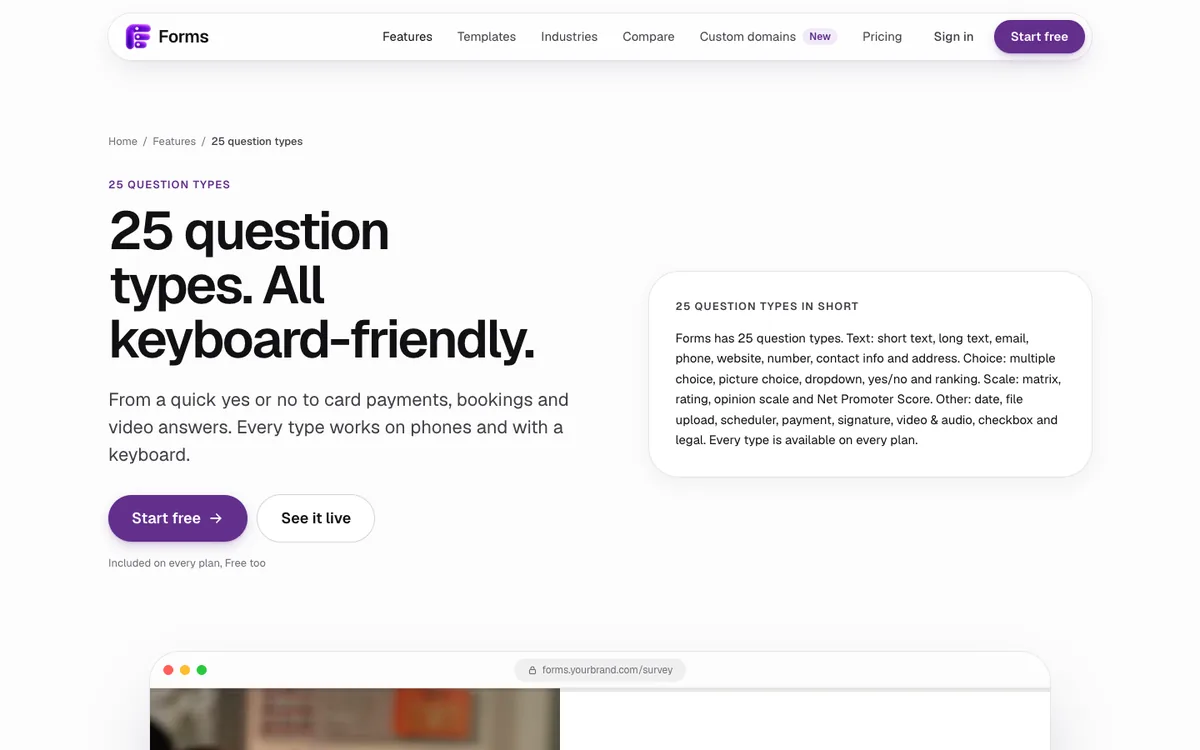
- 25 question types, including payments, a booking scheduler, signatures, file uploads up to 100 MB, and video or audio answers. See all 25.
- Payments on every plan, through your own Stripe account, with no Forms transaction fee.
- Google Sheets on every plan: each response is added as a new row within seconds.
- Logic that jumps, skips or hides screens based on answers, hidden fields or device, plus quiz scoring and recall of earlier answers with @.
- 48 templates and 12 themes, with contrast checks so text stays readable.
- Embeds inline, as a popup, a slide-in panel or a side tab, plus links and QR codes.
- On Pro: an AI form builder (100 builds and 500 edits a month), your own custom domain with HTTPS, and signed webhooks for Zapier, Make and n8n.
- Private by default: no IP addresses stored and no tracking cookies on public forms.
Can Forms take payments and bookings?
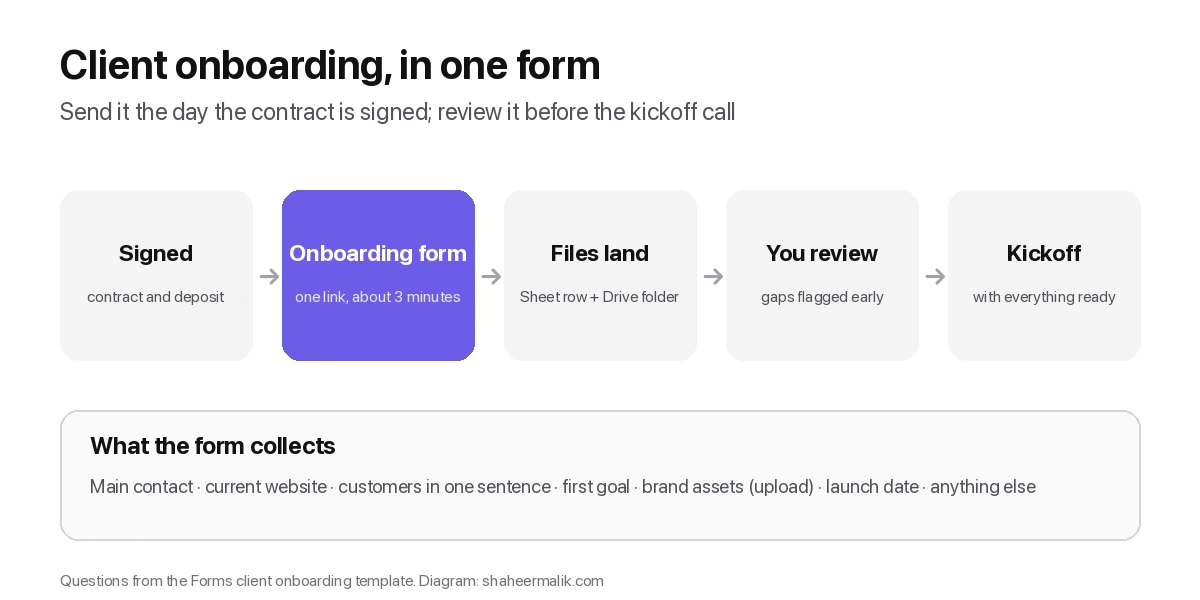
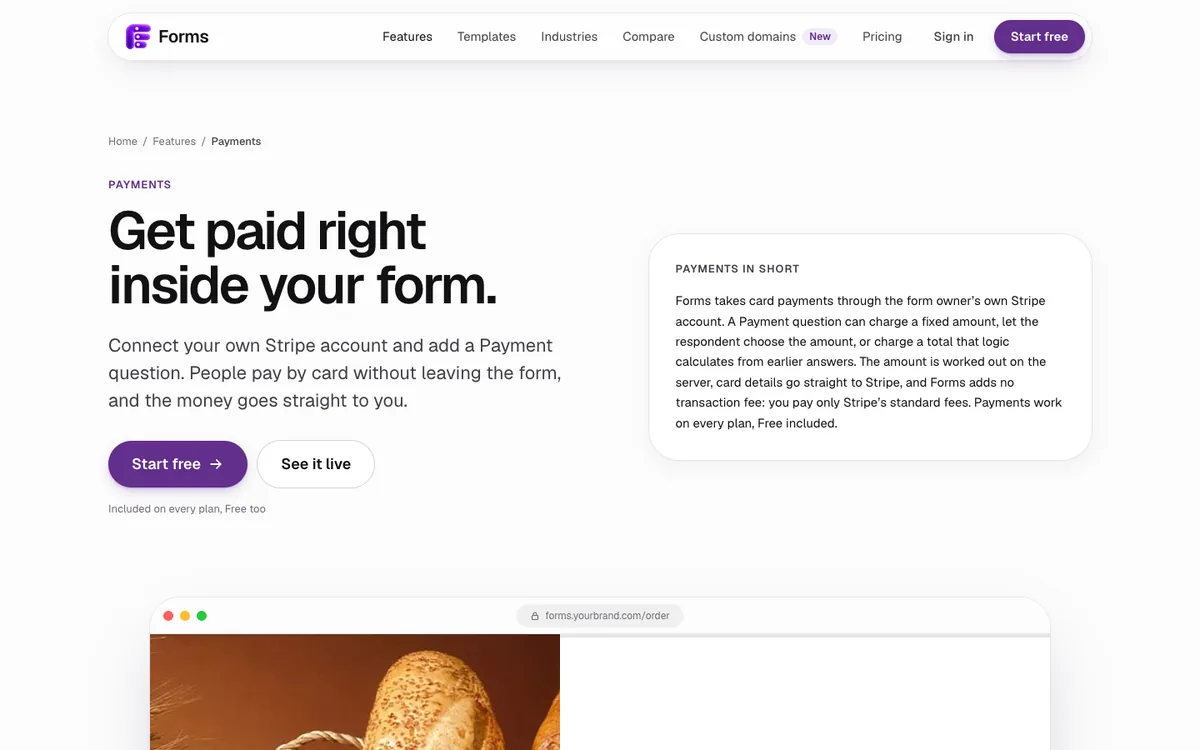
Yes, on every plan, including Free. A Payment question charges cards through your own Stripe account. It can charge a fixed amount, let people choose an amount, or charge a total that your logic adds up from earlier answers. Forms adds no transaction fee, so you pay only Stripe's standard fees.
The Scheduler question books real time slots, so an order form, a deposit and an appointment can live in one flow.
What does the AI form builder do?
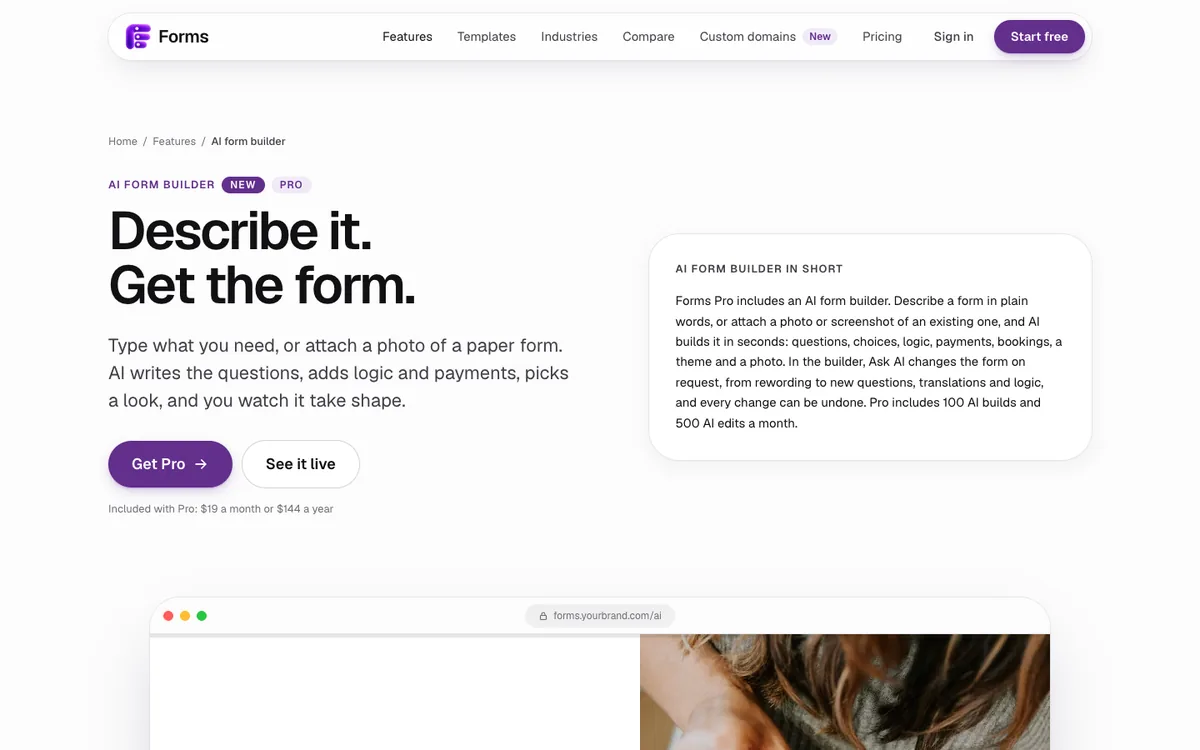
On Pro, you describe a form in plain words, or attach a photo of a paper form, and AI builds it in seconds: questions, choices, logic, payments, a theme and a photo. In the builder, Ask AI rewords questions, adds new ones, translates the form or changes its logic, and every change can be undone. Pro includes 100 AI builds and 500 AI edits a month.
How much does Forms cost?
Forms has two plans, both in US dollars, with checkout by Polar.
| Plan | Price | What you get |
|---|---|---|
| Free | $0, forever | 1 active form and 100 responses a month, all 25 question types, logic, themes, embeds, payments, Google Sheets, email alerts, and CSV and JSON export. No card needed. |
| Pro | $19 a month, or $144 billed yearly | Unlimited forms and responses under the fair use policy, the AI form builder, your own custom domain with HTTPS, webhooks for Zapier, Make and n8n, and priority support. |
When a free form reaches 100 responses in a month, it stops taking new ones until the next month and you get an email. Nothing is deleted, and upgrading reopens it straight away.
What does "unlimited" mean?
It means I don't count or charge per form or per response for normal business use. The fair use policy sets safety ceilings far above normal use, to stop abuse, and I raise them on request.
How does Forms treat your respondents' data?
Forms stores your respondents' answers for you and nothing more. It keeps no IP addresses and sets no tracking cookies on public forms, and its bot protection stays invisible for real people. You can export or delete any response whenever you like. Google Sheets access uses Google's drive.file permission, so Forms can only see the sheets it creates.
What doesn't Forms do yet?
It's new, so here is what to know before you switch.
- It launched in October 2026, so it has no long track record or review history yet.
- Beyond Stripe, Google Sheets and email alerts, it connects to other apps through webhooks rather than a catalogue of native integrations.
- The free plan allows one active form at a time.
If those matter to you, my comparison of Typeform alternatives covers tools that may fit better.
Who is Forms for?
Forms is for anyone who wants forms people enjoy answering without a bill that grows with every response. That includes founders running customer surveys, agencies sending client intake forms, studios taking deposits, coaches booking sessions and small teams collecting sign-ups. If you build websites, it embeds anywhere, and I wrote a step-by-step guide for Framer.
Last updated: 1 October 2026. Build your first form free, no card needed, or talk to me about your project.
FAQ
Frequently asked questions
Yes. The Free plan gives you one active form and 100 responses a month, with all 25 question types, logic, themes, embeds, payments and Google Sheets. No card is needed.
Want it done for you? I offer website design on a fixed price, from $700. See pricing.