Free Job Application Form Template (What to Ask and What Not To)
Seven questions, a CV upload and consent done properly: a free job application template, plus what never to ask and why shorter applications get more candidates.

Shaheer Malik
Framer Designer & Developer
Quick answer
A job application form should ask for contact details, a CV or portfolio, the experience the role needs, whether the candidate can work the hours and place, and consent to keep their data. Never ask about age, race, religion, disability, marital status or a photo.
A good job application form asks for what you need to decide who to interview, and nothing else: contact details, a CV or portfolio, the experience the role really needs, whether the candidate can work the hours and place, and consent to keep their data. It should take about five minutes. It should never ask about age, race, religion, disability, marital status or a photo. The free Forms template below covers all of it in seven questions.
I make Forms, the builder behind the template. The legal points come from the US Equal Employment Opportunity Commission (EEOC) and the UK's data regulator, the ICO, both read on 4 October 2026. This is practical guidance, not legal advice; employment law varies by country and state.
What should a job application form ask?
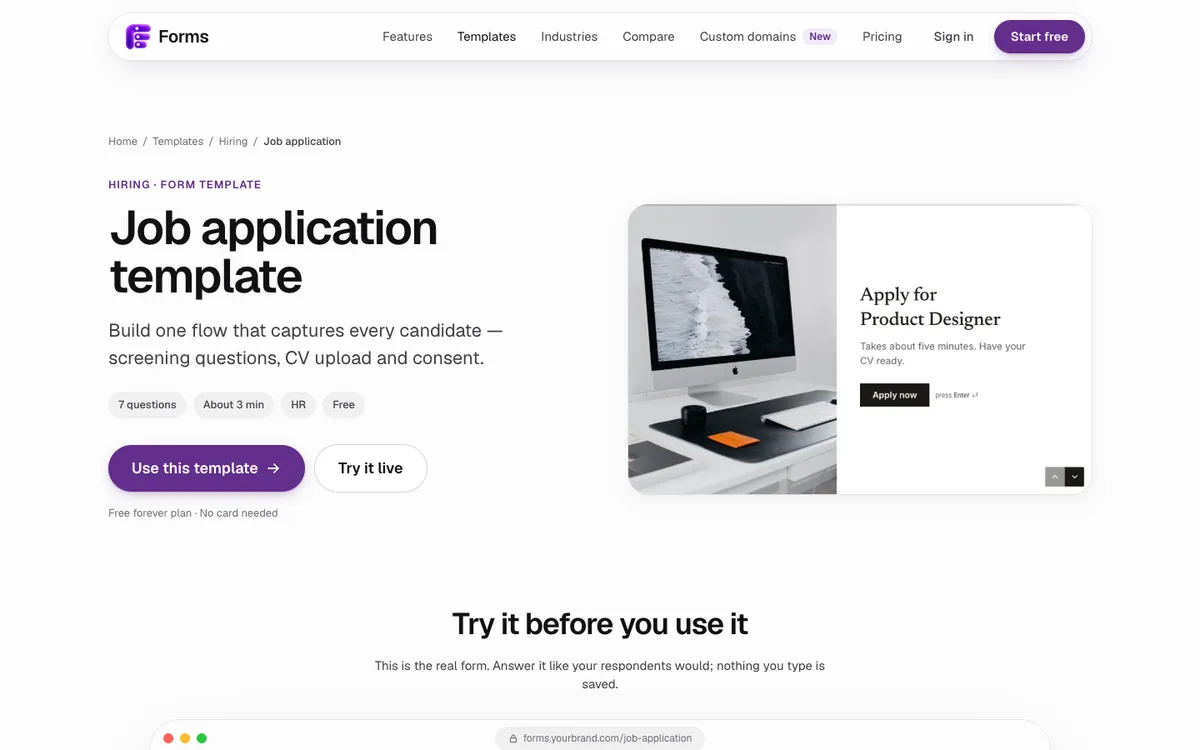
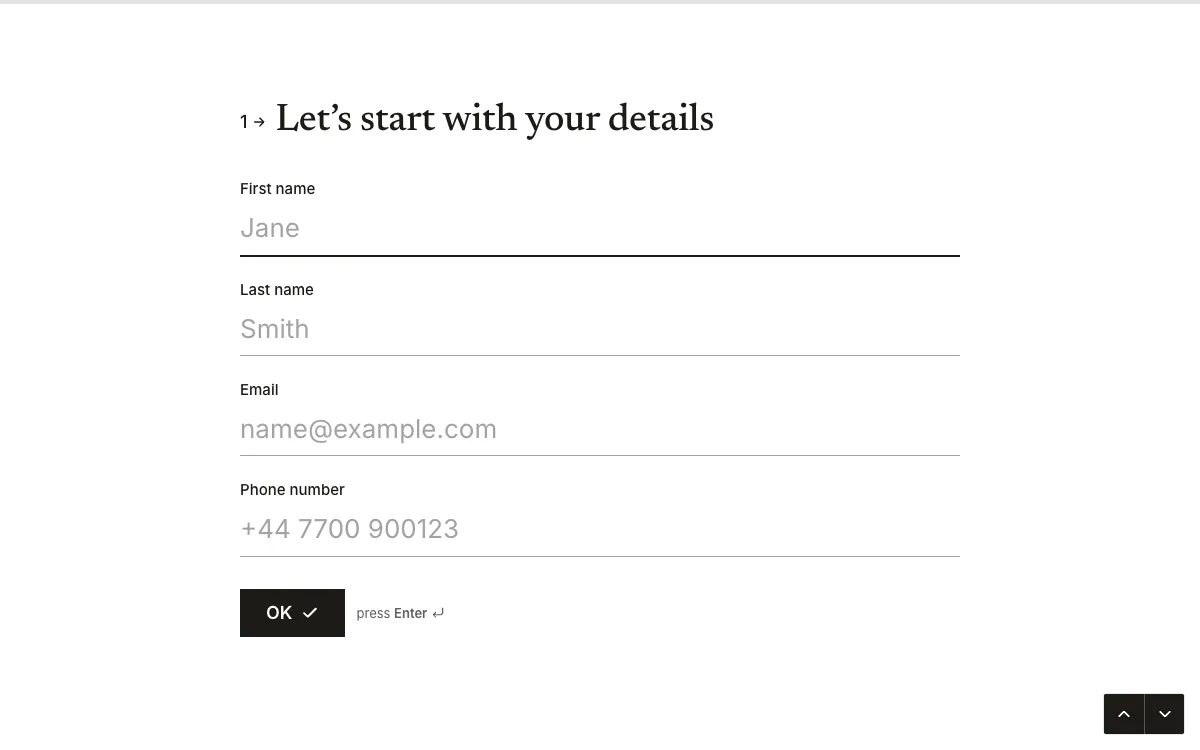
Only what helps you choose who to interview. These are the questions in the job application template, and why each one is there:
| # | Question | Type | Why it's there |
|---|---|---|---|
| 1 | Your details: first name, last name, email, phone | Contact | To reply, and to invite them to interview |
| 2 | Link to your portfolio | URL | For a design role, the portfolio says more than any question |
| 3 | How many years of product design experience do you have? | Multiple choice: 0–2, 3–5, 6–9, 10+ | Sorts applications by level at a glance |
| 4 | Are you able to work from our London studio two days a week? | Yes / No | A real requirement, asked upfront, saves both sides time |
| 5 | Upload your CV | File upload (PDF, up to 10 MB) | The document most hiring teams still want |
| 6 | Tell us about a project you're proud of | Long text, required | The one open question: how they think and write |
| 7 | Data consent: we keep applications for 12 months | Consent | Says how long you'll keep their data, and gets agreement |
The template is written for a product designer in London. Change the role, the experience question and the location question to fit your job, and keep the shape.
What should a job application never ask?
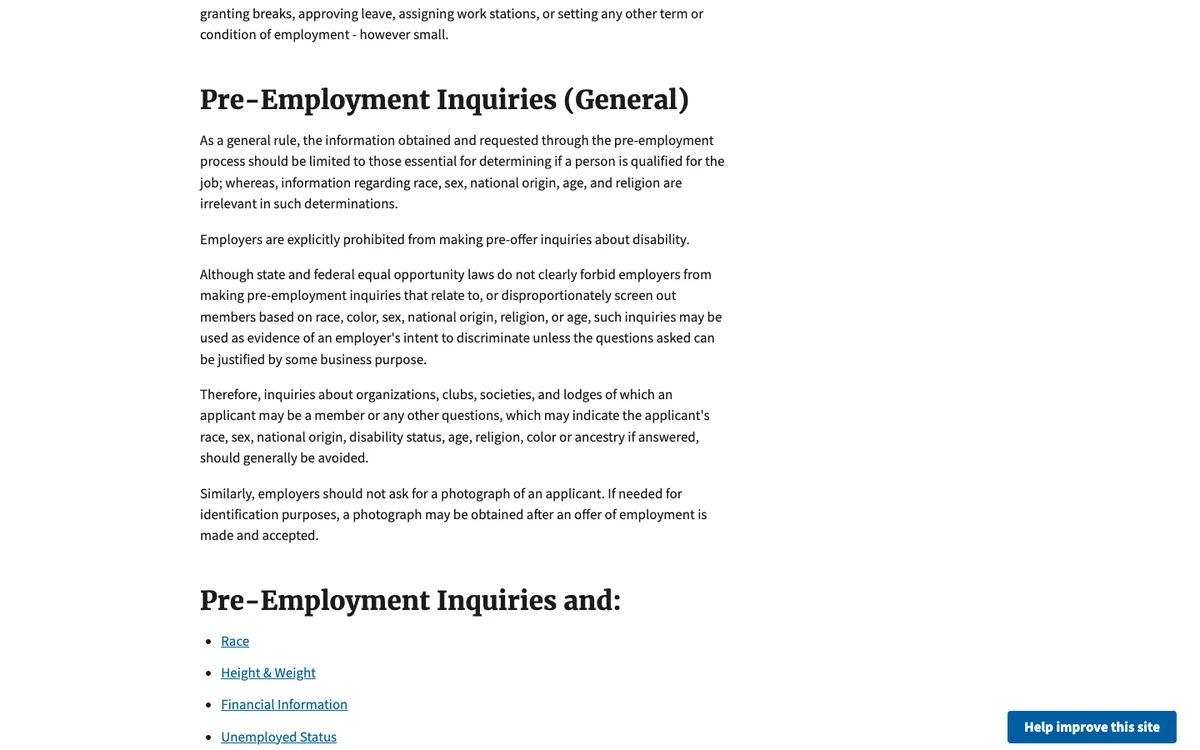
Anything about who someone is rather than whether they can do the job. The EEOC's guidance on prohibited employment policies and practices says the information you ask for before hiring should be limited to what's essential to decide whether someone is qualified. It warns against questions that reveal an applicant's race, sex, national origin, disability status, age, religion, colour or ancestry. Three specifics from the same page:
- Disability: employers are explicitly prohibited from asking about disability before making a job offer.
- Photos: don't ask for a photograph of the applicant. If you need one for identification, get it after an offer is made and accepted.
- Clubs and organisations: questions about memberships that could reveal a protected characteristic should generally be avoided.
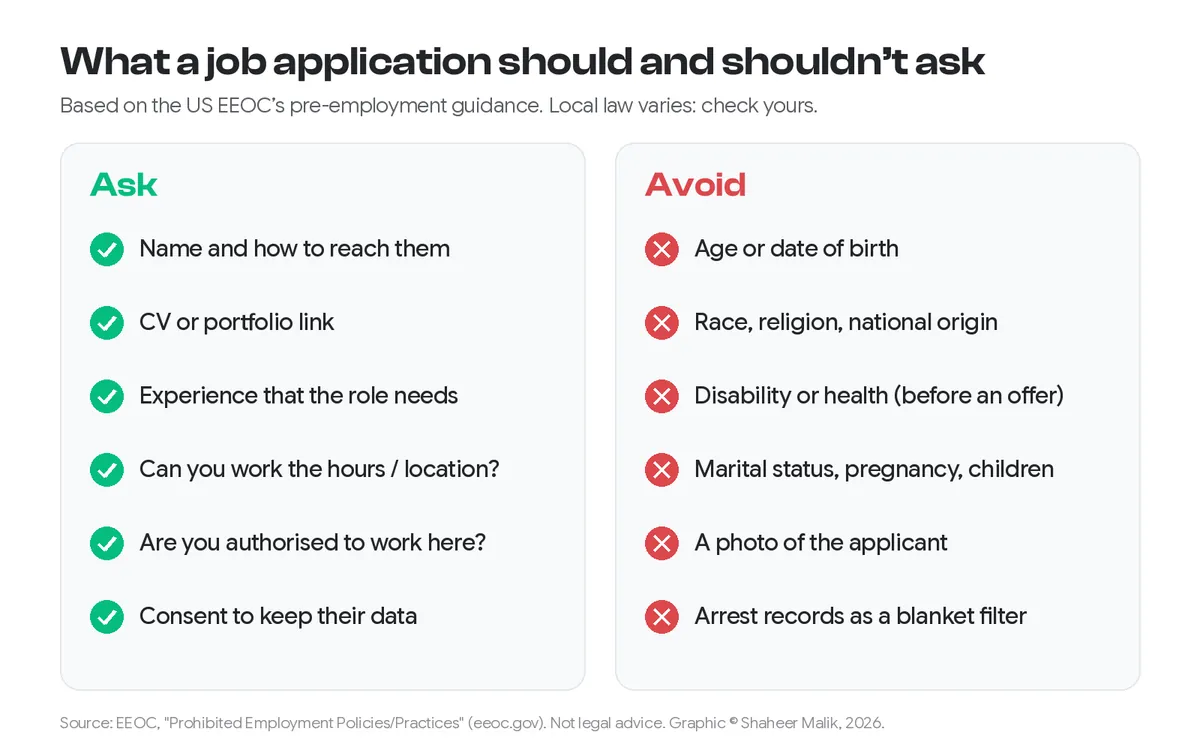
You can ask whether someone is legally allowed to work in the country, because that's a requirement of the job. Ask it the same way for every applicant.
How long should a job application be?
About five minutes, which is what the template's welcome screen promises. Long applications lose people. Indeed's employer guide on why job seekers abandon applications reports that applications with 20 screening questions lose 40% of candidates, and that the drop-off only grows from there. It also describes AT&T halving its screening questions and seeing 55% fewer candidates drop out, while getting more high-quality applicants.
So keep screening questions to the ones that would actually rule someone out. Everything else can wait for the interview.
| A short application (this template) | A long application | |
|---|---|---|
| Time to finish | About 5 minutes | 15 minutes or more |
| Screening questions | 2 (experience, location) | 10–20+ |
| Open questions | 1, required | Several "tell us about…" essays |
| Works on a phone | Yes: one question per screen | Often painful |
| Best for | Most roles; the interview does the rest | Regulated roles that legally need more upfront |
How do I handle CVs and candidate data properly?
Say how long you'll keep applications, keep them only that long, and limit who can see them. The UK ICO's guidance for employers on recruitment and selection has sections on the information candidates give you and on keeping recruitment records. The template's consent question does the telling: "We keep applications for 12 months to consider you for future roles." Change the period to match your actual practice.
In Forms, uploaded CVs stay with the response in your results. You can export everything as CSV or JSON, or send rows to Google Sheets. Forms doesn't store respondents' IP addresses and puts no tracking cookies on public forms, which is one less thing to explain in your privacy notice. When you've hired, delete the responses you no longer need.
What about engineering roles and references?
There are two related templates, built the same way:
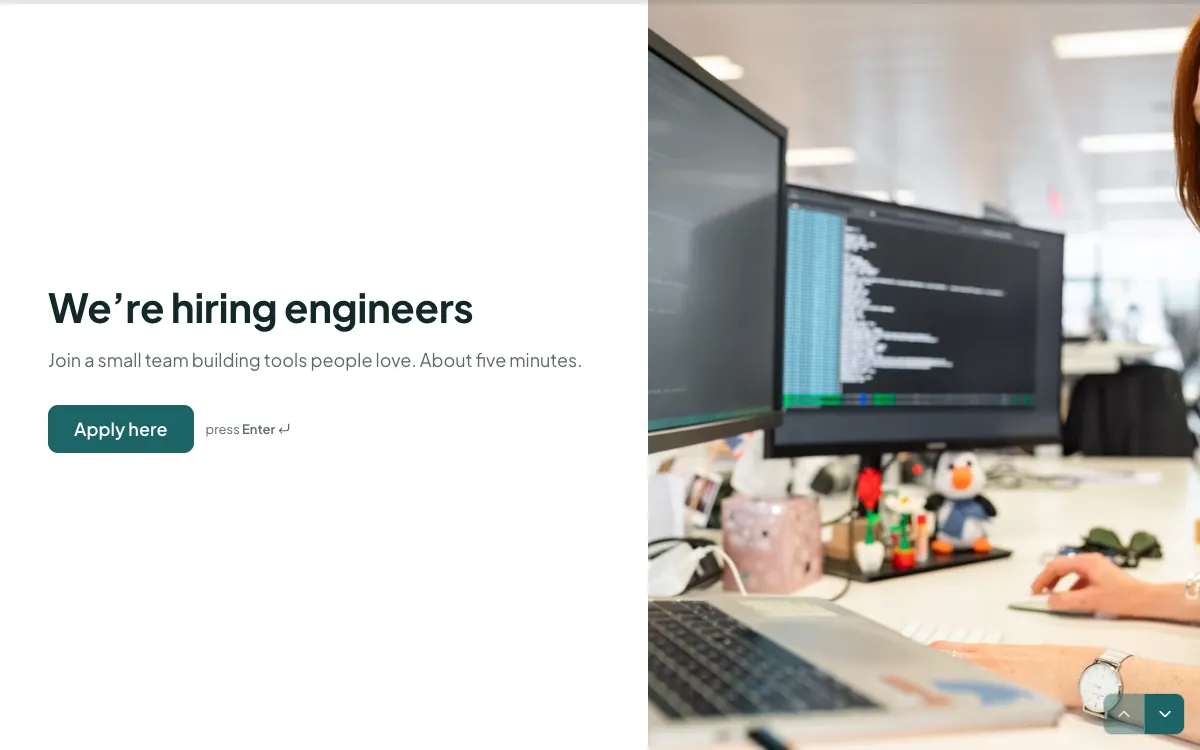
- Software engineer application: CV first, then GitHub or portfolio, strongest languages (TypeScript, Go, Python, Rust, Swift or Kotlin), and two short open questions. It uses the candidate's first name in later questions, so it reads like a conversation.
- Reference request: eight questions for a referee: how you worked together, strengths, room to grow, reliability on a scale, and "would you work with them again?". It turns reference calls into answers you can compare.
How do I set it up?
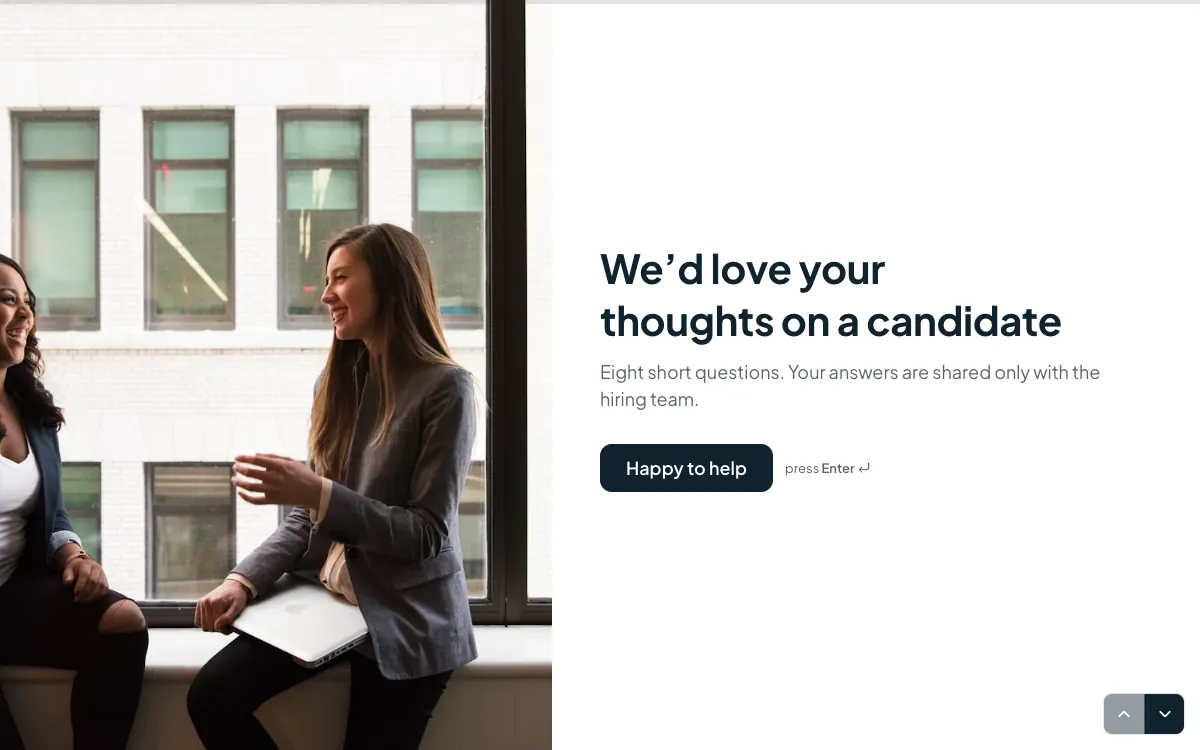
- Open the job application template and click Use this template.
- Change the welcome screen to your job title and the time it takes.
- Edit the experience and location questions to match your real requirements. Delete any you can't justify.
- Set the consent text to your actual retention period.
- Rewrite the ending. The template says "We reply to everyone within two weeks"; only promise that if you'll do it. Forms doesn't email applicants for you, so reply yourself or connect a webhook (on Pro) to your email tool through Zapier, Make or n8n.
- In Settings, turn on "Email me each new response", and set a closing date if the role has a deadline.
Put the link on your careers page or job ads, or embed it; my guide covers embedding a form in Webflow, WordPress and Shopify. For more layouts, see 24 beautiful form examples.
Last updated: 4 October 2026. Build your first form free, no card needed, or talk to me about your project.
FAQ
Frequently asked questions
Contact details, a CV or portfolio, the experience the role needs, whether the candidate can work the required hours and location, work authorisation if relevant, one open question, and consent to keep their data for a stated period.
Want it done for you? I offer website design on a fixed price, from $700. See pricing.