Free Event Registration Form Template (and What to Ask)
Who is coming, which ticket, dietary needs and consent asked properly: a free event registration template, plus capacity limits, payments and what happens after people register.

Shaheer Malik
Framer Designer & Developer
Quick answer
An event registration form needs four things: who is coming, which ticket they want, what you need to plan for such as dietary requirements, and any consent asked as its own question. Add a response limit at your venue capacity and a closing date.
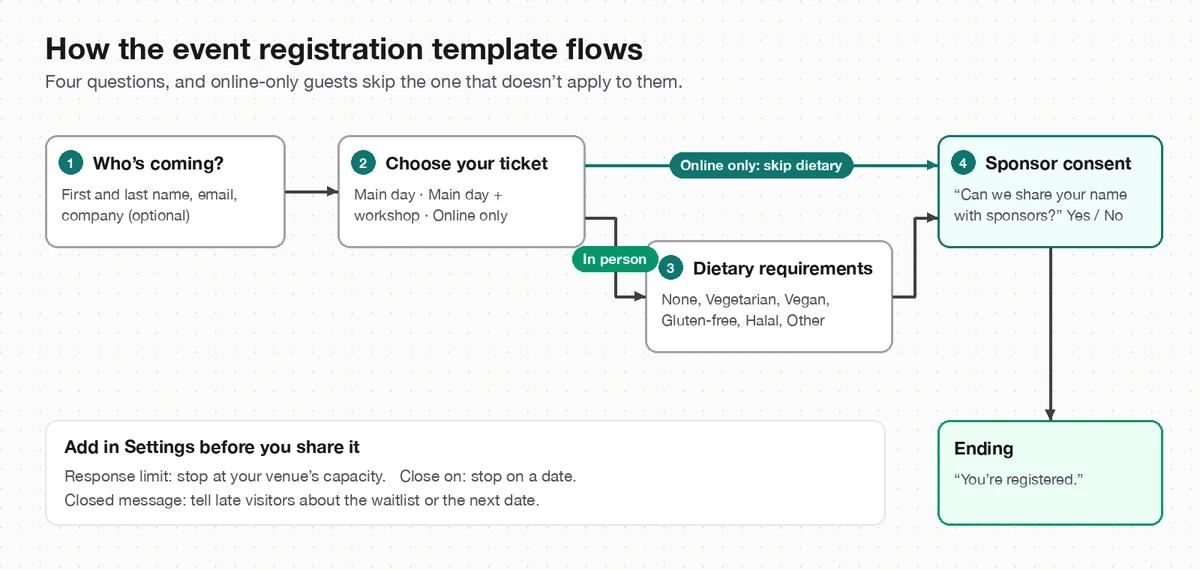
An event registration form needs four things: who's coming, which ticket they want, what you need to plan for (such as dietary requirements), and any consent you need, asked on its own. Add a response limit at your venue's capacity and a closing date, and you have registration handled. The free Forms template has those four questions ready to edit.
I make Forms, the builder behind the template. The checklist works in any form tool; the fee figures for Eventbrite are from its own pricing page, checked on 3 October 2026.
What should an event registration form ask?
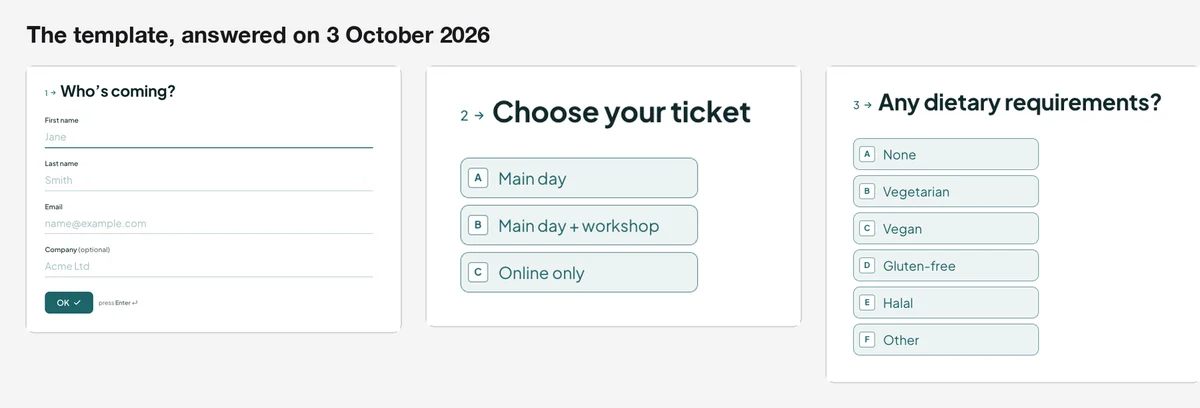
Only what you need to run the event. Every extra question costs you registrations, and attendees can tell when a form is asking for things nobody will use. These are the questions in the event registration template, plus the optional ones worth adding:
| Question | Why you need it | In the template? |
|---|---|---|
| Name, email, company (optional) | Badges, the attendee list and where to send details | Yes |
| Ticket type | Numbers for each room, session or format | Yes: Main day, Main day + workshop, Online only |
| Dietary requirements | Catering numbers, with an Other option for anything not listed | Yes, skipped for online-only tickets |
| Consent to share with sponsors | A separate yes or no, so it's real consent | Yes |
| Accessibility needs | Step-free access, seating, captions or anything else you should arrange | Add it if you're running an in-person event |
| How did you hear about us? | Which promotion worked | Optional; a hidden field in the link can record it without asking |
Why does the template skip questions for online guests?
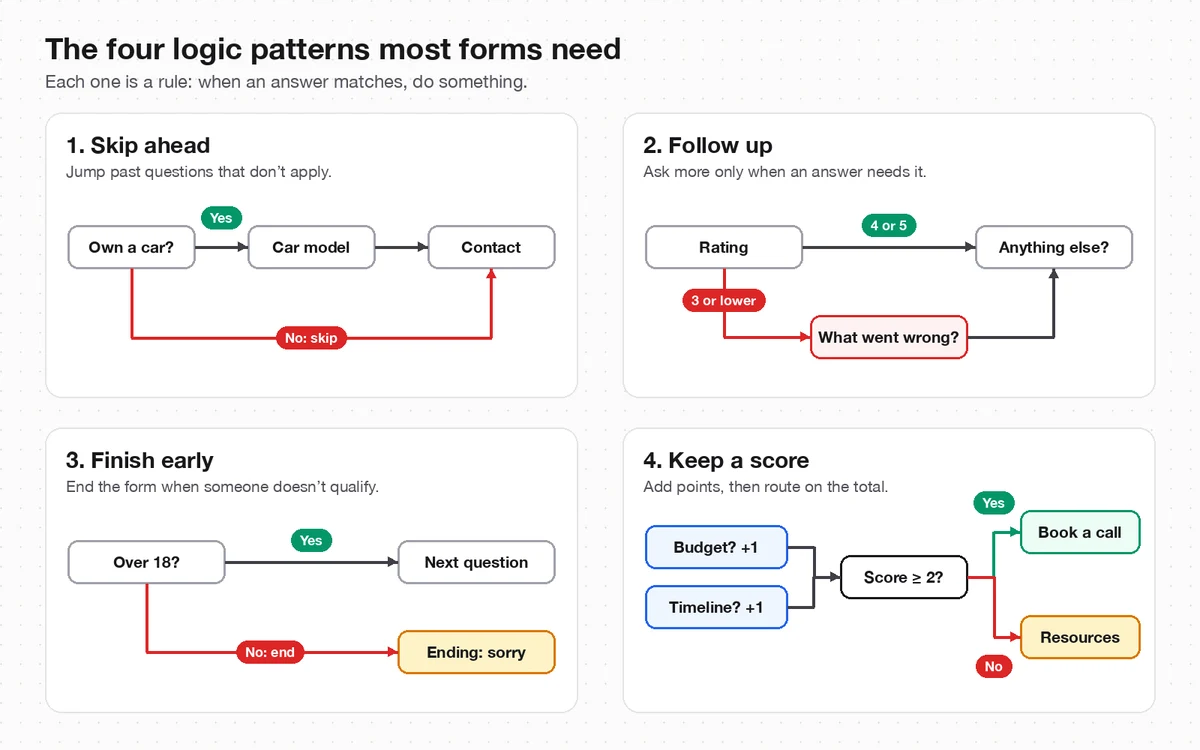
Because an online attendee doesn't need lunch. The template has one rule: if someone picks Online only, it jumps past the dietary question to the consent question. Everyone else answers it. It's the simplest kind of conditional logic, and it keeps the form short for everyone; my beginner's guide to conditional logic covers the other patterns.
Use the same idea for anything that applies to only some tickets: workshop choices only for workshop tickets, accessibility questions only for in-person ones.
How should I ask for consent to share attendee details?
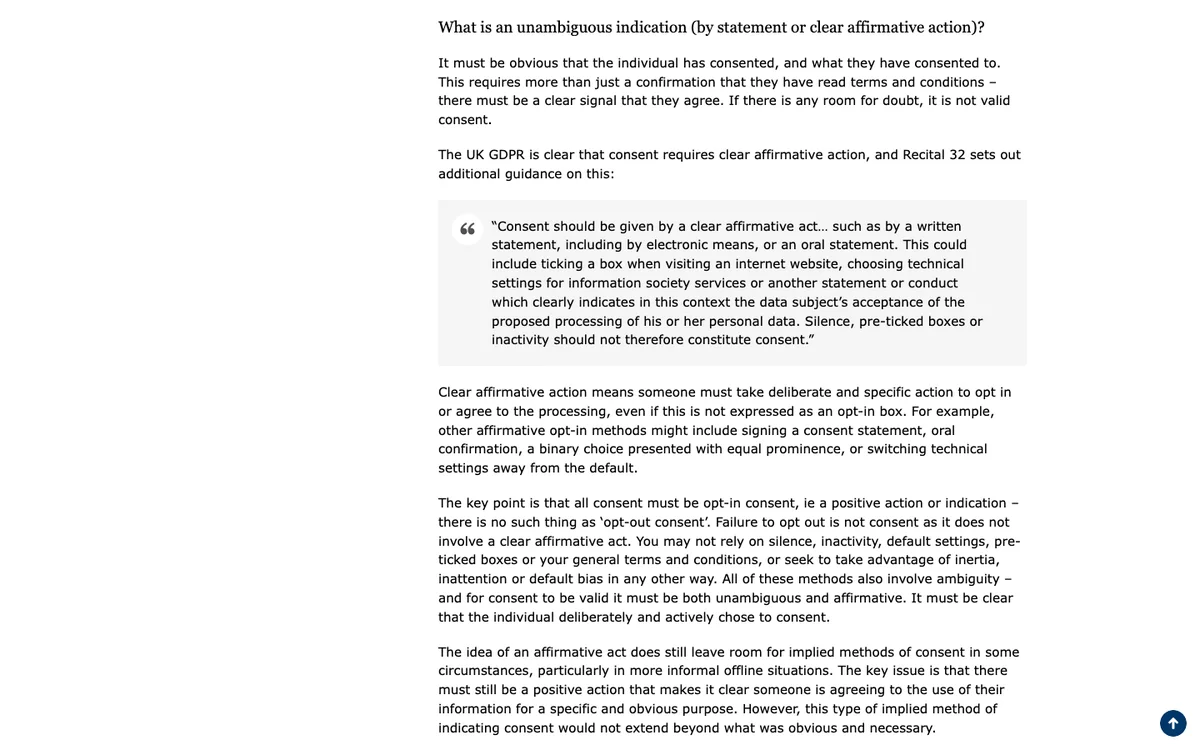
As its own question, with nothing pre-selected, and only for the purpose you name. The UK's data regulator, the ICO, puts it plainly in its guidance on what valid consent is: "Silence, pre-ticked boxes or inactivity should not therefore constitute consent." It also says consent shouldn't be bundled up as a condition of service unless it's necessary for that service.
That's why the template asks "Can we share your name with sponsors?" as a separate yes or no question, and why registering doesn't depend on the answer. If you'll also add people to a newsletter, ask about that separately too.
How do I stop registrations when the event is full?
Set a response limit and a closing date before you share the form. In Forms, both are in the form's Settings:
- Response limit: the form stops accepting registrations at that number. Set it to your venue's capacity, minus a few for speakers and staff.
- Close on: the form closes on that date, such as the day before the event.
- Closed message: what late visitors see, such as a link to a waitlist or the next date.
For events with timed sessions, such as tours or workshops at different times, a Scheduler question can handle it instead. It shows slots from your weekly hours, and group sessions can have a capacity of up to 500 people a slot.
Can people pay for tickets in the same form?
Yes. Add a Payment question after the ticket choice. It charges through your own Stripe account, and it can charge a fixed amount, let people choose an amount, or charge a total that logic works out from earlier answers, such as a higher price for Main day + workshop. Forms takes no fee on payments; Stripe's own processing fees still apply.
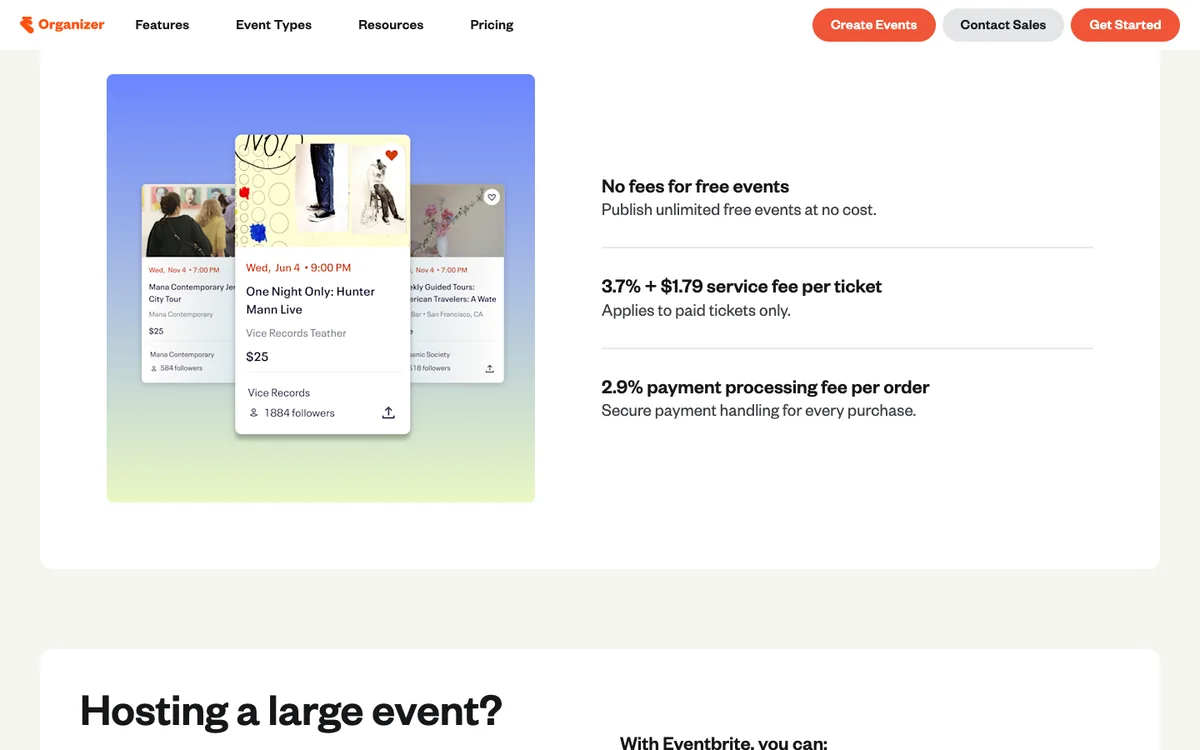
For comparison, ticketing platforms charge per ticket. On its pricing page, Eventbrite lists no fees for free events, and for paid tickets a 3.7% + $1.79 service fee per ticket plus a 2.9% payment processing fee per order. In return your event can be found on Eventbrite, which a form on your own site doesn't offer.
| A registration form (Forms) | A ticketing platform (Eventbrite) | |
|---|---|---|
| Free events | Free plan: one active form, 100 responses a month | No fees |
| Paid tickets | Stripe's fees only; no fee from Forms | 3.7% + $1.79 per ticket, plus 2.9% per order |
| Your branding | Your colours, and on Pro your own domain | The platform's event page |
| Event discovery | No: people find it through your site and links | Listed on Eventbrite |
What happens after someone registers?
You get the registration, and the attendee sees the ending screen. Everything else is up to you to set up:
- Your list: every registration lands in your results, with charts per question and CSV export. Connect Google Sheets and the attendee list builds itself, row by row.
- Your alerts: turn on "Email me each new response" in Settings to hear about each registration.
- Their confirmation: Forms doesn't email attendees for you. The template's ending says "Your ticket is on its way by email", so either send that email yourself or connect a webhook on Pro to an email tool through Zapier, Make or n8n. Otherwise, change the ending to say what happens next.
How do I set it up in five minutes?
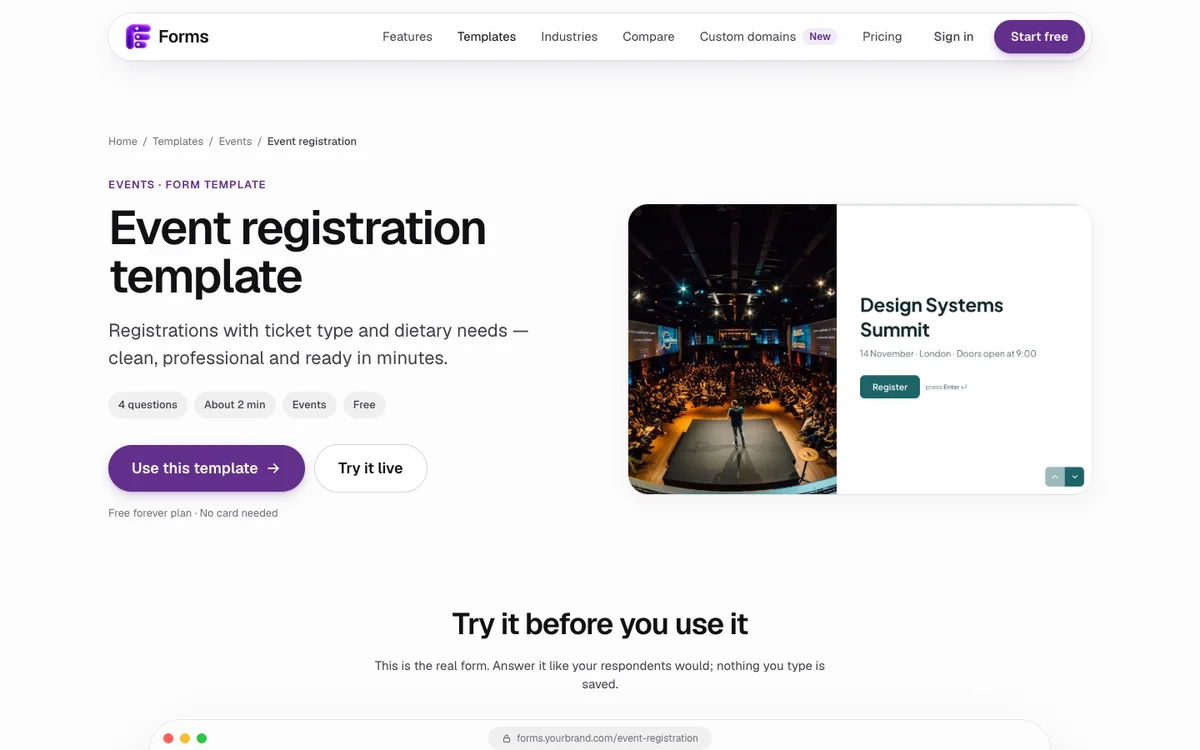
- Open the event registration template and click Use this template.
- Change the welcome screen to your event's name, date, place and time.
- Edit the ticket names to match yours, and keep the Online only rule if you have one.
- In Settings, set the response limit, closing date and closed message.
- Rewrite the ending to say exactly what happens next, then preview the form once for each ticket type.
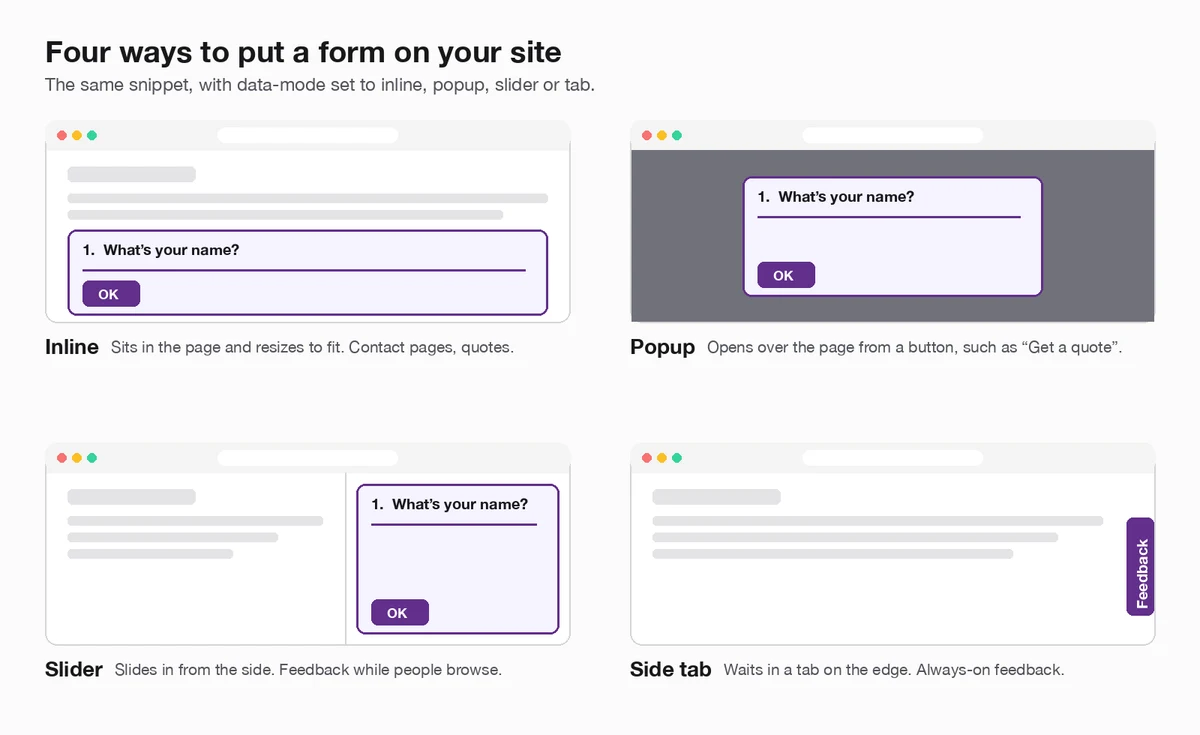
Hosting something more personal? The wedding RSVP template asks who's coming, their meal and the number of guests. For classes, the workshop sign-up template lets people pick a session and their level. To put any of them on your site, see how to embed a form.
Last updated: 3 October 2026. Build your first form free, no card needed, or talk to me about your project.
FAQ
Frequently asked questions
Name and email, the ticket type, anything you need to plan for such as dietary requirements, and any consent asked as a separate question. Add accessibility needs for in-person events.
Want it done for you? I offer website design on a fixed price, from $700. See pricing.