Homeroom - Education framer template
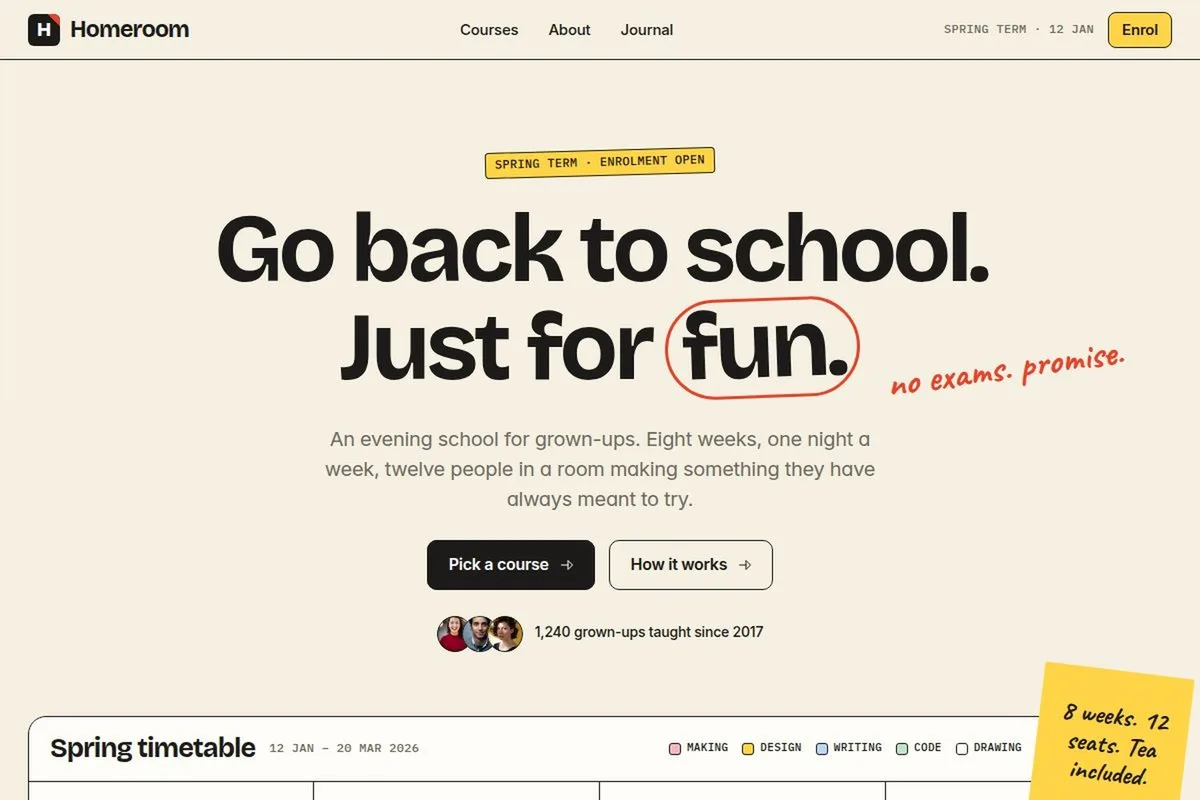
An evening school with a live timetable
Overview
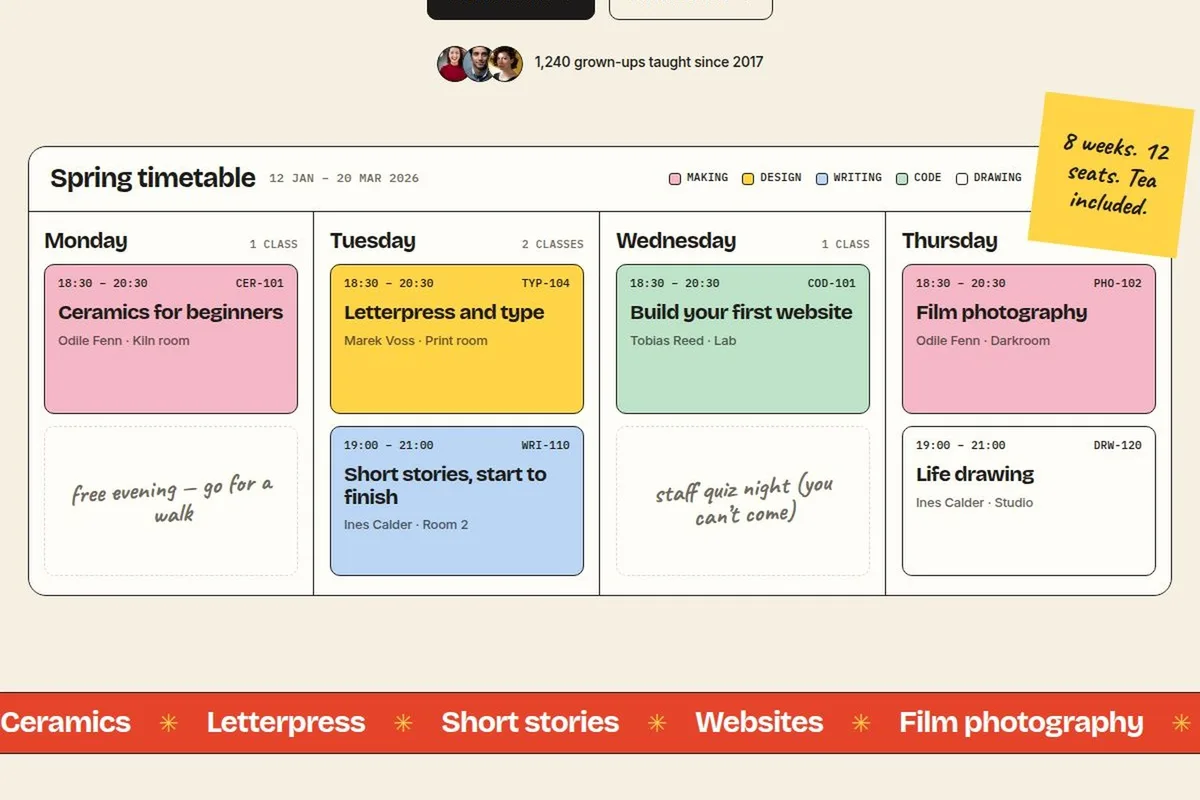
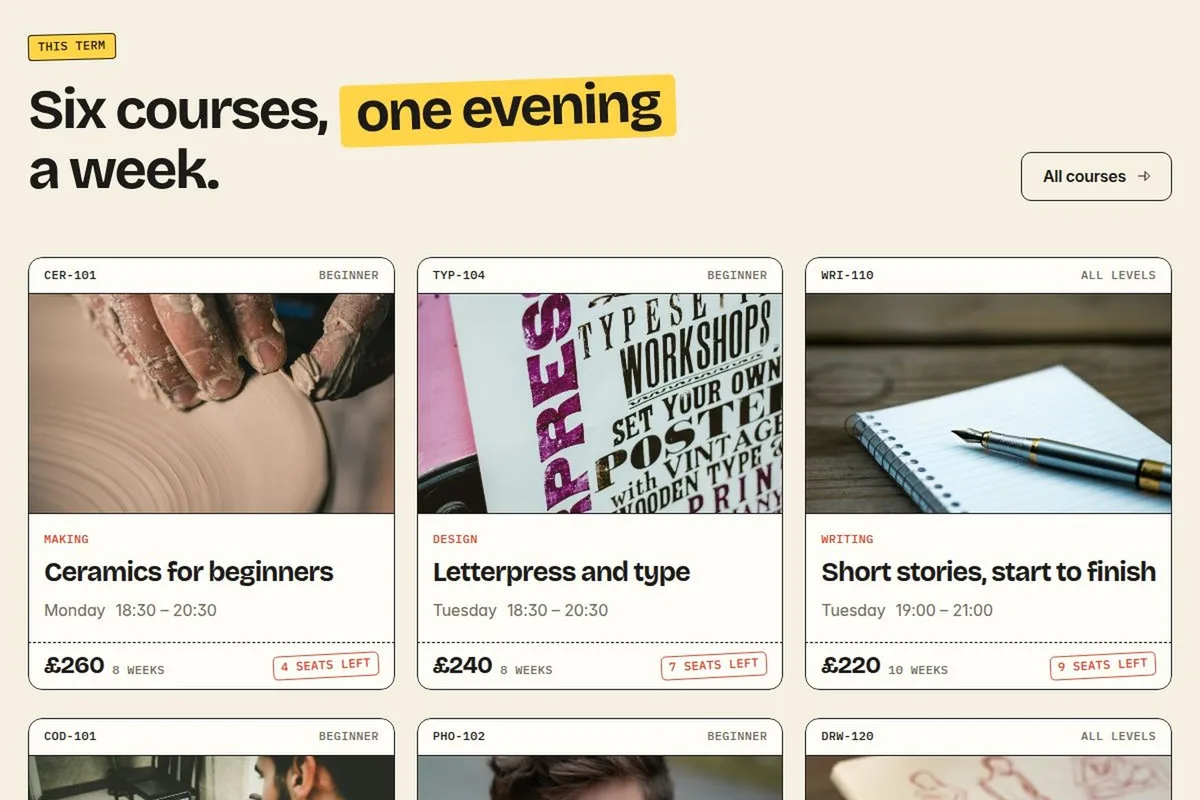
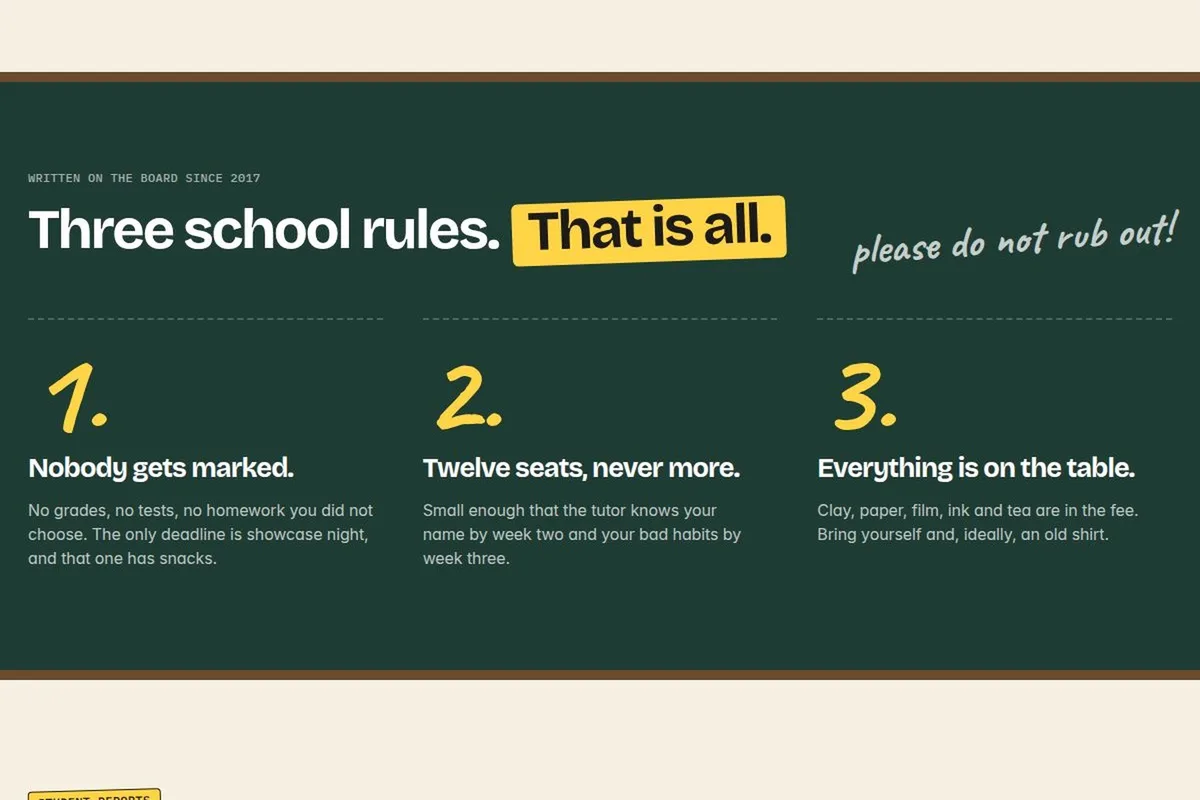
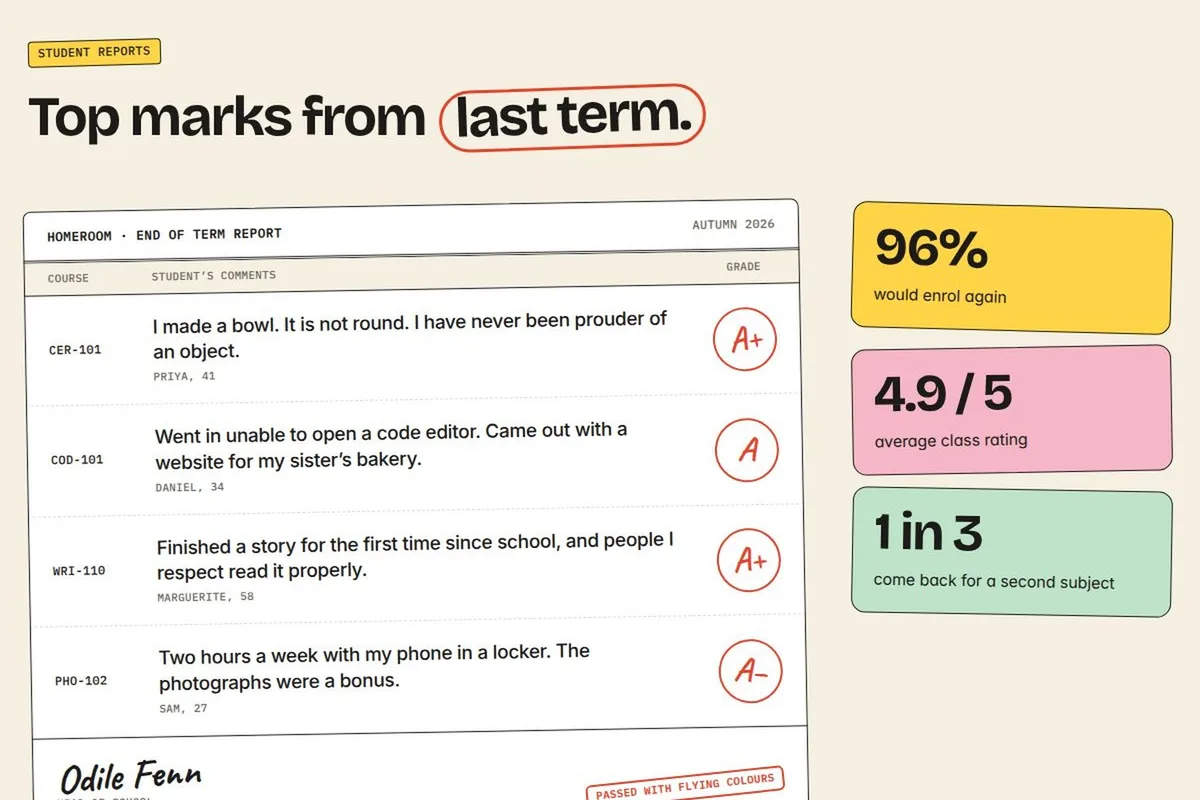
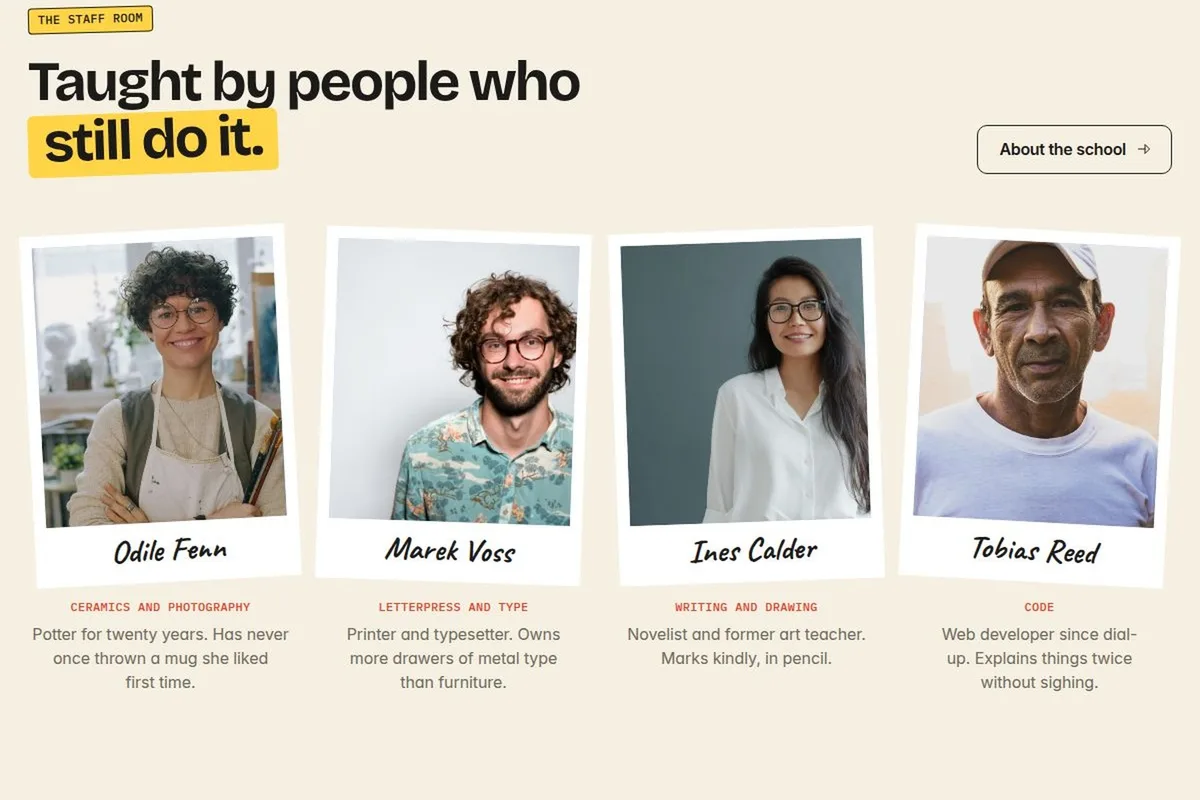
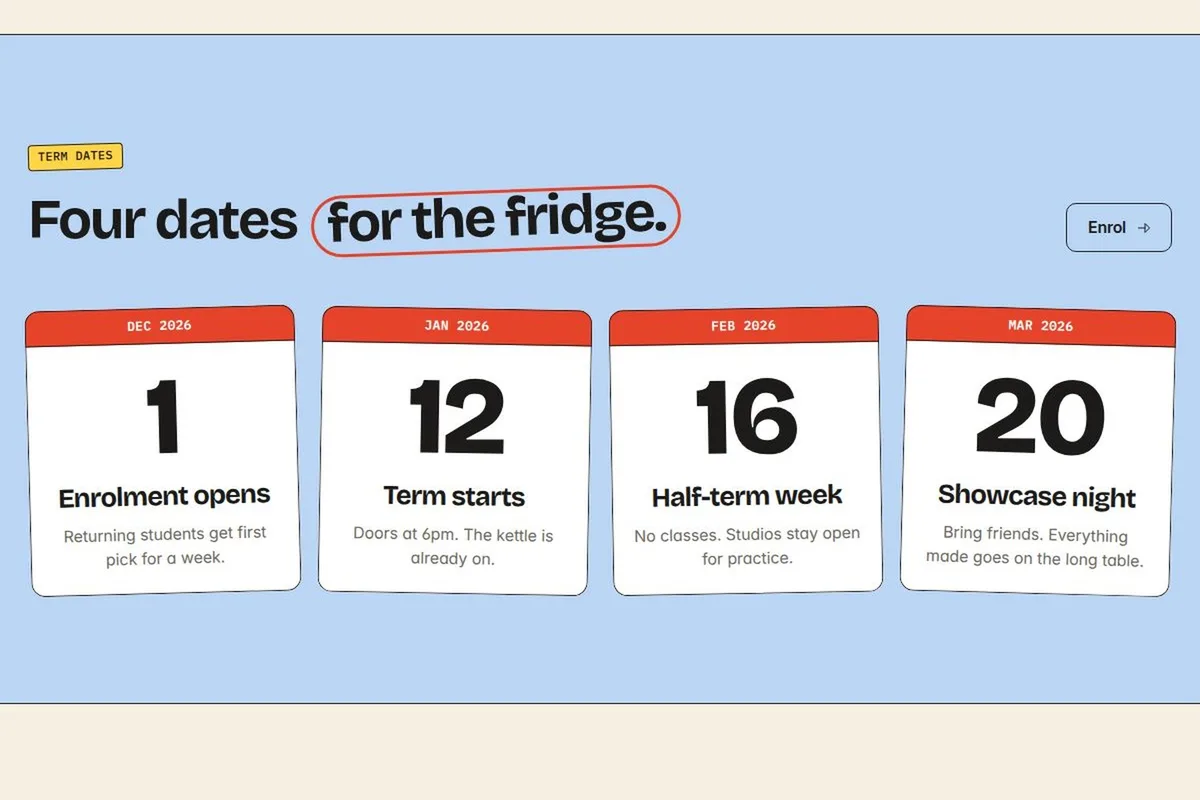
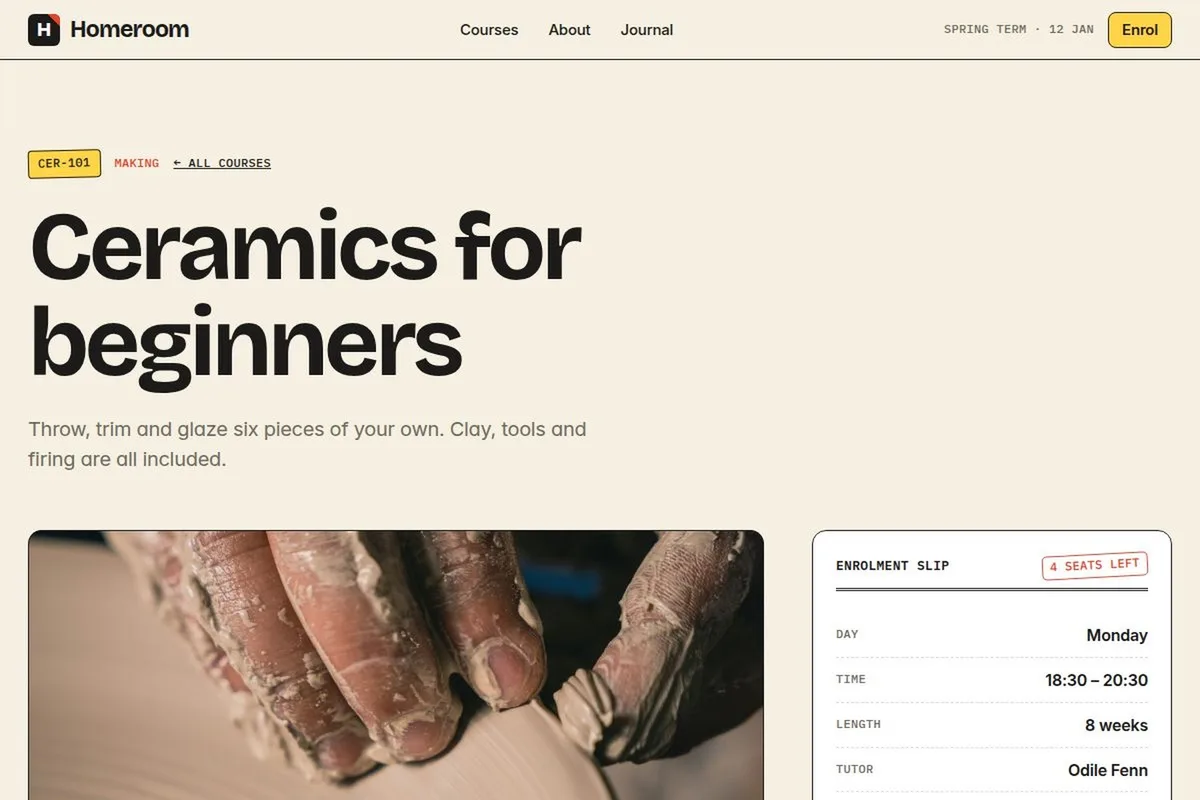
Homeroom is an education template for schools, courses and workshops, styled like school stationery. The hero is a colour-coded weekly timetable, followed by course cards, three school rules on a chalkboard, testimonials laid out as a report card, tutors as polaroids and term dates as calendar pages. It includes Courses, course detail with an enrolment slip, About, Journal, post, Enrol and 404 pages, CMS collections for courses and journal, an enrolment form, and tablet and phone layouts.
Design details
A colour-coded weekly timetable becomes the hero. Course cards lead into three school rules on a chalkboard, with testimonial layouts styled as report cards. Polaroid-style tutor portraits and calendar-page term dates extend the school-stationery idea across the home page. Courses and course-detail pages include an enrolment-slip treatment, while CMS collections support courses and journal posts. The Enrol page provides a form, not a confirmed learning-management or payment system. Demo testimonials, tutor identities and course details should be replaced with truthful, authorised content before launch.
Pages included
- Home
- Courses
- Course detail
- About
- Journal
- Journal post
- Enrol
- 404
Features
- Colour-coded weekly timetable hero
- School-stationery visual language
- Course cards and chalkboard school rules
- Report-card testimonial layouts and polaroid tutors
- CMS courses and journal, plus enrolment form
- Desktop, tablet and phone layouts
Gallery
Homeroom screenshots
Get the template
Free to remix. Check Framer's current plan requirements separately before publishing your own site.
Use Remix in Framer to open the template in Framer. You may need to sign in. Remixing creates a copy in your workspace.
Before you launch
Homeroom is a concept brand and a Framer template, not a client commission. Demo names, quotes, numbers and business claims are illustrative.
Demo photos from Unsplash; replace before launch. Review the relevant asset licences before publishing. Test links and form destinations after customising.
FAQ
Homeroom questions
Free to remix. Check Framer's current plan requirements separately before publishing your own site.
No LMS is confirmed. The template includes CMS courses and journal content, course-detail pages and an enrolment form. Course delivery, accounts and payments would need separate planning.
Use Remix in Framer to open the template in Framer. You may need to sign in. Remixing creates a copy in your workspace.
Replace the concept branding and demo business content, check all links and forms, and review asset licences. Demo photos from Unsplash; replace before launch. Review the relevant asset licences before publishing.
Yes. The source lists desktop, tablet and phone layouts. Test the layouts again after adding your own content.
Inside the build
Read the Homeroom concept case study for the brief, visual approach and key sections.
Related templates
More from the library
Remix Homeroom and make the concept your own.
Free to remix in Framer.