Best Bill-Splitting Apps for Roommates in 2026
The best apps for splitting rent, bills and shared groceries with housemates — compared on recurring expenses, uneven splits, subscriptions and settling up.

Shaheer Malik
Framer Designer & Developer
Quick answer
A shared house needs recurring rent and bills, uneven splits that persist month to month, subscription tracking and a clean monthly settle-up. EconoGlance is built for exactly that; Splitwise, Settle Up and Spendee each win a narrower case. Splitting a holiday and splitting a house are different problems, and most "best expense app" lists conflate them.
The best bill-splitting app for roommates handles the things a shared house actually needs: recurring rent and bills, uneven splits that persist, subscription tracking and clean monthly settle-up. EconoGlance leads for a shared house; Splitwise, Settle Up, Spendee and even a spreadsheet each fit a narrower case. Here's how they compare.
Disclosure: I'm the founder of EconoGlance, one of the apps below.
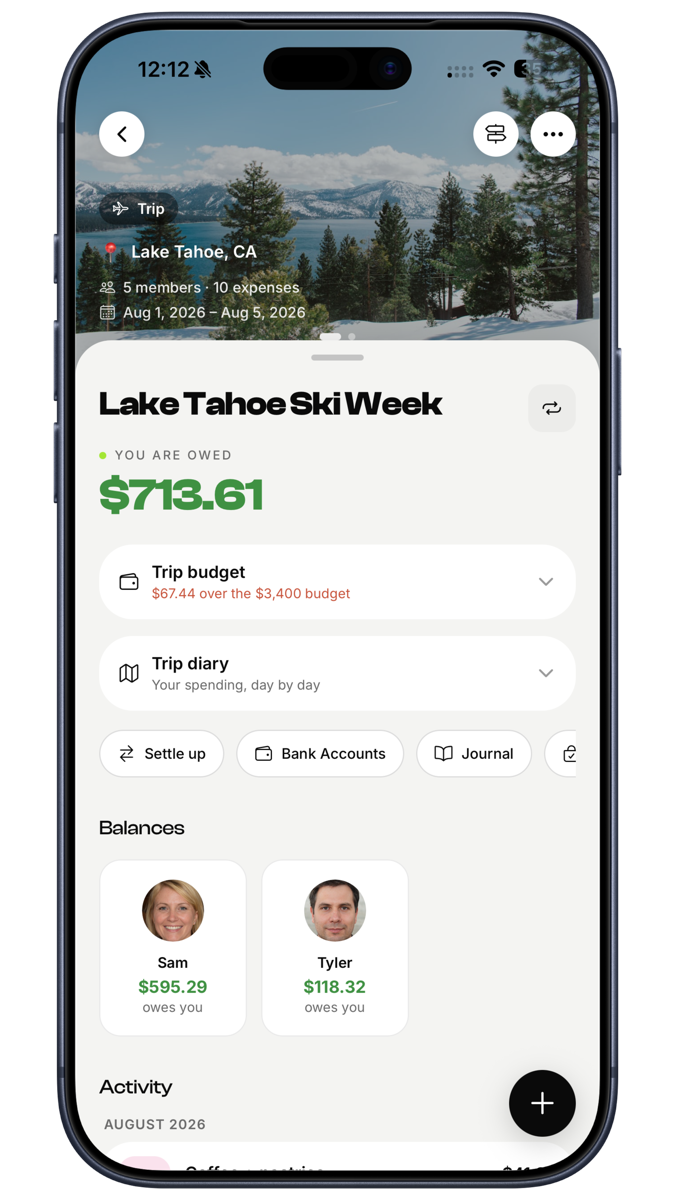
Splitting a holiday and splitting a house are different problems, and most "best expense app" lists don't distinguish between them. A holiday is dense, short and ends. A shared house is a low-level, permanent flow — rent on the 1st, utilities quarterly, a £312 Costco run on a random Tuesday, and a streaming account somebody is quietly funding alone. What you need is different.
What actually matters in a shared house
- Recurring expenses. Rent and bills repeat. If you're re-entering them every month, you'll stop by month three.
- Uneven splits that stick. If rent is split by room size or income, the app needs to remember that ratio rather than making you re-enter percentages monthly.
- Subscription tracking. Shared streaming is the most commonly forgotten shared cost in any house.
- Low-friction logging. The shared shop gets logged in the queue or not at all.
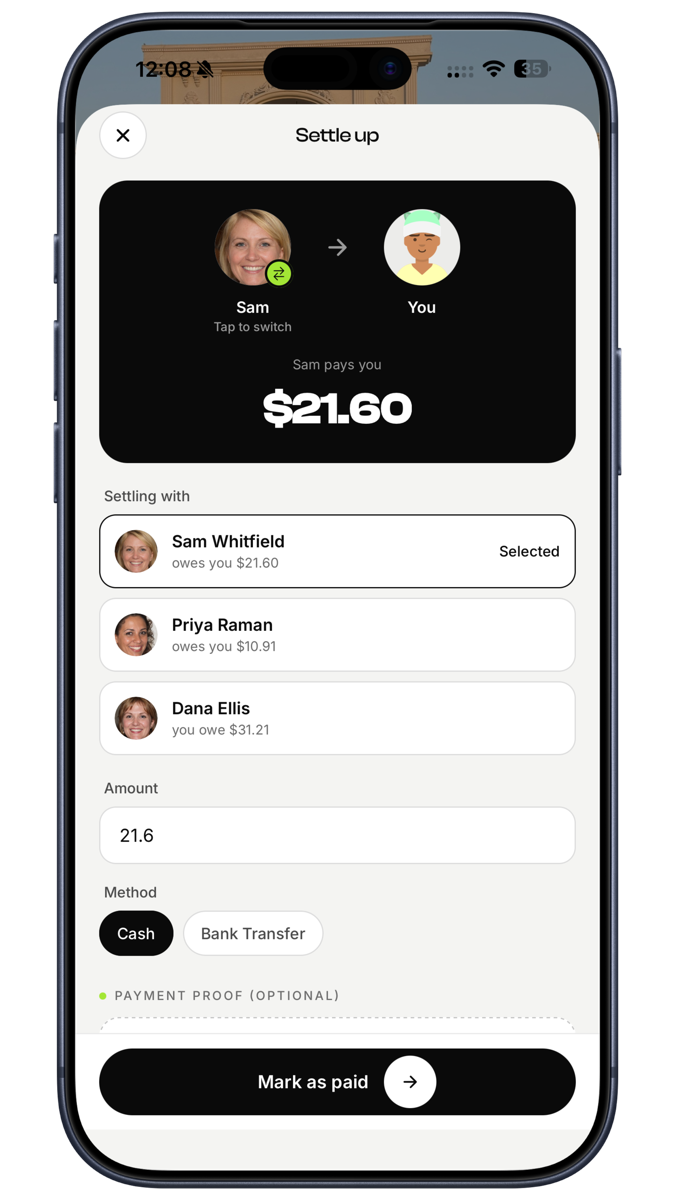
- Clean settle-up. Ideally once a month, in one transfer, without a negotiation.
- Something for your own money. Most people's spending is a mix of shared and personal. Running two apps is how people end up running none.
1. EconoGlance — best overall for shared houses
EconoGlance handles the recurring side properly: set rent once as exact amounts or percentages and it repeats monthly at the ratio you agreed, so an uneven split doesn't need re-negotiating every month.
Standouts for housemates:
- Recurring expenses with a set-and-forget cadence.
- Five splitting methods — equal, exact, percentage, shares, and itemised off the receipt for the big shop.
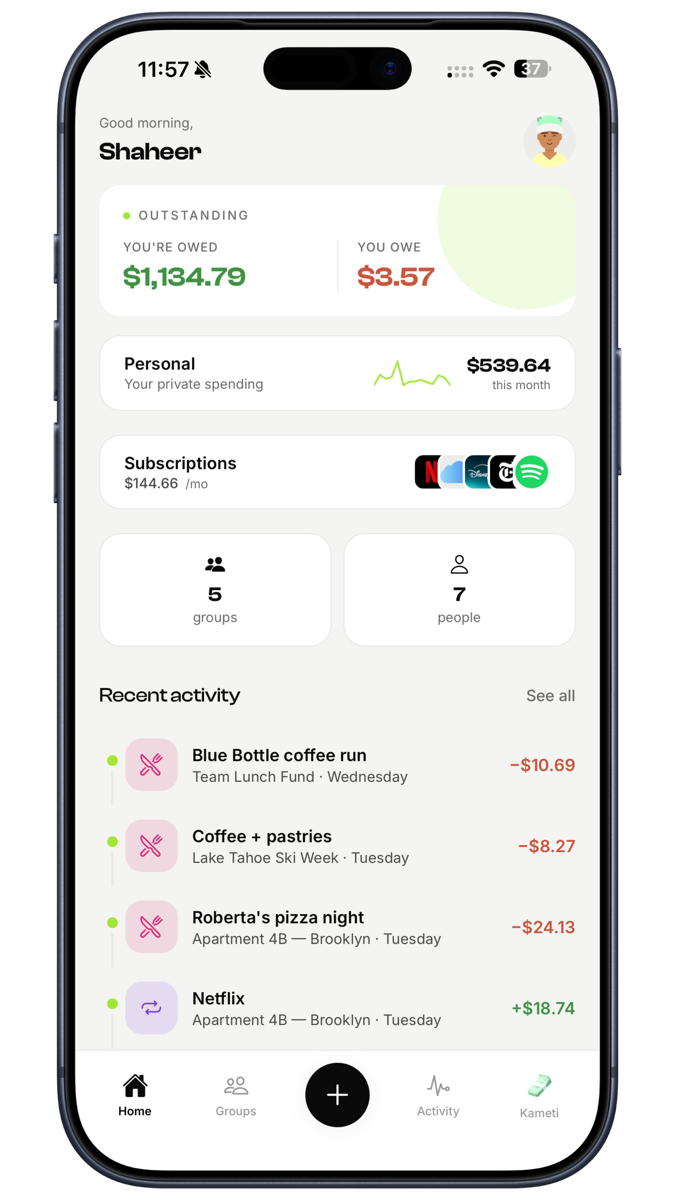
- Subscriptions hub — every shared and personal subscription in one place with renewal reminders the day before they hit.
- Receipt scanning so a Costco run takes seconds.
- Personal Space — your own spending, private, never shared with the house, lockable behind Face ID.
- Bank account details stored per person, so settling up doesn't mean digging for a sort code.
- No ads on any tier.
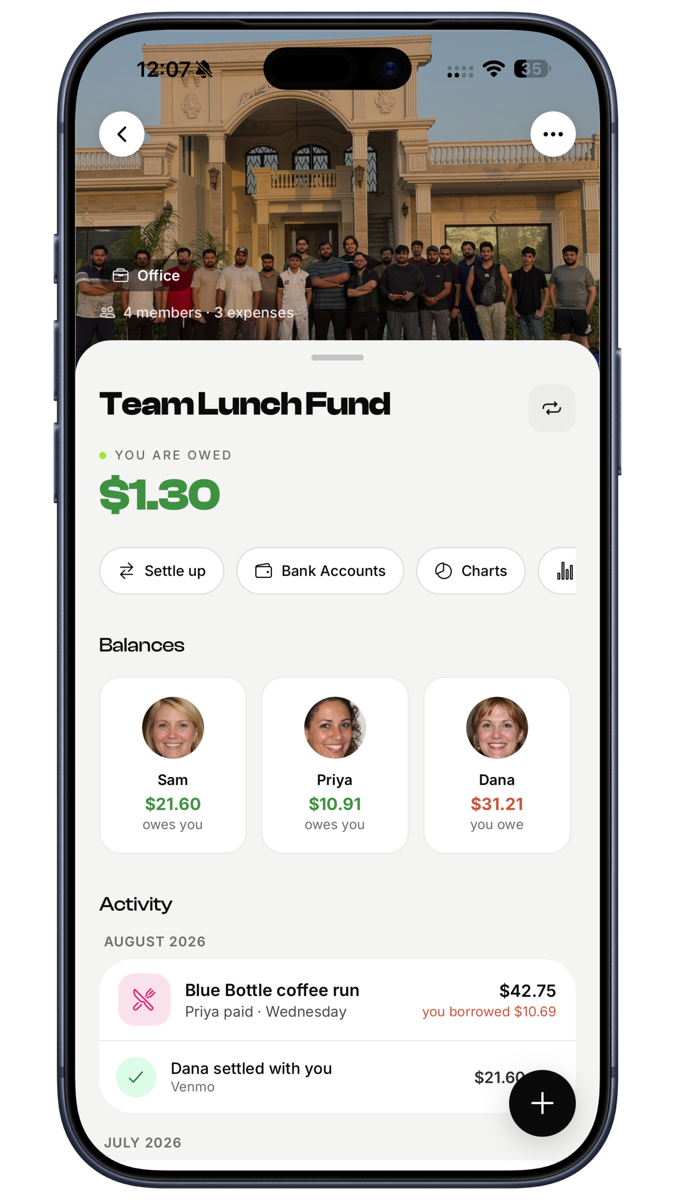
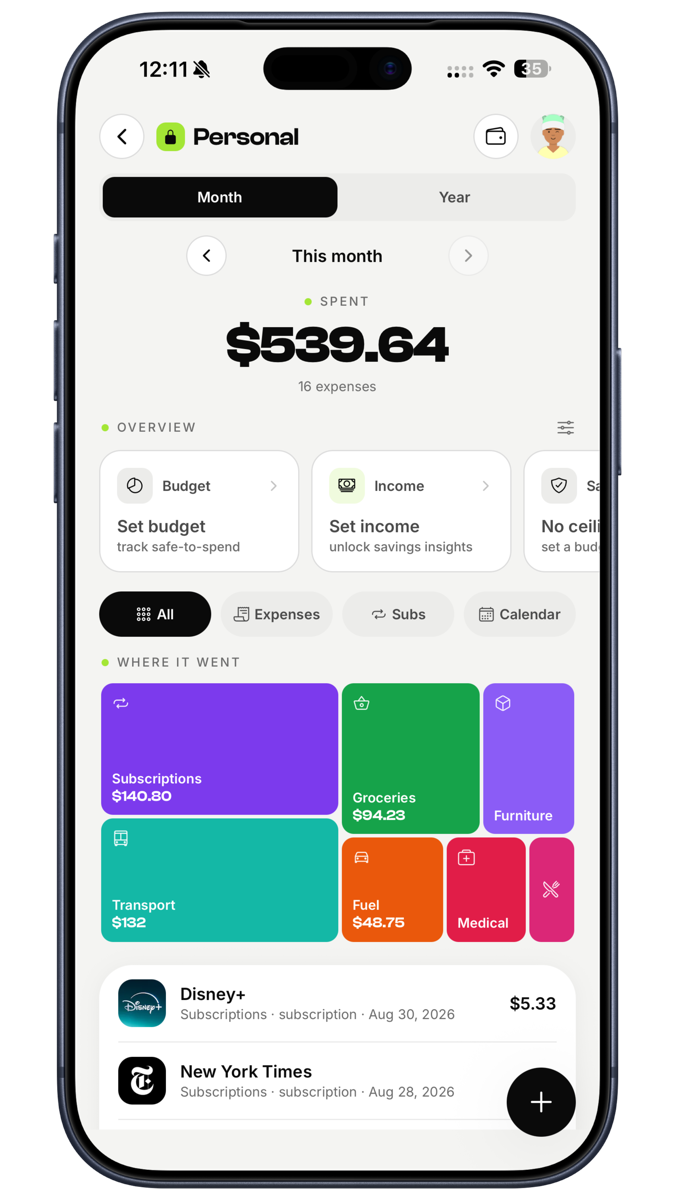
Downsides: receipt scanning and analytics are Pro. Newer than Splitwise, so fewer housemates will already have it — though Splitwise history imports in one tap.
2. Splitwise — the default
Most people already have it, which genuinely matters when you need four housemates on the same system by Sunday. Recurring expenses are supported and the balance model is well understood.
Downsides: free-tier limits on how many expenses you can add per day — noticeable in a busy house. Ads. Receipt scanning behind Pro. Nothing for your own personal spending.
3. Settle Up
Clean and simple, and members can participate without creating accounts — useful for the housemate who won't sign up for anything.
Downsides: ads on free, no receipt scanning, weaker recurring support, no personal tracking.
4. Spendee
Shared wallets exist, but this is a personal budgeting app first. Worth considering if the house's main issue is individual overspending rather than settling up.
Downsides: restrictive free tier, and splitting is secondary to budgeting.
5. A shared spreadsheet
Still what most houses use, and worth including honestly. Free, infinitely flexible, and everyone can see it.
Downsides: one person maintains it, it breaks when they move out, nobody updates it from a supermarket queue, and it has no reminders. Most houses that start with a spreadsheet abandon it within a term.
Quick comparison
| App | Recurring | Uneven splits | Subscriptions | Receipt scan | Personal side | Ads |
|---|---|---|---|---|---|---|
| EconoGlance | Yes | Yes, persists | Yes | Pro | Yes | None |
| Splitwise | Yes | Yes | No | Pro | No | Yes |
| Settle Up | Basic | Yes | No | No | No | Yes |
| Spendee | Yes | Limited | Partial | Paid | Yes | No |
| Spreadsheet | Manual | Manual | Manual | No | Manual | — |
Setting the house up properly, whichever you pick
- Agree the rent split before you sign. Equal, by room size, or by income. Changing it later feels like someone asking for a discount. There's a full guide to the methods here.
- Set the recurring items up once. Rent, internet, council tax, energy. Five minutes, then never again.
- Decide what counts as shared. Shared groceries yes, personal snacks no. Cleaning products yes, your protein powder no. Write it in the house chat once.
- Pick a settle-up day. The 1st, or payday. A fixed day removes the awkwardness of asking, because the asking is scheduled.
- Audit the subscriptions. Almost every house has one person paying for something everyone uses. Find them, split them or cancel them.
The short version
Pick something with real recurring support and set it up in the first week, before habits form. The house that starts tracking on day one rarely argues about money; the house that starts in month four is already arguing. EconoGlance is free to start on iOS and Android, with no ads and one-tap Splitwise import.
FAQ
Frequently asked questions
EconoGlance's free tier covers groups, splitting, balances and settle-up with no ads. Settle Up is free with ads. Splitwise is free with daily entry limits.