Wireframe vs Mockup vs Prototype: Differences Explained (2026)
Wireframe vs mockup vs prototype, explained simply for 2026. What each one is, how they differ, when to use each, and how they fit the design process.

Shaheer Malik
Framer Designer & Developer

Quick answer
A wireframe is the skeleton: structure and layout, low fidelity. A mockup is the look: high fidelity but static. A prototype is the feel: clickable and interactive. They are stages of increasing detail, not alternatives — and the common mistake is jumping to high-fidelity visuals before the structure has been agreed.
Wireframe, mockup, and prototype are three stages of turning an idea into a design. People mix them up all the time.
This guide explains each one clearly: what it is, how it differs, and when to use it. They map to a simple rise in detail and interactivity.
The short version
Each stage adds detail. A wireframe is the skeleton, a mockup is the look, and a prototype is the feel.
| Stage | Shows | Fidelity |
|---|---|---|
| Wireframe | Structure and layout | Low |
| Mockup | Visual design | High, static |
| Prototype | Interaction and flow | High, clickable |
What is a wireframe?
A wireframe is a low detail layout. It shows where things go, without color or final styling.
Its job is to agree on structure and priority fast and cheaply, before anyone invests in visuals. Boxes and labels are enough.
What is a mockup?
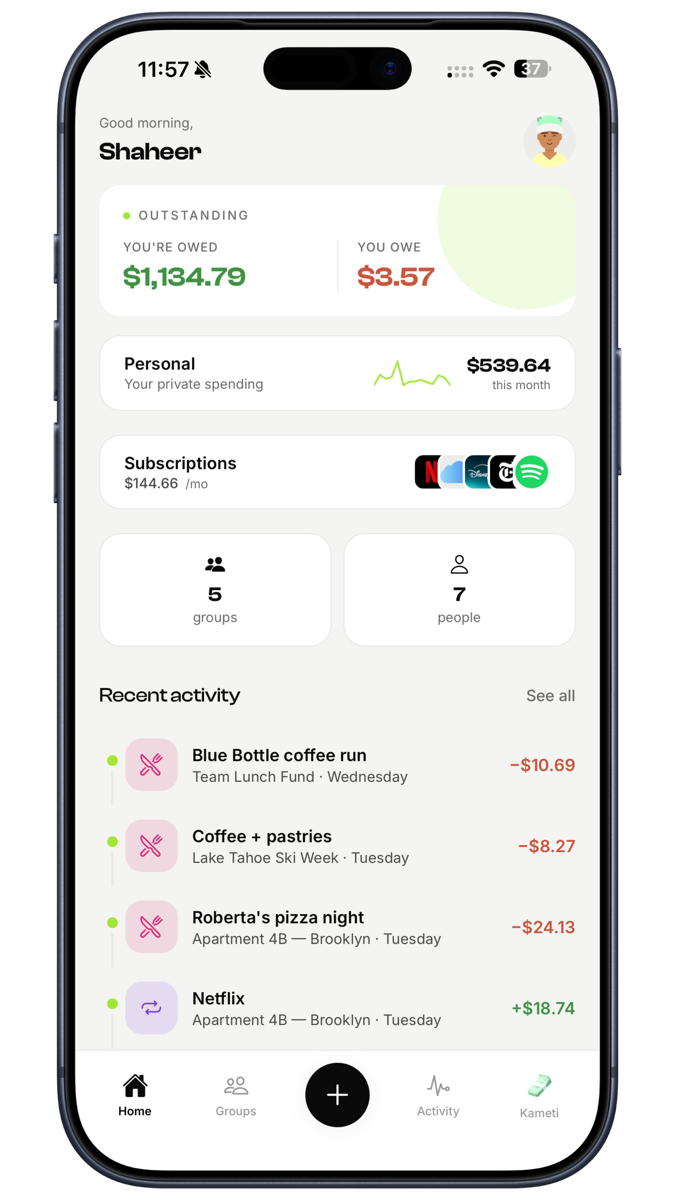
A mockup is a high detail, static design. It adds color, type, images, and real styling to the wireframe.
It shows what the final product will look like, but it does not move or respond yet. It is the visual decision, made concrete.
What is a prototype?
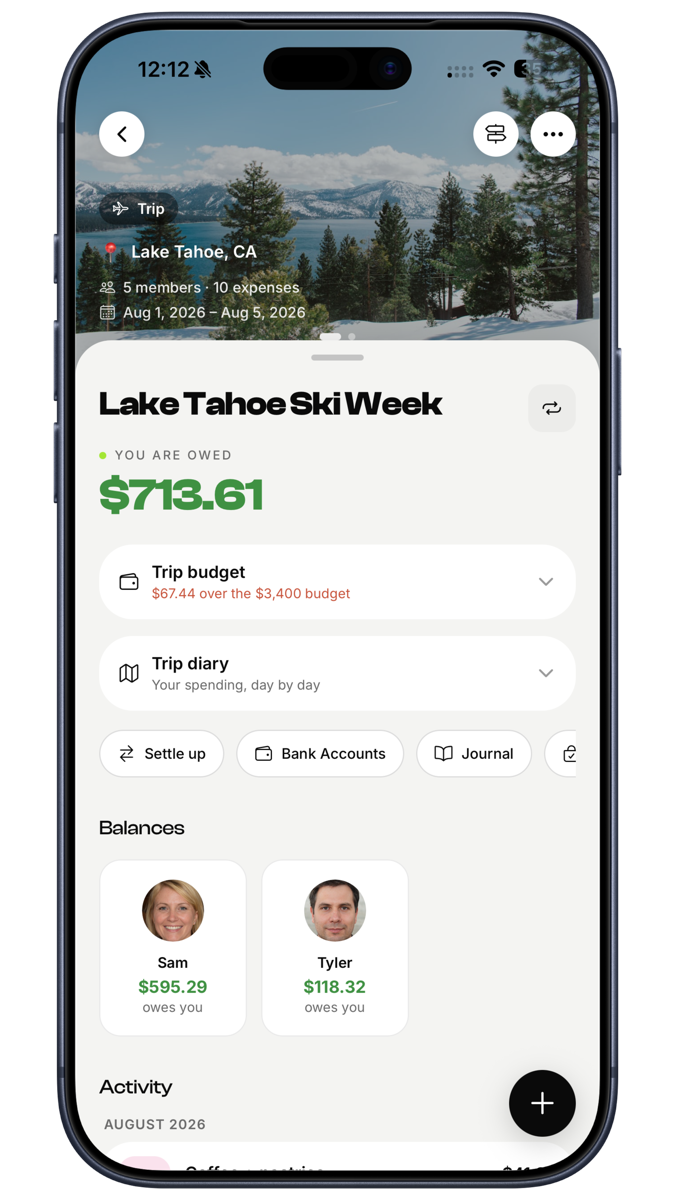
A prototype is an interactive version you can click through. It simulates how the product behaves.
Prototypes are perfect for testing with users and pitching to stakeholders, because they feel real. Tools like Framer let you build prototypes that look and behave like the live product.
When to use each
Use them in order as your idea gets clearer.
- Wireframe to agree on structure early.
- Mockup to lock the visual design.
- Prototype to test the flow and feel before building.
You do not always need all three, but they build on each other naturally.
How they fit the design process
These stages move from cheap and rough to detailed and real. Each one reduces risk before the next.
Getting structure right in a wireframe saves redoing a polished mockup. Testing a prototype saves building the wrong product. See the full picture in my ultimate guide to web design.
Common mistakes to avoid
| Mistake | Do this instead |
|---|---|
| Adding visuals to a wireframe | Keep it about structure |
| Skipping straight to a mockup | Agree structure first |
| Testing with a static mockup | Use a clickable prototype |
| Over polishing too early | Match fidelity to the stage |
Need design from idea to build?
I take products from wireframe to live site, with no handoff. See my services, my Framer build guide, or get a quote.
FAQ
Frequently asked questions
A wireframe shows structure at low detail. A mockup shows the full visual design but is static. A prototype is interactive and shows how the product behaves.
Need this kind of work for your product?
I design and build websites, products, and brands for SaaS & AI startups — design and code under one roof.